Not everyone can figure out NoScript or Ghostery, though those are great browser extensions. So for this article we’ll show you the best security add-ons for Firefox that don’t intrude on your browsing experience.
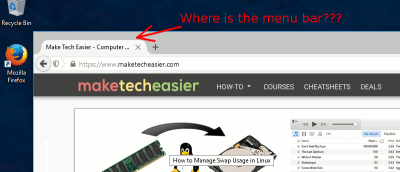
Have you ever started Firefox in Safe Mode and can’t get out of it? Even worse, maybe every time you start Firefox, it’s in Safe Mode? If so, here’s how to fix that.
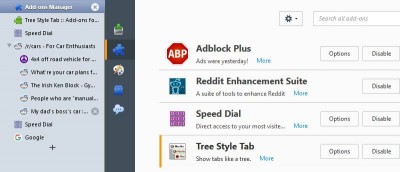
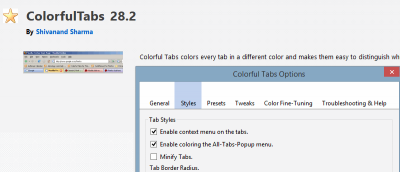
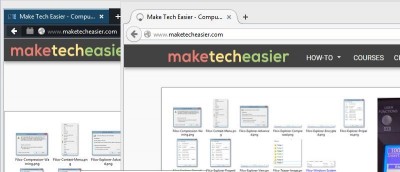
Sometimes you have too many tabs open. Luckily, there are a few solutions for this, such as coloured tabs. Here’s how to change tab colours in Firefox.
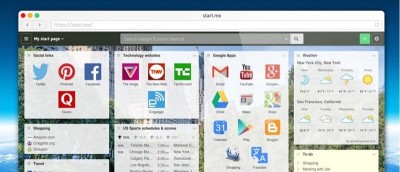
Start.me is a new tab replacement for Chrome, Firefox & Safari. For first-time users it isn’t the easiest to customize, so we’ve made this tutorial to help.
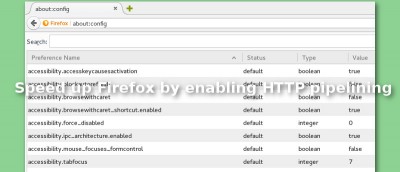
Firefox sends only one HTTP request per HTTP connection. See how to speed up Firefox by enabling this hidden feature to send multiple requests at a time.
Want to temporarily see your password as you type it in the password field? Try installing a Firefox add-on called Show Password Field for convenience.
Did you know that you can change the appearance of every single website you visit? Stylish is a powerful add-on for Firefox that lets you modify websites.
If you often have to share a computer, you may wish to automatically clear data when you quit the browser. Here’s how you can do that in Chrome & Firefox.
To prevent third-party cookies from tracking your online activity, you can disable third-party cookies in Firefox and Chrome. Here’s how you can do it.
Sometimes, you are not able to install old extensions as they are not compatible with your current version of Firefox. Here is how you can force compatibility and make them run.