
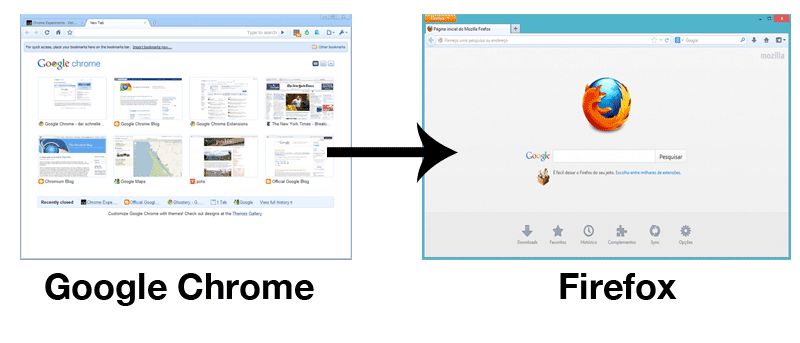

I use both Firefox and Chrome on all my computers. Firefox is for general browsing, and Chrome is for all Google-related stuff. For such usage, I often have to switch between Firefox and Chrome as some of the extensions that I am using are specific to either Firefox or Chrome. This is where extensions like “Open URL in Chrome” (Firefox extension) and “Open URL in Firefox” (Chrome extension) come in handy. They allow you to open a URL from Firefox in Chrome and vice versa, so you can switch between browsers easily. The only hiccup is if you are using a Mac, the Chrome extension doesn’t work. This means that you won’t be able to use the extension to open a current URL in Firefox. Luckily there is a workaround. In fact, there is an easier method that doesn’t require any installation of an extension.
In this tutorial I am going to show you how you can open the current Chrome URL in Firefox with a keyboard shortcut (note that you can do the same for Firefox).
The way to go about doing this is to create a service with Automator that can grab the current URL in Chrome and open it in Firefox.
1. Open Automator from the Launchpad.

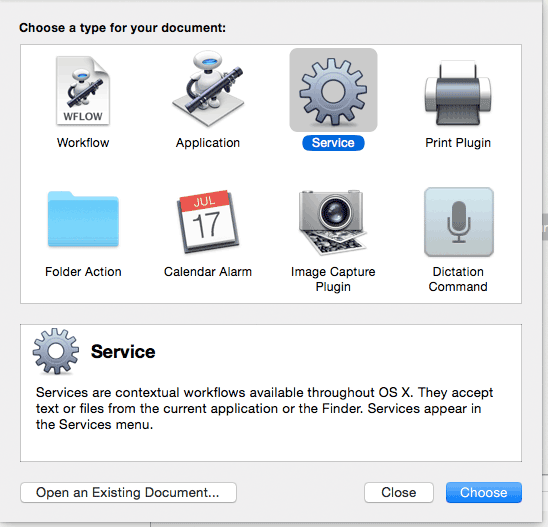
2. Select “Service” from the Automator Startup screen.
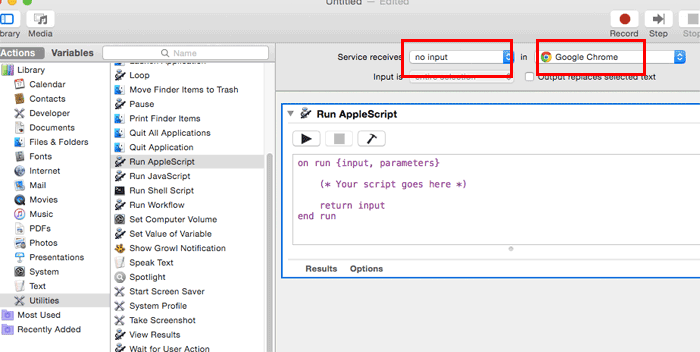
3. On the left pane, select “Utilities -> Run AppleScript,” and drag it to the workspace. At the top of the workflow, change the “Text” to “No Input” and “any application” to “Google Chrome.”
4. Paste and replace the code in the AppleScript with the following code:
tell application "System Events"
	if (exists process "Google Chrome") then
		tell application "Google Chrome"
			set urlChrome to get URL of active tab of first window
		end tell

		tell application "Firefox"
			open location urlChrome
			activate
		end tell
	end if

end tell
What this code does is first check if Google Chrome is running. If it is, it will then grab the URL of the active tab and load it in Firefox. If Google Chrome is not running, this code will not do anything.
You can now test it by pressing the “Play” button.
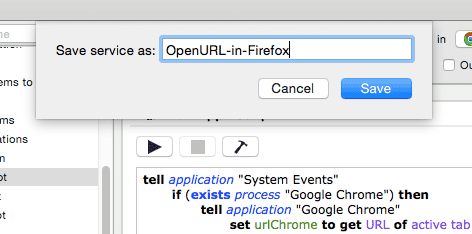
4. If it is working, you should see the webpage that you loaded in Chrome showing up in the Firefox browser. Back in the Automator, save the service.
5. The last thing to do is to assign a keyboard shortcut to this application. Open “System Preferences” and go to “Keyboard -> Shortcuts.” On the left pane, select “Services.” Scroll down the list until you see the service that you created earlier. Assign a keyboard shortcut for this service.
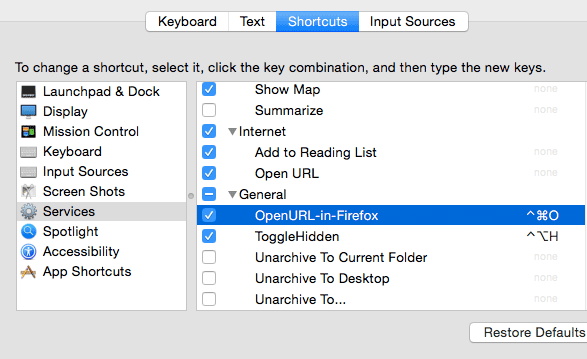
That’s it. Now when you are in Google Chrome, you can press the keyboard shortcut that you set to open the current URL in Firefox. Alternatively, you can access it from the Service menu. Do note that this trick will only work in Google Chrome as the service is specific to Chrome. However, you can modify the code and change all the instances of “Google Chrome” (or “Firefox) to another browser like “Safari” or “Opera” to get it working with the different browsers.
Try it out and let us know if this is useful to you.