
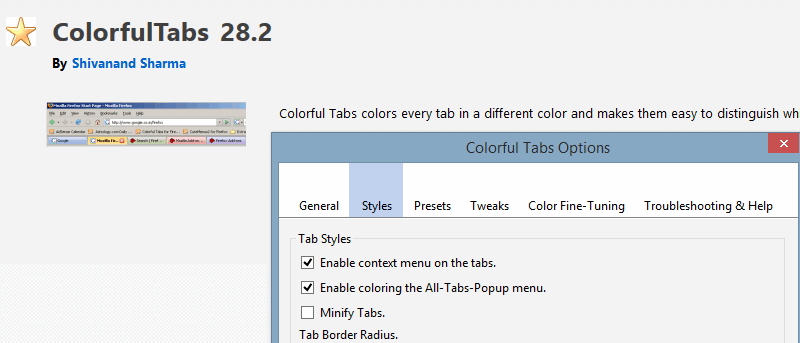

Sometimes you just have too many tabs to handle. The modern Web is reliant on tab-based browsing, and it’s easy to fall into the habit of opening numerous tabs at once and ignoring them.
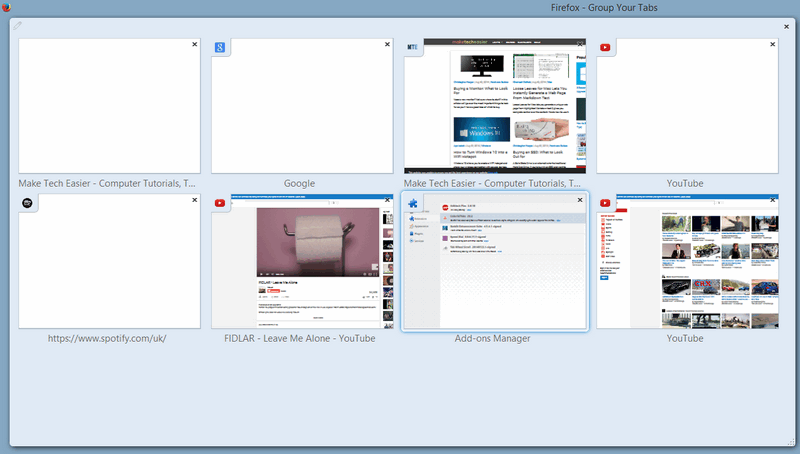
Developers have come up with their own solutions for this oft-repeated habit, such as pinning or grouping tabs (both of which can already be done in Firefox). Changing the color of tabs can have the same effect, and you may find it more visually pleasing than the above interface for tab groups.
How?
This particular tip applies exclusively to Mozilla Firefox and its related browsers, such as those on other release channels or even other browser variants based on Firefox.
Providing your browser relates to Firefox in some way, follow the simple steps below to download and configure the extension.
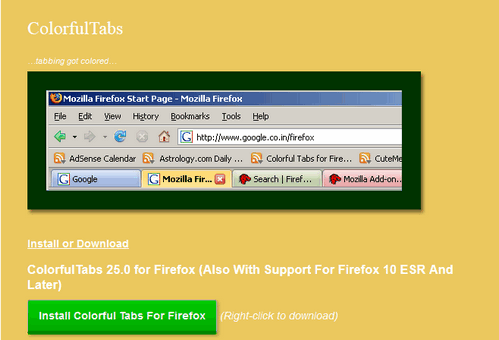
1. Go to the developer’s website, and click the ‘Download Now’ button for the extension.
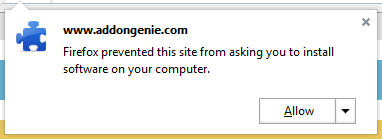
2. Firefox will ask you whether or not you want to allow the installation. Give permission and accept the familiar extension installation prompt.
3. Restart Firefox and you’ll see an immediate change with the browser, with the appearance of tabs totally changed.
Customization
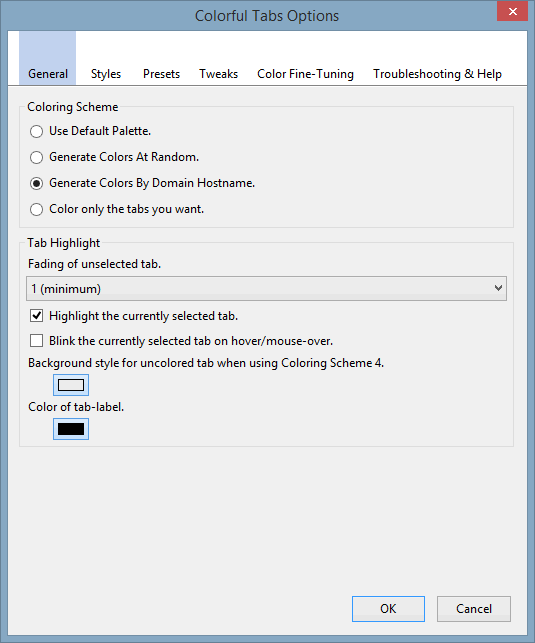
Once you have the Coloured Tabs extension installed, you can begin to tweak things to suit your own preferences. Begin by bringing up the Addons tab (Ctrl + Shift + A), then select “Options” in the extension. There is a surprisingly large amount of control, given how simple coloured tabs sound in concept.

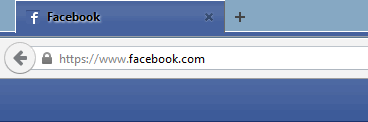
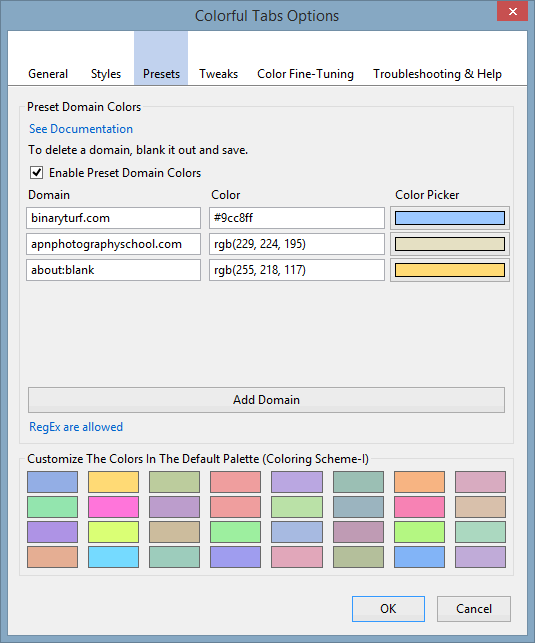
One of the most interesting options under the “General” heading is highlighted in the above pictures, “Generate Colors by Domain Hostname”. The example above has three tabs for YouTube and two for Make Tech Easier, and they’re colour-coded. You can augment domain colour matching by setting specific colours, as we did with Facebook.
All you need is the hex code for the colour (#46629E, in Facebook’s case). The Vivaldi web browser, which we covered a few months ago, had a similar approach to reflecting palette choices.
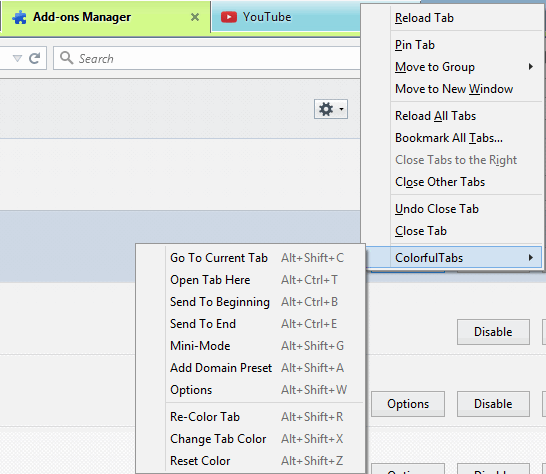
With Firefox this functionality is handled through a right-click context menu. Under this menu there are a surprisingly large number of options, all of which are obvious in their use.
With ColorfulTabs’ intention being to visually differentiate tabs, they no longer need to display as much information, so you can compress their size. Mini Mode, therefore, leaves the browser looking like this:

Mini Mode is different than Firefox’s default “Pin Tabs” option, as they are not forced to the first positions in the browser and can display some text. The visual difference is made clearer when they are shown side by side.

Conclusion
ColoredTabs is an interesting extension, for its purpose is divisive. Everyone’s Web browsing habits are different, whether they return to a small number of sites or find themselves traversing a large number of unfamiliar pages. As a result, not everyone would wish for easily-identified tabs, but the other features sweeten the deal and could be enough of a reason to install ColorfulTabs.