
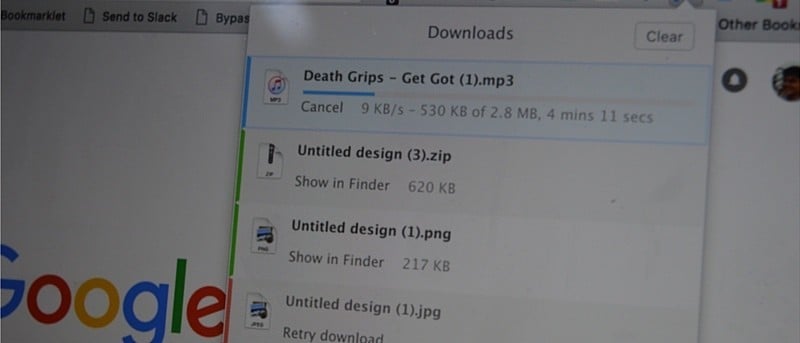

One thing I’ve hated for a long time in Chrome is the downloads manager. There just isn’t an easy way to keep track of downloads once they’ve started. Sure, you get a downloads bar in the bottom of the screen. But if you hit the “Show all” button, it disappears. Then you’re left to search for the Downloads tab or dig down deep in the menus to find the downloads option.
There has to be a better way. Like with Firefox, for example. Firefox has this clear cut download button in the toolbar that you can click to reveal all the downloads – right there.
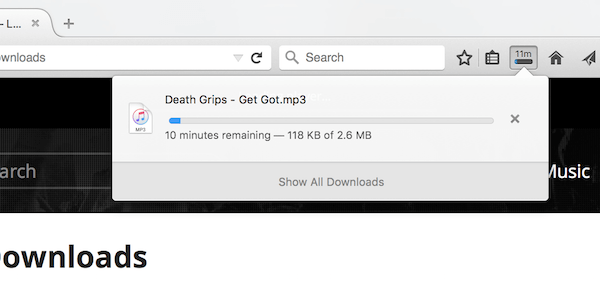
You can get this in Chrome now. Thanks to a simple extension.
Downloads – Your Downloads Box
The extension is called “Downloads – Your Downloads Box,” but you shouldn’t hold that against it.
As I said above, once you install the extension it will replace the default downloads bar at the bottom and the download manager page with a simple drop-down extension.
What Makes It So Great
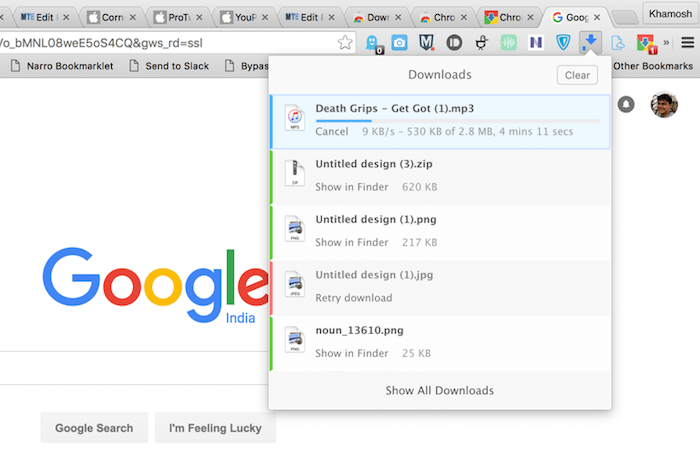
There are a couple of reasons why I like this extension. First of all, when you start a download, the extension animates to show that your download has now started, and you can find it by clicking the extension icon. When a download is in progress, the icon turns blue. When nothing is going on, it stays grey.
When you click the extension icon, you see a list of all the downloads, and they are color-coded, so you instantly know which downloads are running, which are complete and which failed.
Of course, there’s a progress bar.
Right below the filename, you’ll see an option for opening it in the file explorer. Clicking on the file name opens it directly.
More Powerful Options
As you’d expect, Downloads isn’t the only download manager in town. In fact, you can find way more powerful options that follow the same drop-down aesthetic.
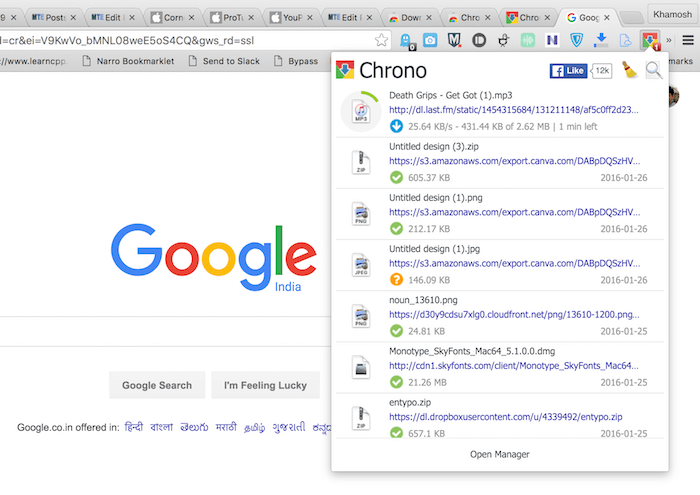
If you want literally every download manager feature possible, try the download big daddy Chrono Download Manager. Personally, it’s a bit too much for me. The feature is overload, and the UI is messy. But Chrono does give you a lot, including a bulk image downloader, auto link detection, multi-link addition and a lot more.
What’s Your Current Download Manager?
Which download manager do you use right now? Share with us in the comments below.