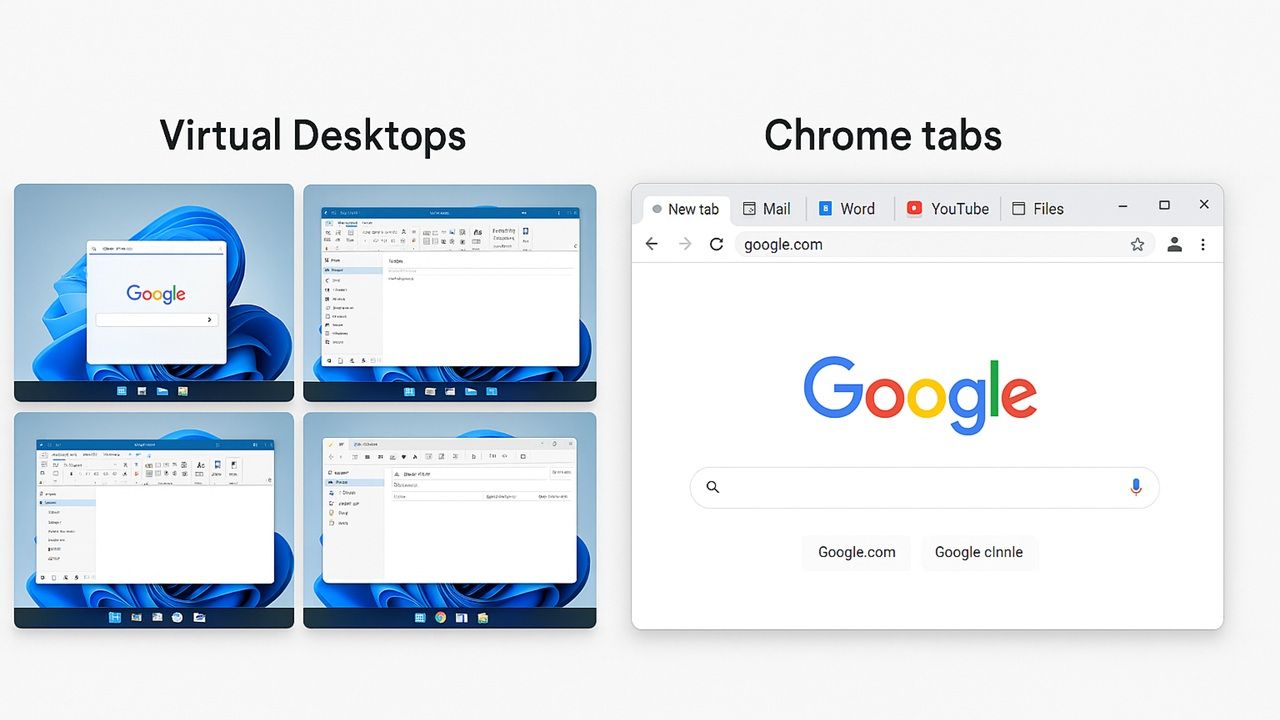
Do you mostly use browsers for all your computing needs? By using virtual desktops instead of browser tabs, you get real speed improvements in Windows.
By Sayak Boral – Feb 25, 2026
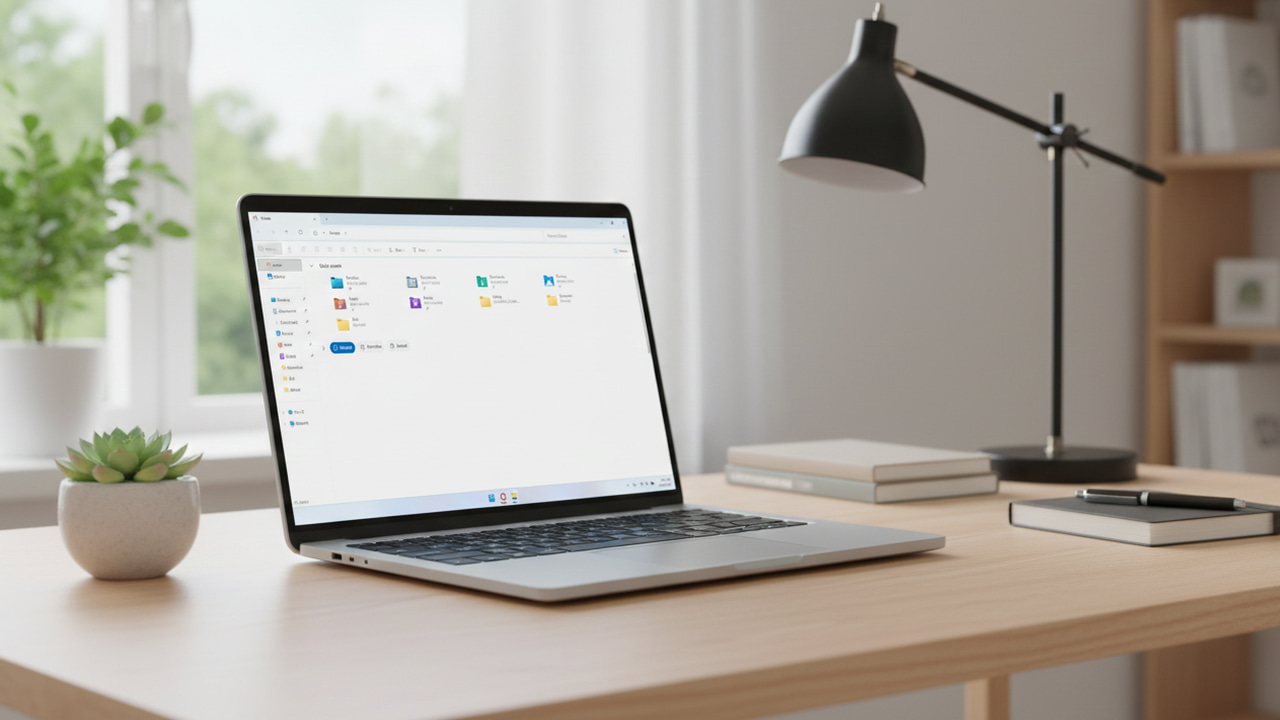
Some useful File Explorer tips you can use to make File Explorer better.
By Karrar Haider – Dec 25, 2025
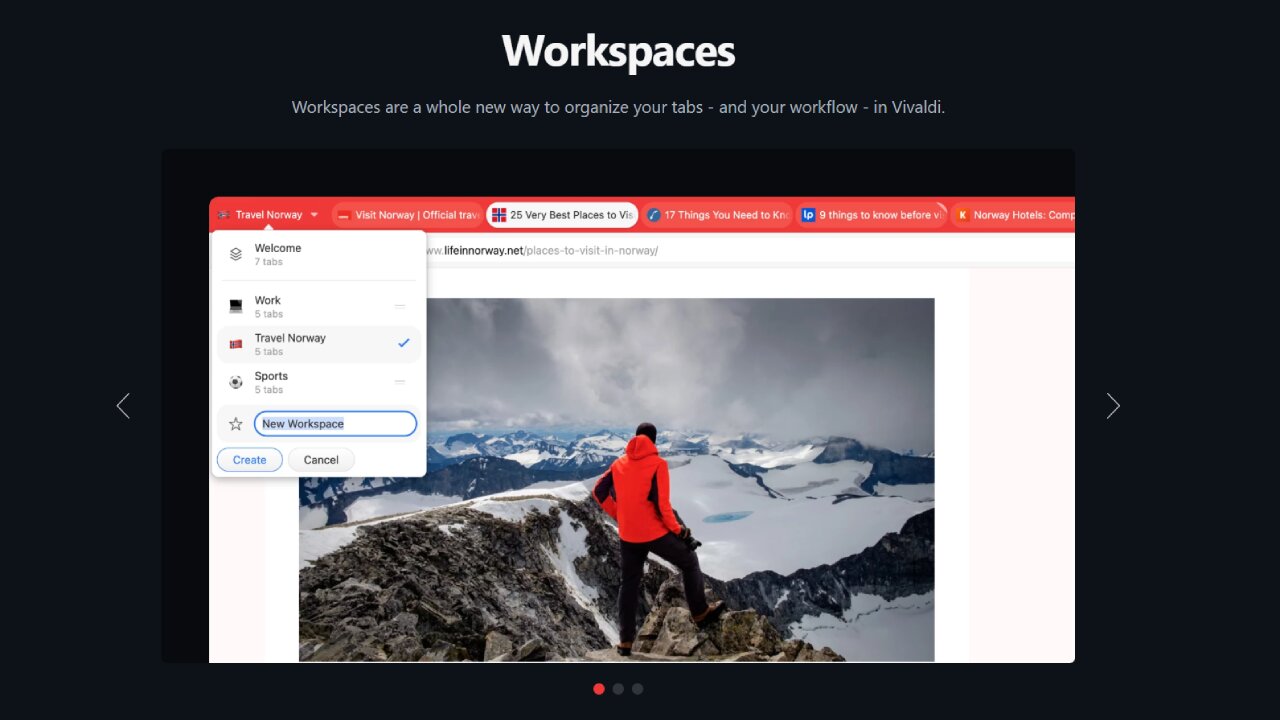
Vivaldi Workspaces are your ultimate solution to tackle tab overload and boost productivity.
By Ali Arslan – Dec 18, 2025
Make the Private tab in Firefox even more private.
By Alexandra Arici – Aug 13, 2025
No matter which browser you use, you’re bound to stumble upon the problem of having too many tabs open.
By Alexandra Arici – Jul 2, 2025
In Windows 11 File Explorer, you can enable tabs that are evenly spaced and support horizontal scrolling.
By Sayak Boral – Jun 14, 2025
The latest Tab Layout, Tab Island, Search Tabs and Mute features are immensely useful.
By Crystal Crowder – May 7, 2025
Learn how to send tabs between your desktop and your mobile devices when using your Google Chrome browser.
By Joy Okumoko – Aug 6, 2021
Do you use Firefox on multiple devices? Learn how to sync Firefox bookmarks, tabs, history, and password across all your devices.
By Joy Okumoko – Aug 2, 2021
Do you need a quick way to share the URLs of all your opened tabs? Learn how you can easily copy all URLs of opened tabs in Google Chrome.
By Sagar Naresh – Jun 8, 2021
Microsoft Edge recently released a vertical tabs feature. Learn how you can get vertical tabs on Google Chrome and Firefox, too.
By Sagar Naresh – May 6, 2021
We often encounter websites which automatically play videos without your permission. Learn how you can mute a tab in any web browser.
By Sayak Boral – Jan 3, 2021
One niggling problem for the Edge browser is its flashing tabs. If you find the “blinking tabs” issue annoying, here’s a solution to disable it.
By Kenneth Kimari – Nov 4, 2017
Firefox has a lot going on under the hood that you can play around with. Here are some of the tips and tricks for Firefox that you may not know about.
By Robert Zak – May 22, 2017
Ever wanted to save a set of browser tabs and return to them later? Here’s how to save and restore browser sessions in Chrome, Firefox, and Vivaldi.
By Ayo Isaiah – Aug 11, 2016
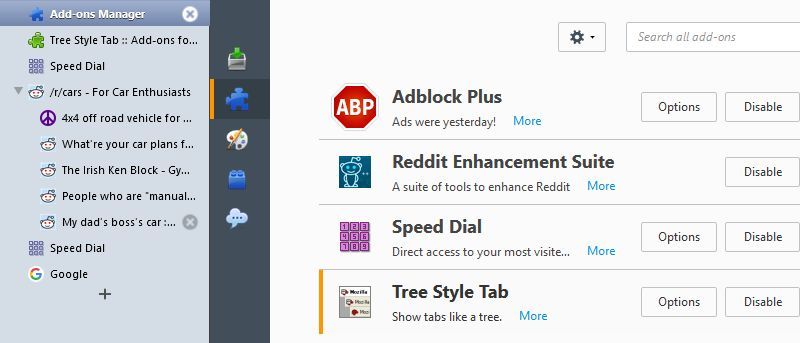
Looking to change up the way tabs work in Firefox? Meet the Tree Style Tabs add-on, a different approach to the traditional “browser with tabs.”
By Paul Ferson – Oct 9, 2015
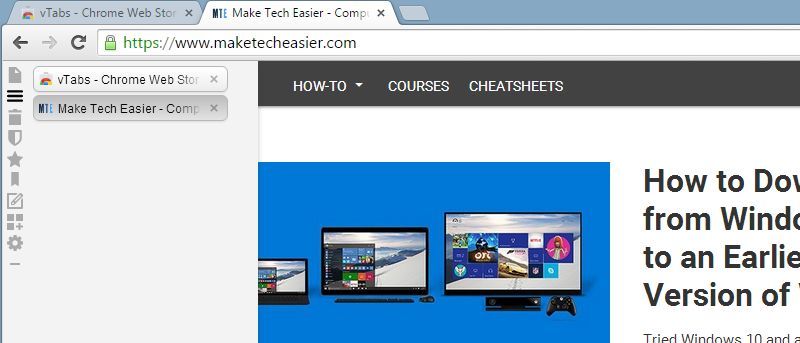
Vertical tabs change the playing field. In this article we’ll show you how to get them in browsers that support them: Vivaldi, Firefox and Chrome.
By Paul Ferson – Sep 30, 2015
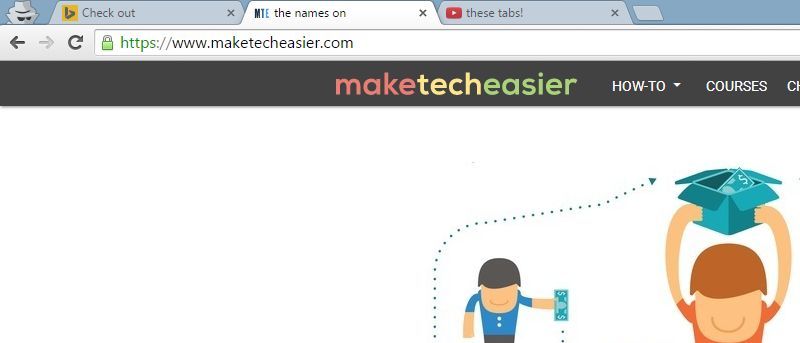
Unfortunately, options to rename tab in Chrome is quite limited. Here are a few options you can use to rename tabs in Chrome.
By Paul Ferson – Sep 23, 2015
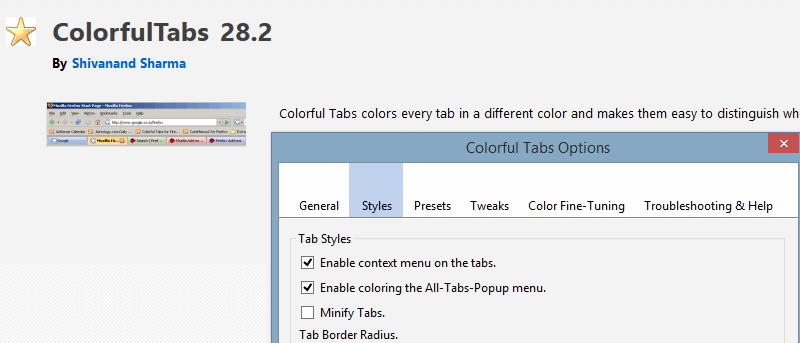
Sometimes you have too many tabs open. Luckily, there are a few solutions for this, such as coloured tabs. Here’s how to change tab colours in Firefox.
By Paul Ferson – Sep 2, 2015
Next >
Affiliate Disclosure: Make Tech Easier may earn commission on products purchased through our links, which supports the work we do for our readers.