QR codes are becoming increasingly popular these days. In this article, we will show you how you can quickly create QR codes directly from your browser’s context menu.
Do you use pinned tabs in Chrome as a way to keep up with your email and/or social networking sites – like Facebook, Twitter, and LinkedIn? Wouldn’t it be great if you could display notification counts for messages and unread items on your pinned tabs? Here’s how you can do so.
There are approximately two bajillion videos on YouTube and staying up-to-date on a couple of channels could be difficult. YouTube Video Deck makes it easier and faster to follow YouTube channels.
What if you left your laptop at home and there is an urgent need to edit a video that you saved in Google Drive? Thankfully you can make use of WeVideo to edit the video directly in Google Drive.
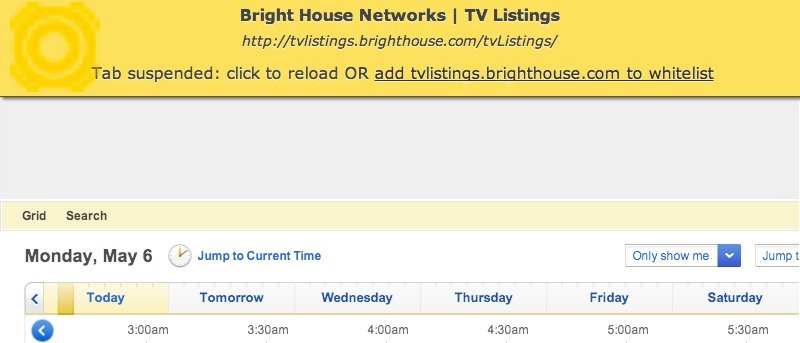
Do you often open a lot of tabs in Google Chrome, just to leave most of them untouched for hours? One way to prevent it from eating away your computer’s memory is to suspend the tab until you’re ready to use it. Here’s how to do so.
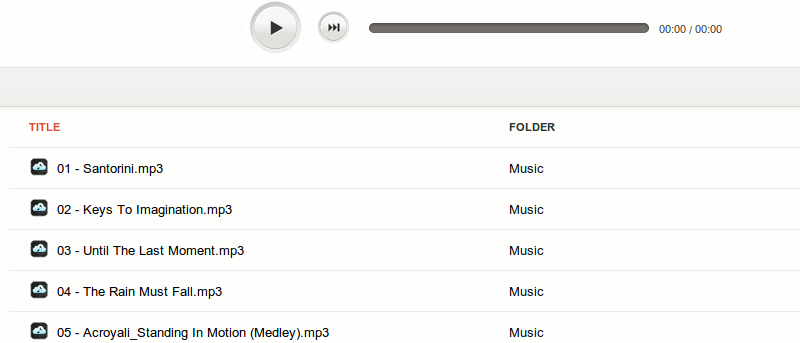
it’s not possible to play music in Google Drive, but installing a Chrome extension allows users to play music straight from the Google Drive directory,
Tracking your time and task can be a difficult job. While some may have no trouble keeping track of time in their heads, others may benefit from a more visual means of measuring progress. Progress Bar Timer is a Google Chrome extension that turns deadlines and quotas into convenient progress bars to help track time and goals.
Various web services can open Microsoft Office files with ease, but what about files created with LibreOffice? The good thing is, you can also read ODT document in your browser as well.
Most spelling and grammar checkers in word processors spot obvious writing errors, but not the less obvious ones. Slick Write is a web service that analyzes writing errors as well as performs the usual spelling and grammar check.
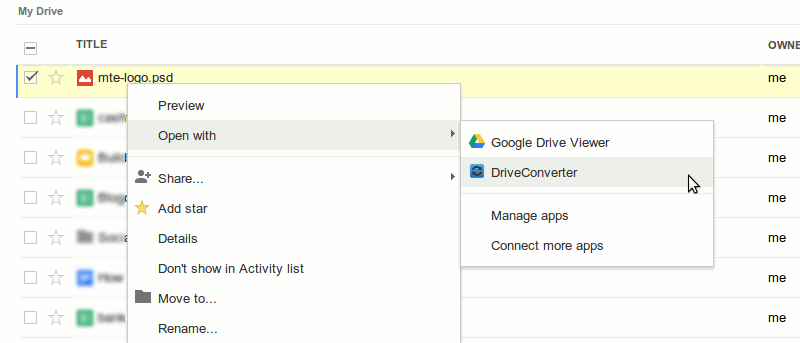
If you’re looking for a built-in tool to convert files in Google Drive, then try DriveConverter, a web app and Chrome extension specially built for Google Drive. It offers more flexible conversion features for documents, images and music files.
A browser hijacking is the practice of taking advantage of vulnerabilities in the browser to compromise the user’s computer in a manner that would serve the interests of the hijacker. There are a few ways a hijacker can achieve this, and we will detail each of them as well as discuss how to prevent them from happening.
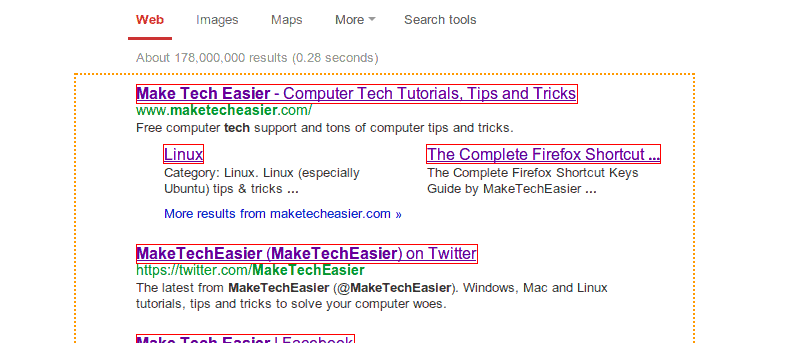
You might come across a webpage with several links that you want to check them out. If you’re looking for a fast, efficient way to open links in the fastest way possible, then LinkClump might just help you with that.
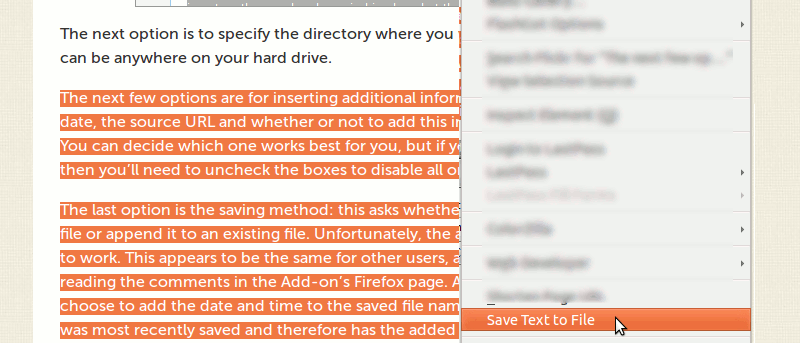
Researching on the Internet can sometimes be cumbersome. The Save Text To File extension for Firefox allows you to save highlighted text in any web page into a .txt file, then save it in any location on your hard drive.
If you work with both Firefox and Chrome, and need your bookmarks to be available on both of them, here is how you can sync bookmarks between Firefox and Chrome.
Are you looking for an easy way to share your screen with one or more people? Screenleap is sure to come in handy as it lets you share your screen instantly from within your Gmail or Google Apps email account.
Working with Google Drive is a convenient way to manage files on the go. If you’re frequently downloading files from different sources on the Web, you’ll be glad to know that the Save to Google Drive for Firefox add-on lets you save files directly to Google Drive.
How many times have you wasted printer ink and paper because you printed out pages of unneeded content? Many times you may not want or need to print out all of the content from a Web page. So what do you do if you want to select specific parts of a page and get rid of the rest? Here’s the solution.
Come across an interesting article on the Web and you are keen to read it on your Kindle? Here is how you can easily push the web page to your Kindle with a simple Chrome extension.