

Kindle users are those who take their reading seriously, with or without an internet connection. Whether it’s books, magazine articles or digital newspapers, the Kindle device along with its app has been on the forefront of distribution to all kinds of readers. If you’re a Kindle user, you probably know the convenience of reading anywhere.
A Google Chrome extension makes reading in Kindle even easier with Send to Kindle. In a nutshell, it sends web page content like blog posts and articles to your Kindle app or device in a few easy steps. The web page is stripped of ads, images and other unrelated content that is usually found in a website. Unlike Read Later services, the entire content is forwarded to your device, and not just a preview. Here’s how to get the Chrome-to-Kindle functionality.
Download the official Amazon extension, Send To Kindle For Google Chrome.
The icon should now be visible on the Bookmarks bar on the top right corner of the browser.
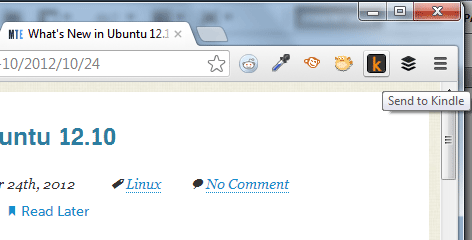
Click on the icon and go to Settings.
On the Settings page, enter your Amazon account email and password.
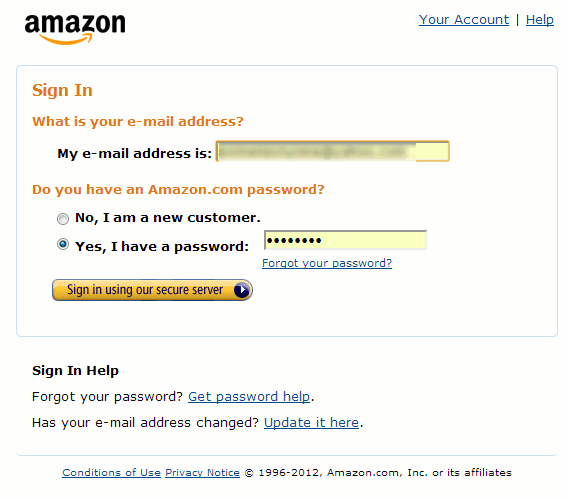
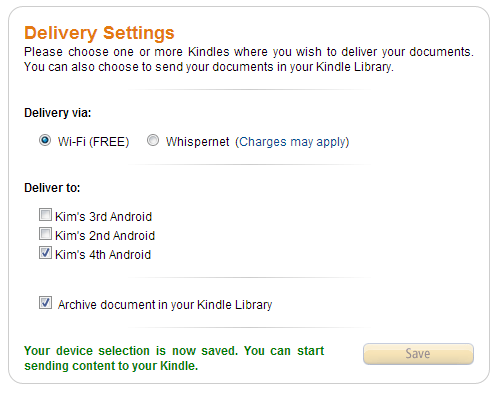
Upon successfully signing in, you are taken to the Delivery Settings page where you choose to which device you are sending content. When done, click the Save button on the bottom.
Go back to the web page you want to send, and click on the Kindle icon again. This time, you can either click on Preview & Send or Send to Kindle.
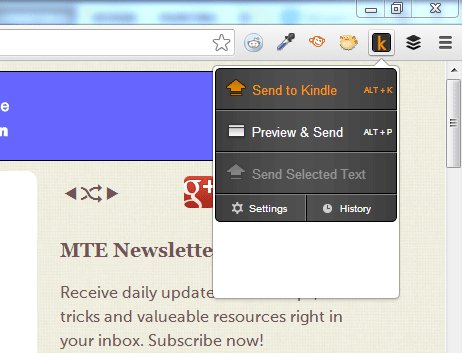
Preview & Send gives you a preview of what the content will look like on your Kindle. You can send it from this view by clicking on the Send button on the top right corner of the same page.
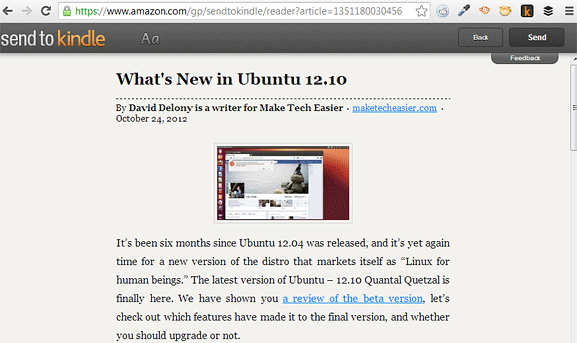
Send to Kindle skips the preview and sends the web page right away.
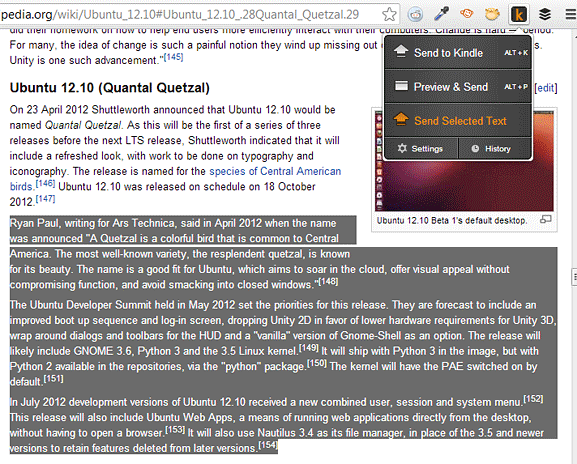
An added feature is being able send only a selected text from a web page. Highlight text from any web page and click on the Kindle icon. Click on “Send Selected Text”.
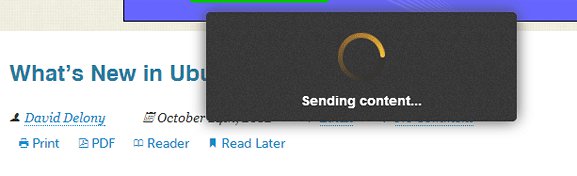
When sending content, a brief pop up box appears to confirm delivery.
You can now check on your Kindle and see it added to your library. The web page will appear just like an ebook. Kindle may need a few seconds to download the content, after which it can be viewed on the app’s archive. If the web page is not showing, do a quick sync to check for new items in the library.
It’s also important that you send content to the right Kindle device. If you have more than one Kindle, be sure to check this on the Settings page of the extension.
Web pages appear uncluttered and clean on Kindle, so it’s a better way to read lengthy articles. It also only takes a few seconds for the web content to show on the Kindle device, as long as there were no problems with delivery. With this extension, reading web content is no longer limited to desktop or laptop computers. You can read anything, anywhere with Send to Kindle for Chrome.