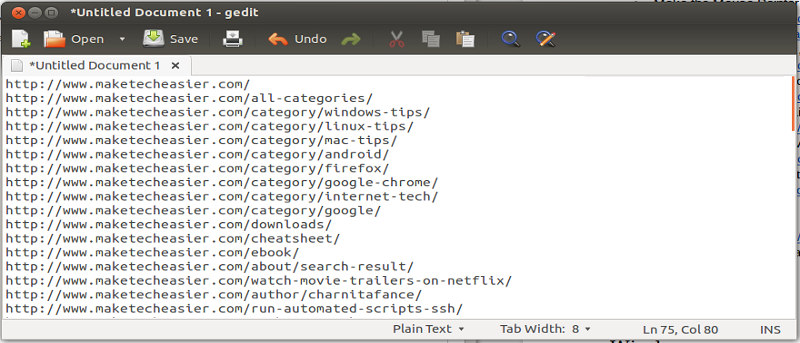
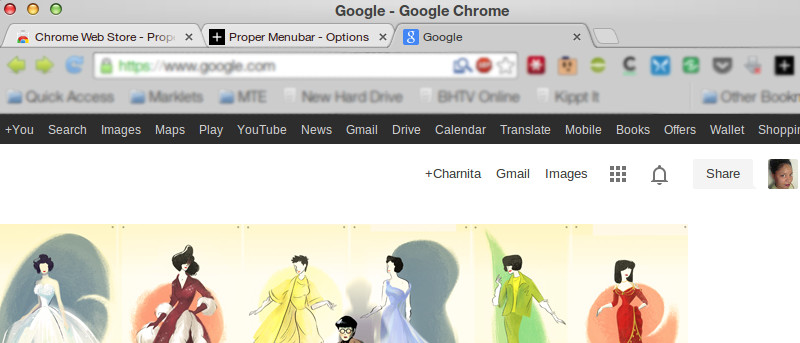
Looking for a way to overcome having too many tabs open? Use this quick trick to save and restore groups of tabs in Chrome without installing an extension.
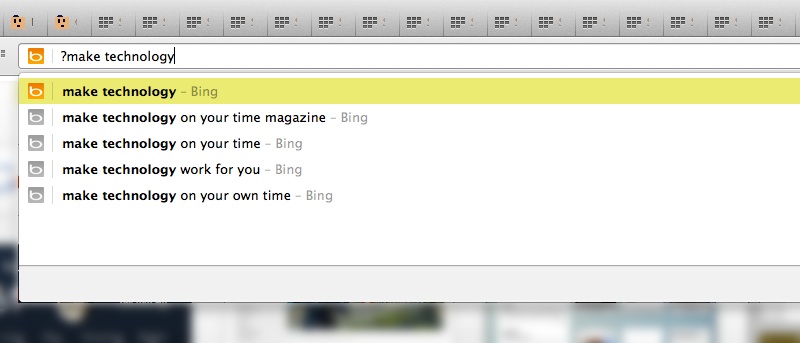
Don’t want your browsing history, previously typed URLs or bookmarks displayed when searching from Chrome’s Omnibox? Use this quick trick to exclude them.
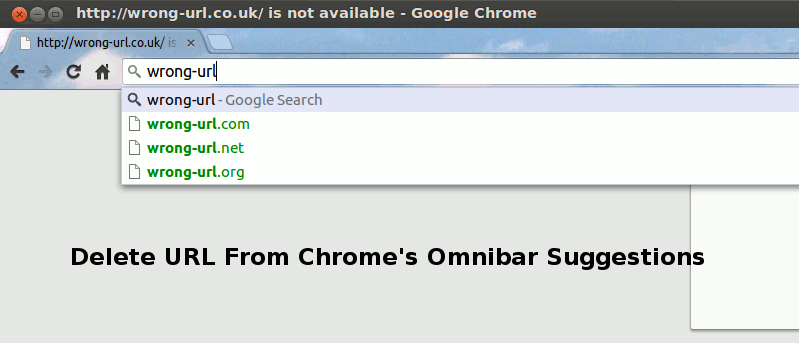
If you entered a wrong URL in Chrome’s omnibar, it will continue to show up in the suggestion, which can be rather annoying. Here is a quick way to delete a URL from the Chrome omnibar.
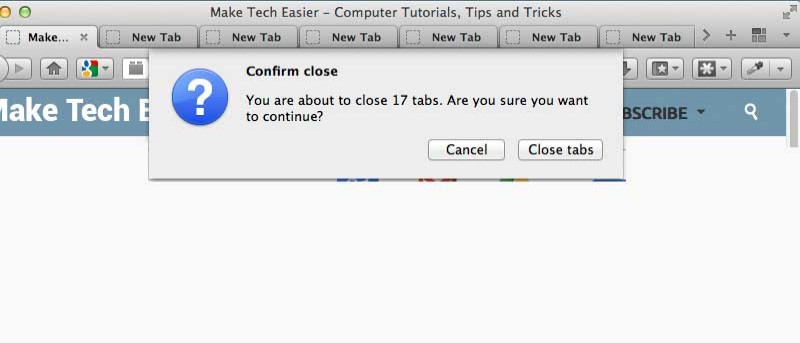
There are times when you opened too many tabs in your browser and it is causing the whole system to slow down. A quick and easy way to fix this is to close as many unused tabs as possible to minimize the memory usage. However, it can be a chores if you have tons of opened tabs. Luckily, most browsers come with a way for you to quickly close multiple tabs with a single click.
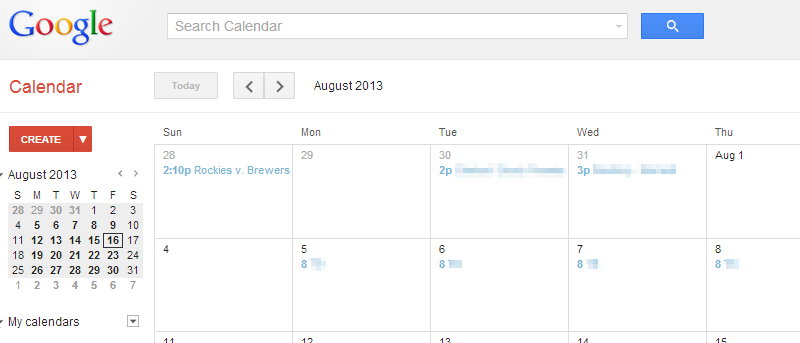
One of the biggest complaints about Google Calendar is that you can’t add events to Google Calendar without visiting the site. With Spot – Calendar’s Best Friend, you will be able to add events to Google Calendar, whenever you come across one anywhere in the Web.
Your computer came with a clock that is functional enough, but there are so many more ways you could have your computer tell you the time. The Chrome Web Store is filled with various clock apps and extensions. Here are 15 options that might just add an extra bit of excitement to how you check what time it is.
For those of us who use multiple computers for one reason or another, being able to copy from one of them to another is extremely beneficial. Clipboard Sync for Google Chrome provides a good solution for users to copy and paste information between the browser from PC to PC.
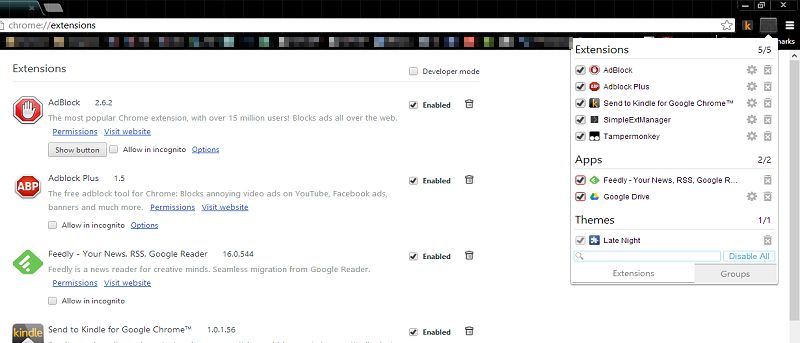
The extension manager in Chrome has always given users the bare minimum to work with when dealing with extensions, themes and apps. The SimpleExtManager for Chrome gives users the functionality they deserve.
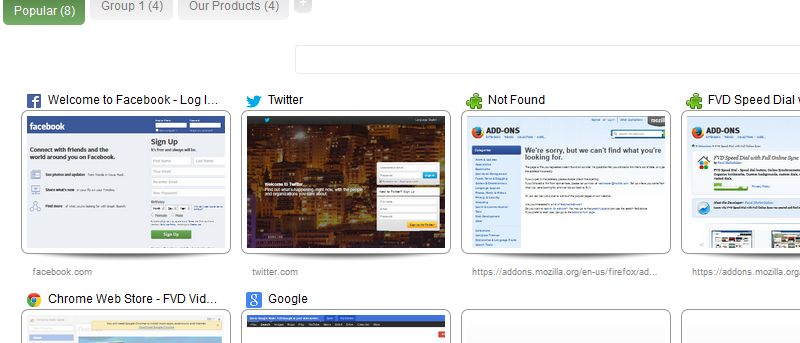
Even being a veteran browser, Firefox has not been able to implement the Speed Dial function well. That’s where FVD Speed Dial comes into play. This fully functional Firefox addon fundamentally changes the Speed Dial feature to what it should have been all along.
Google is introducing so-called “packaged apps,” applications that run natively inside of Google Chrome. How will this affect your computing experience? Will this be the next step to total cloud computing? Let’s find out!
![Automatically Open Websites in Incognito Mode [Chrome]](https://maketecheasier.com/wp-content/uploads/2013/11/incognito-filter-chrome-featured.jpg?width=400&height=225&aspect_ratio=16:9)
![How to Identify the Fonts on Any Web Page [Chrome]](https://maketecheasier.com/wp-content/uploads/2013/11/whatfont-chrome-featured.jpg?width=400&height=225&aspect_ratio=16:9)