

Your computer came with a clock most likely in the bottom-right or top-right corner of the screen. This clock is functional enough, but there are so many more ways you could have your computer tell you the time. The Chrome Web Store is filled to the brim with various clock apps, extensions, and websites. Here are fifteen options that might just add an extra bit of excitement to how you check what time it is.
1. Clock
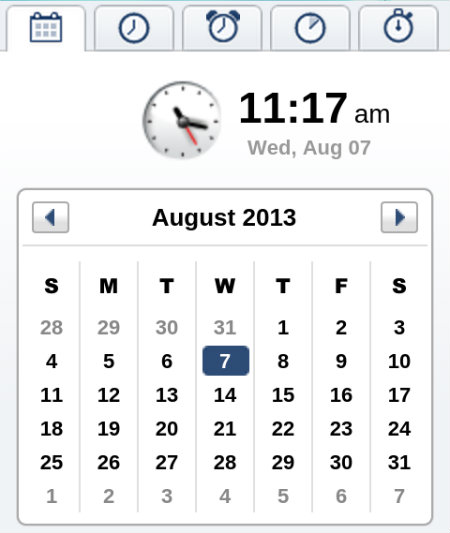
Clock does more than tell time. The app comes with both a stopwatch and a countdown timer, and it’s all packed into a small window that can rest comfortably at the corner of any computer screen.
Clock
2. Awesome Clock
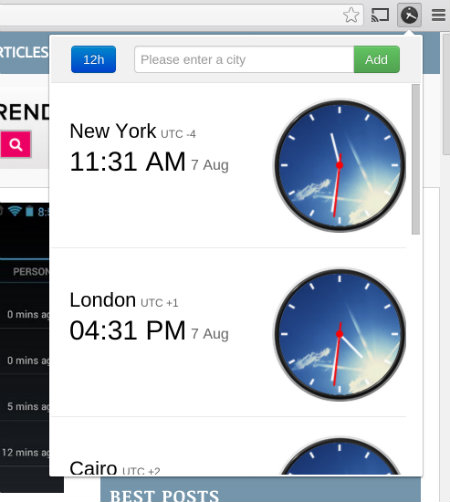
This clock displays the time in major cities around the world, and it tucks them away in a clickable icon in the Chrome toolbar.
3. Browser Clock
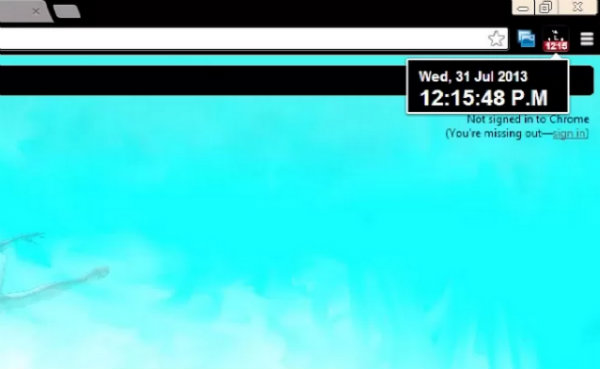
Browser Clock is a basic choice for sticking a clock in your Chrome toolbar. It’s pretty straghtforward – just click to see the time and date.
Browser Clock
4. Clock
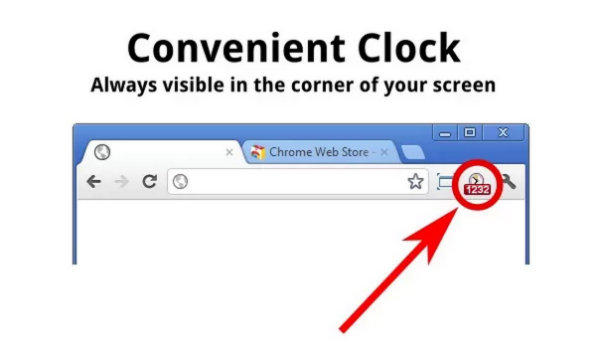
Just like the last option, this extension pops an analog clock in the Chrome toolbar, and the only catch is that some users will have to train their eyes to glance up instead of down.
5. Clock for Google Chrome
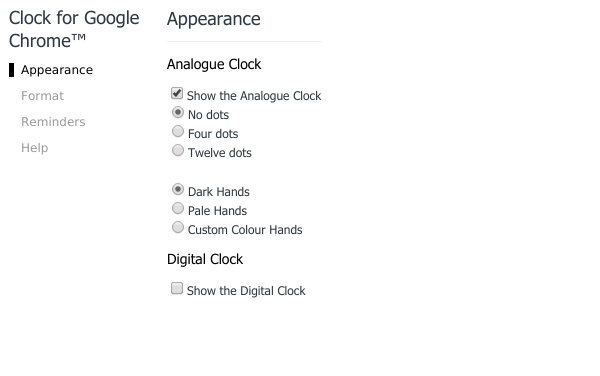
This is another clock that fits comfortably in the toolbar. It comes with a nice set of options, allowing users to change the format of the time and the color of the clock itself.
6. Cool Clock
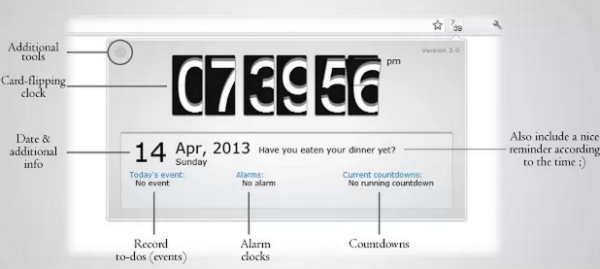
This option defaults to a digital clock. It is tucked away in the toolbar, but clicking it can reveal a calendar, stopwatch, timer, and all manner of goodies.
7. New Tab Clock
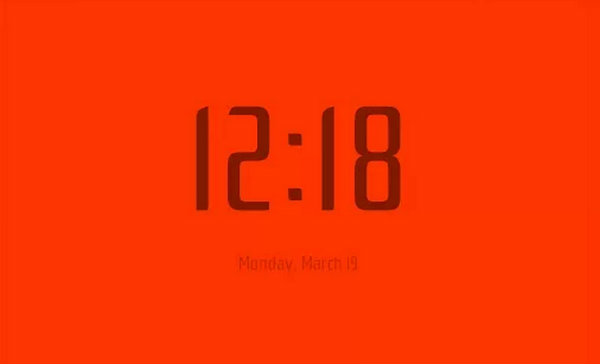
This extension turns your new tab page into a giant clock that also displays the date. Changing colors and the font is as simple as right-clicking either on the background or the clock itself.
8. Orbital Clock
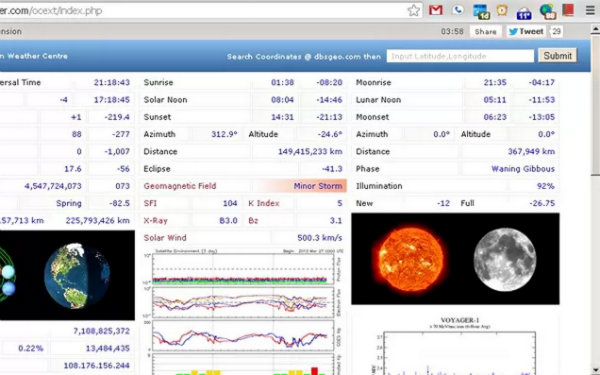
This clock not only tells the time and date, it alerts users to planetary events. Want to know how much time there is before sunrise, when to expect lunar noon, or the current speed of solar wind? You have rather niche interests, but this is the clock for you.
Orbital Clock
9. The Birthday Clock
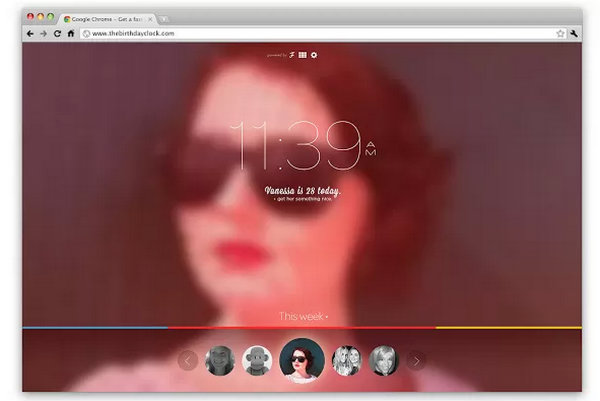
This clock is highly visual. It lists upcoming birthdays along the bottom of the screen and highlights whoever’s birthday falls on the current day. There is also integration with the FlikGift API, so users can send gifts to friends in just a few flicks.
10. Analog Clock
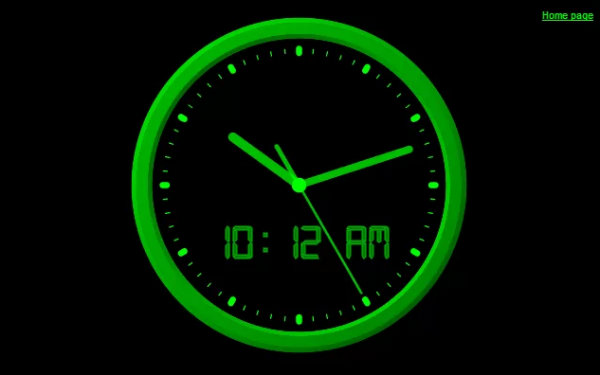
Analog Clock is a full-screen clock for the people who prefer analog clocks and like for them to be big.
11. Binary Clock
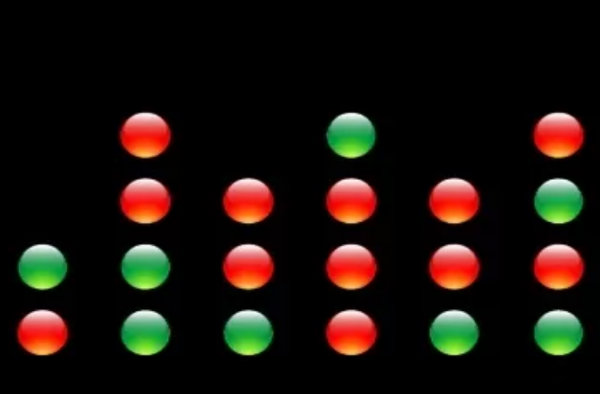
This is definitely not a clock for everyone. Still, if you want to tell the time using binary, here’s an option for you.
Binary Clock
12. Digital Clock
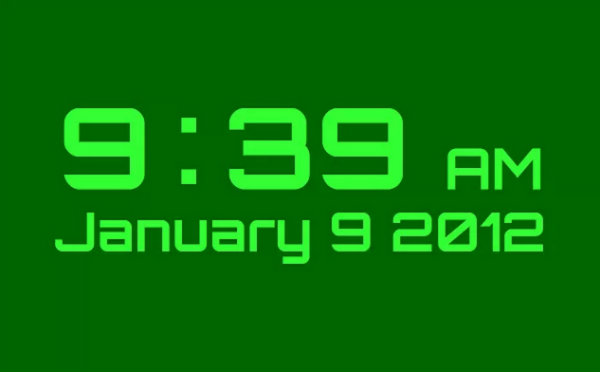
Digital Clock is a full-screen clock with customizable fonts and colors. Have your time as large as you want, as obnoxiously as you want it.
13. Easy Clock
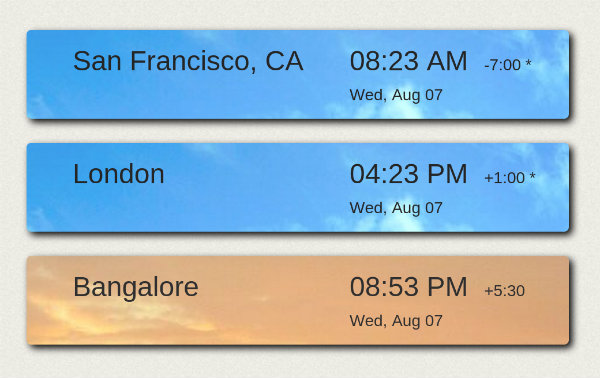
All of these apps can display your current time, but Easy Clock puts multiple time zones within easy view.
Easy Clock
14. HTML5 Analog Clock
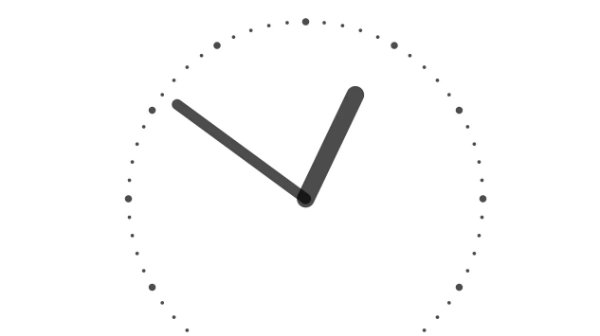
This is one of the simplest options on this list. It’s a giant analog clock created using HTML5. It’s basic and zippy. Enough said.
15. Polar Clock
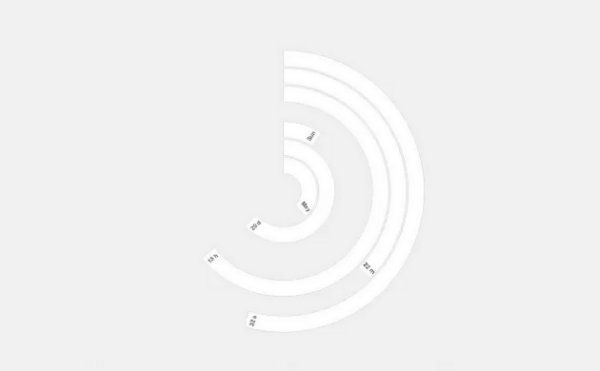
This is quite the unique and attractive option. Aside from being different, it also can display the time on tabs, work as an alarm clock, and display the weather.
These Are Just The Beginning!
Clocks are easy to make, so there are a ton of options in the Chrome Web Store. If nothing here excites you, there’s still a chance there is something in the store that suits your fancy. If you would like to bring attention to your favorite Chrome clock, give it a shout out below.