
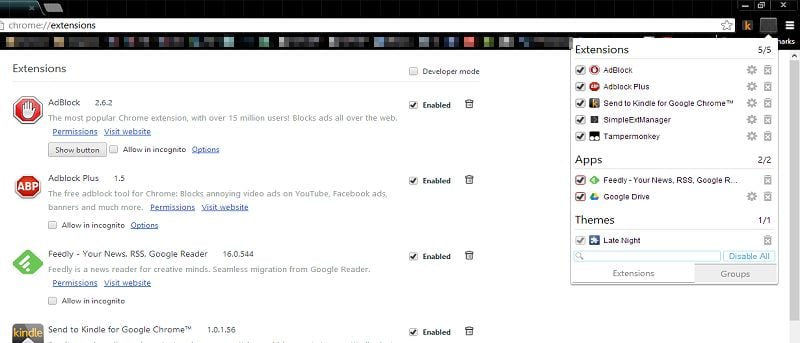

Chrome gets a lot of things right, but it also leaves users to fend for themselves in other ways. The extension manager in Chrome has always given users the bare minimum to work with when dealing with extensions, themes and apps. The SimpleExtManager for Chrome gives users the functionality they deserve.
How to Use SimpleExtManager in Chrome
1. You can install the SimpleExtManager for Chrome from the Chrome Web Store.
No restart is required during the process, so you can begin using your new super-charged extension manager right away.
2. Click the SimpleExtManager icon in the toolbar.
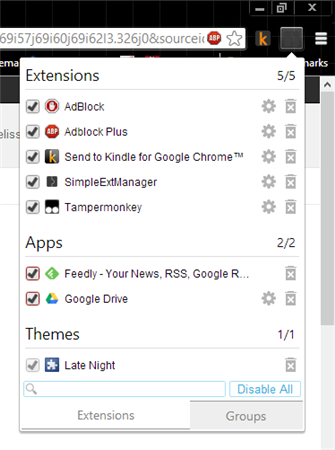
This will open your new extension manager for you.
From here, you can enable, disable, head directly to extension settings and even uninstall extensions, apps and themes from Chrome.
3. Clicking on the “Gear Icon” will open the extension, app or themes settings.
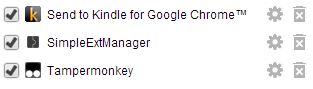
Unfortunately, SimpleExtManager doesn’t change the layout for the settings themselves.
4. If you click on the “Trash Can” icon, you’ll be able to uninstall the extension from the SimpleExtManager panel.
5. Clicking on the “Check Mark” will enable or disable the extension quickly.

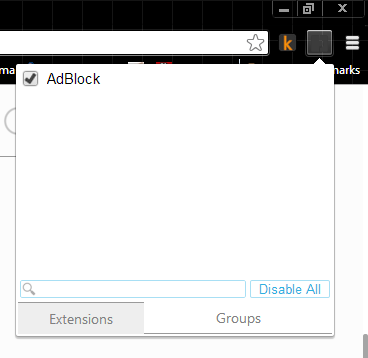
6. At the bottom of the SimpleExtManager panel, you’re able to search through your extensions, themes and apps.
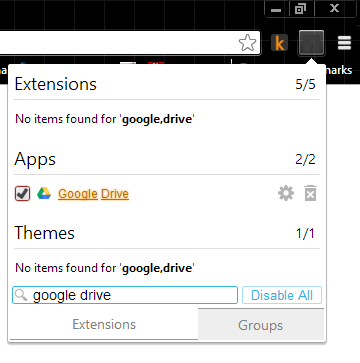
The search is very basic, as you can see from the example of looking for the Google Drive app. It will search for each word individually to find a hit.
7. The “Disable All” command at the bottom of the panel lets you efficiently disable all extensions, apps and themes.
This can be a quick way to troubleshoot issues in Chrome where you suspect one of these items may be the cause. You can click it again to enable all of them once more.
8. Right-click the SimpleExtManager icon in the Chrome toolbar and click on “Options.”
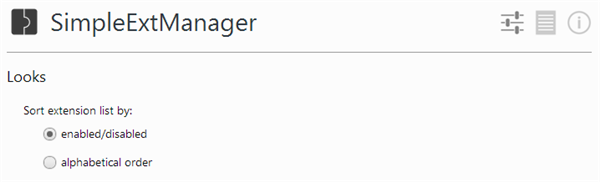
This will let you customize how the extension works in Chrome.
Looks lets you change the order of items in the panel.
You can customize the panel further with the options below that.
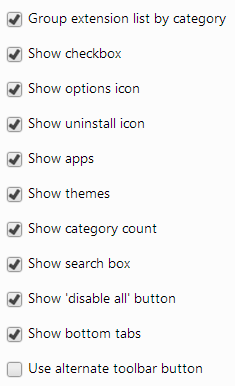
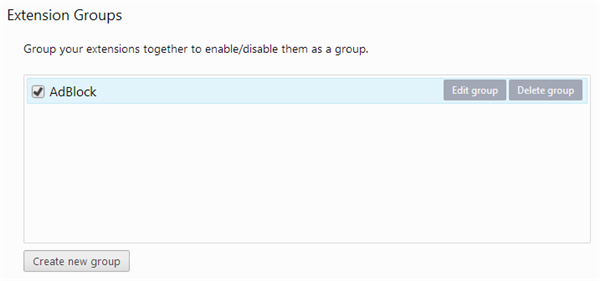
At the bottom of the Options, you get to Groups.
Groups allows you to organize your extensions for easier access in the SimpleExtManager.
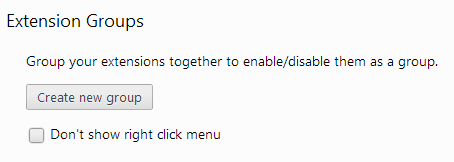
9. Click “Create new group.”
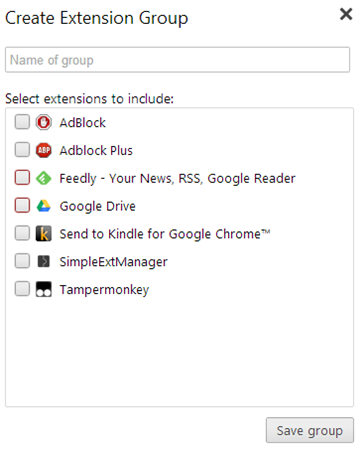
You can name the group, then check each extension or app you want to add to it.
10. When finished adding apps and extensions, click “Save group.”
You can head back to the Options anytime you need to edit, delete or create a new group.
From the panel itself, when you click on “Groups,” you’ll see your newly created groups so you can easily enable or disable them as necessary.
SimpleExtManager gives you much more ease of access and control over extensions, apps and themes than what Chrome has built-in to the browser.
Conclusion
SimpleExtManager is one of the better ways to get more from the extensions, apps and themes settings in Chrome. This extension offers the functionality that should have come with Chrome to begin with.