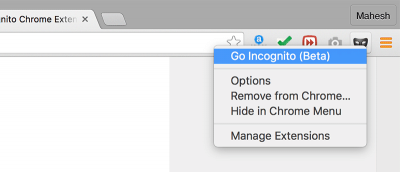
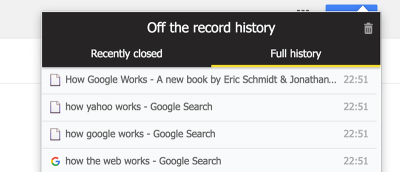
Sometimes you just need to save your browsing history in Chrome while in incognito mode. This is how you can save the browsing history of an incognito session.
Are your Chrome extension buttons out of control? If you’re using a lot of extensions, here’s how to rearrange and organize Chrome extension buttons as desired.
Are you a Keepass user? This article will show you how to sync your Keepass database across several devices and integrate Keepass in Google Chrome and Vivaldi.
GIFs can be fun, but they can also affect your browsing experience and cause web pages to load slower. Here’s how to stop GIFs from automatically playing in all browsers.
If you’re looking for a way to speed up your browser, one method you might want to consider is disabling images. This article explains how and why to do it.
If you work around or live with nosy people and want to keep what you’re doing on your computer private, here are some laptop screen privacy filter tools for the job!
Having to mark checkboxes one by one on a web page can be frustrating and time consuming. Here are some ways to save time by marking numerous checkboxes at once.
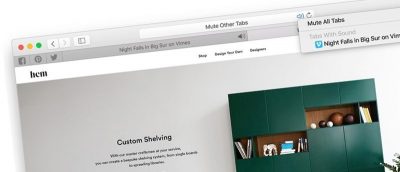
Having too many tabs open at one time in your browser can be very hard to manage, among other things. Here are some ways to manage tabs in Safari on Mac.
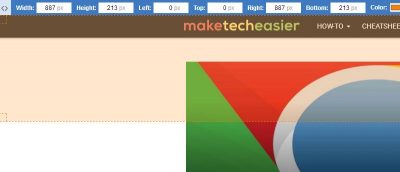
Ever come across a website with cool web design elements that you wanted to use yourself? Here are some browser extensions to help learn more about sites.
Tired of Google Chrome running in the background and using up resources, even after you exit the browser? Here’s how to stop background apps in Chrome.
Have you heard about the Opera browser’s new built-in ad blocker? Let’s take a look at it and see if it’s a good replacement for your current ad blocker.
Your web browser is the gateway to the Internet, so you must ensure it’s not vulnerable to attacks. Here are five tips to improve your browser’s security.
Opera’s gone through a lot of changes over the years. Is it really the fastest browser? How good is its built-in VPN? Let’s take another look at Opera.
Did you know that Firefox lets you open web pages on the left side to keep up with its information? Here’s how to load web pages in the Firefox sidebar.