
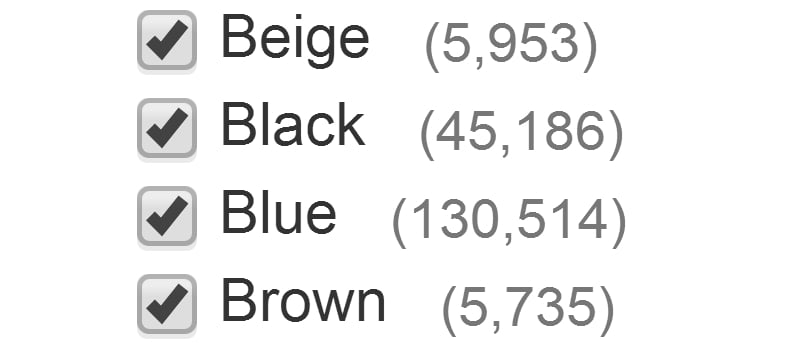

There are an enormous number of instances where you’ll have to tick checkboxes online. Whether you’re signing up to a website, hunting through eBay listings, or consenting to being sent emails from third-parties, they eat up time you could invest elsewhere.
We’re not the first people to notice how time-consuming these checkboxes can be, and there are extensions for both Chrome and Firefox to allow you to increase your productivity in this area.
Chrome
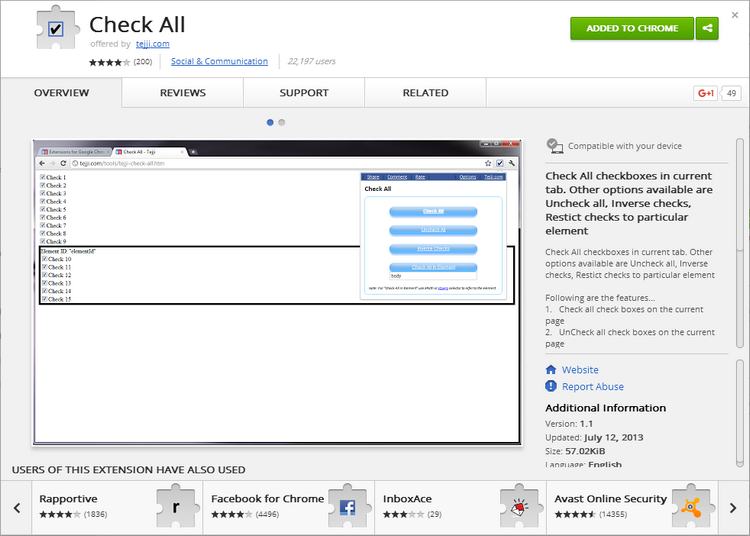
At the time of writing, the best-regarded extension in the Chrome Web Store is Check All. As the name implies, it doesn’t give much flexibility with the boxes you can check – you can mark all or nothing.
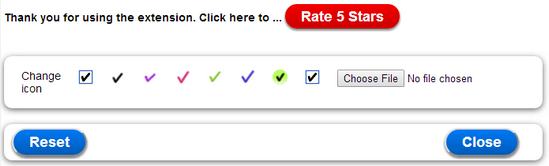
Following installation, you’ll have a few options for how the icon appears in Chrome. It’s a neat touch; if you have a skin installed, you may wish to contrast or coordinate the extension’s appearance, too.
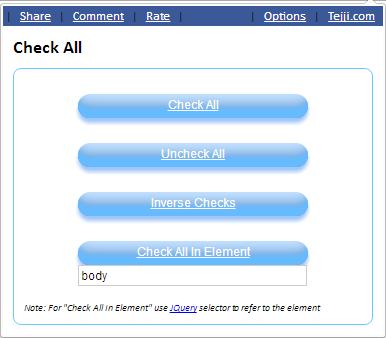
Regardless of what icon you pick, the options remain the same. “Check All” will mark every box presently available. “Uncheck All” will undo any boxes already marked. “Invert” will switch the condition of all boxes available: if something is checked prior to “Invert” being selected, it will be unchecked and vice versa.
Finally, there’s the option to “Check All in Element.” Below this option is a textbox, allowing you to name the element you wish to mark the checkboxes in. As features go, this one is esoteric.
We’ve not come up with a plausible usage scenario for the average user to want to check boxes in this manner, but if you think you have an idea, let us know in the comments below.
Firefox
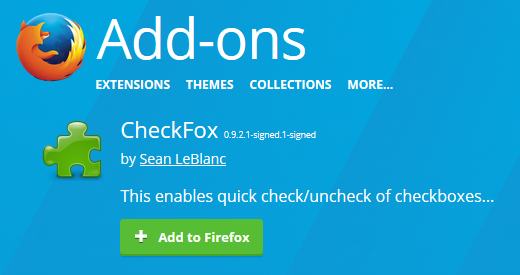
CheckFox is the go-to Firefox extension for this purpose. It may seem off-putting to note that the extension was last updated in 2011 for Firefox 13.0, but the Mozilla Addons site will let you install the extension anyway. Should this change, check out our article on how to try forcing extension compatibility.
Once you’ve installed CheckFox, you’ll have to restart Firefox to avail of its functionality.
You should not see any differences after restarting the browser, and you’ll have to find a list of checkboxes to see just how convenient CheckFox can be.
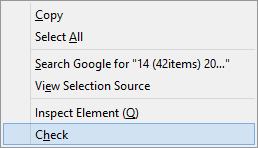
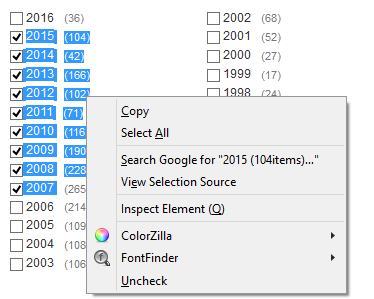
Once you’ve done this, highlight the ones you’d like to check and then right-click. The last option in the context menu will be “Check” or “Uncheck,” depending on the status of the highlighted boxes.
Click the option and you’ll see the difference. CheckFox doesn’t have any settings, and with how simple it is, there is little need for this to change.
GreaseMonkey / Tampermonkey
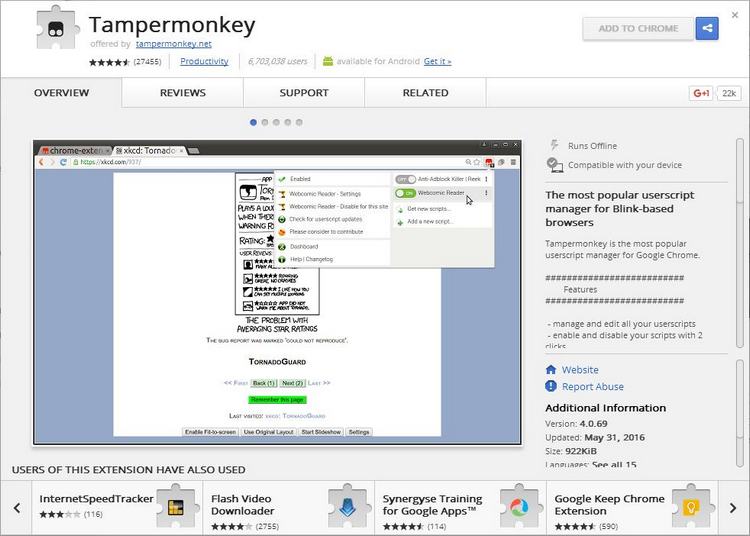

If you have GreaseMonkey installed in Firefox (or its Chrome equivalent, Tampermonkey), you’ll know you can add scripts to it. One of these scripts, Check Box Range, is yet another way of marking boxes more quickly.
Begin by installing your browser’s script manager, then go to the script author’s website.
The link above leads to a blog post from the author with the name of the script hyperlinked. Click the hyperlink.
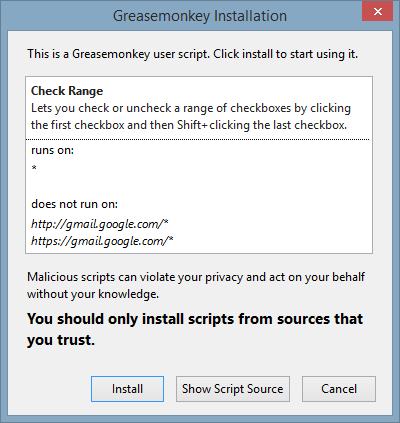
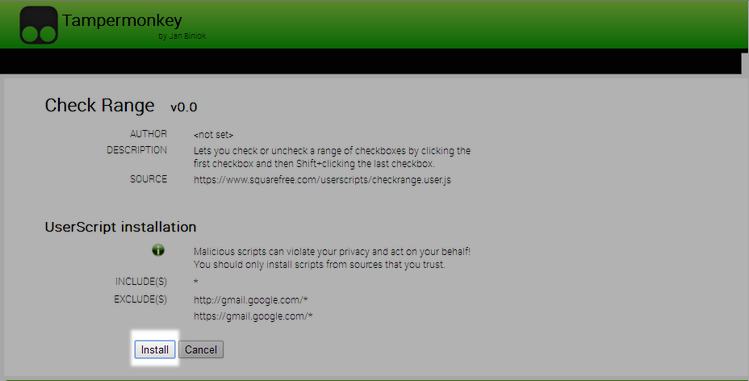
You should receive a prompt to decide whether to install the script or not. In this instance we will, but you should avoid installing scripts you are unsure of.
Refresh the page you’d like to test the script on: GreaseMonkey scripts do tend to load after the actual web page; you can see this with large scripts, so give it a few seconds.
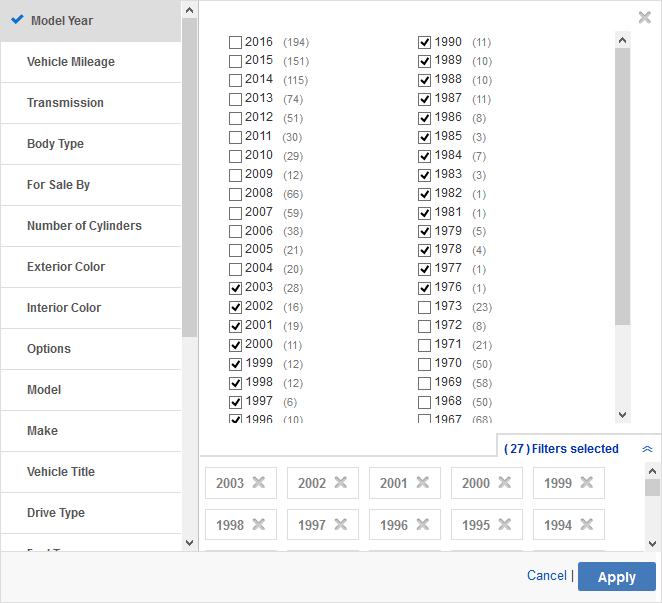
Click a checkbox, hold “Shift,” then click another box further along the list and release “Shift.” Those between the first and last boxes should automatically mark themselves. There may be a momentary delay, an inherent part of how these scripts are handled.
Chrome users also have the option of the Check Range extension which is essentially this script packaged as a Chrome extension.
Conclusion
You might not have thought about how long it takes to check boxes in online searches before, but once you’ve gotten used to your new, streamlined workflow, you’ll wonder how you ever coped without.
Regardless of what extension you favor or what browser you use, we believe this is a change you could benefit from every day. If we had to pick a favorite, it’d be the GreaseMonkey script and the repackaged Chrome extension stemming from its existence.