Most email clients render your emails in HTML mode by default, but there are times when you just want to read the emails in plain text. Here are the ways to read emails in plain text in different email clients.
Are you looking for an easy way to share your screen with one or more people? Screenleap is sure to come in handy as it lets you share your screen instantly from within your Gmail or Google Apps email account.
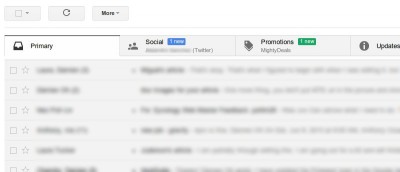
Is your Inbox full of email subscriptions and newsletters from various brands and services? Are you looking for an easy way to get rid of the subscriptions you don’t want? Here is a quick solution that can help you easily unsubscribe from email newsletters that you’re not interested in and rollup all your remaining subscriptions to a single digest.
We often feel that the Gmail for Android app is not as good as the desktop Gmail, but if you dig deep enough, you will find plenty of hidden features that can make it as good as the desktop version. And here are 3 hidden features of Gmail for Android that you ought to know.
Gmail is one service that has exploded over the last few years, particularly because it is free, simple to use and the flexible features it has for power users. Little do Gmail’s users know that the service has some features that could ultimately improve your experience significantly. Let’s have a look at a few of those!