
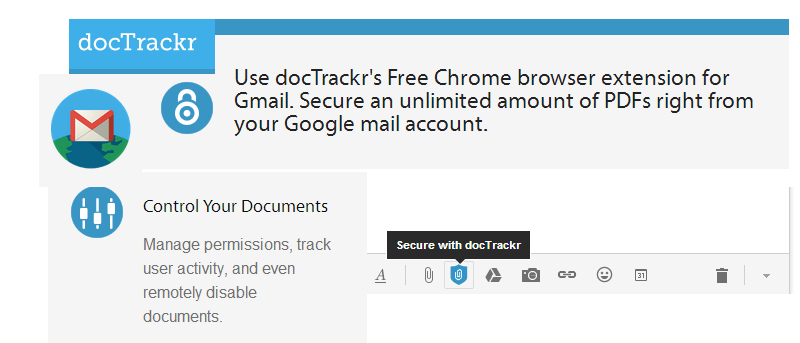

Online security is a very important matter when communicating sensitive information with others. There are many ways you can ensure the confidentiality of your content: encryption, password-protection and other security features are commonly offered today. Another option for PDF attachments in Gmail is an extension for Google Chrome called docTrackr. This extension is a handy tool for adding a layer of security for your attached PDF files when sending it through Gmail.
The extension can be installed for free from the Chrome Web Store. After installation, you will see a pop-up on the top right corner with a link for the docTrackr website.
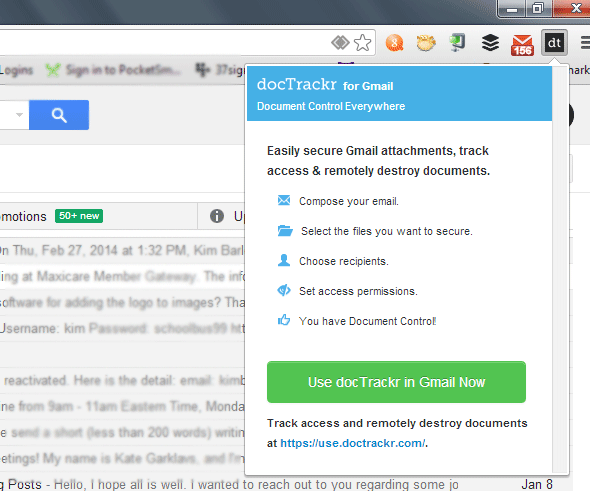
Before docTrackr is activated in your Gmail, you would need to register for a free account. Click on the link indicated in blue (https://use.doctrackr.com) on the bottom of the pop-up window. On the new tab, create your docTrackr account.
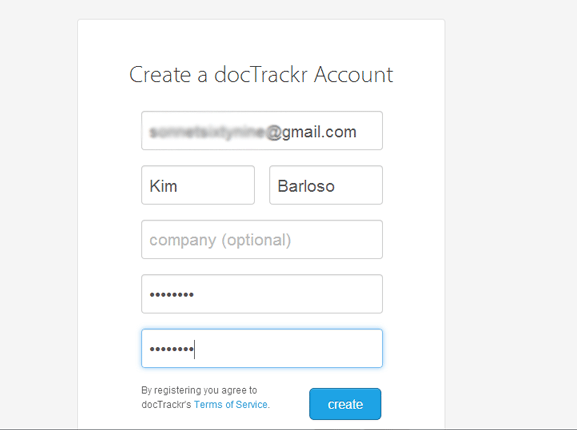
After creating the account, you will need to confirm the registration by email. Once this is done, your docTrackr account is activated, and you are now ready to secure PDF attachments in Gmail.
To check if you have the service properly activated, log in to your Gmail account and compose a new message. You should see a docTrackr attachment icon on the bottom of the message window.
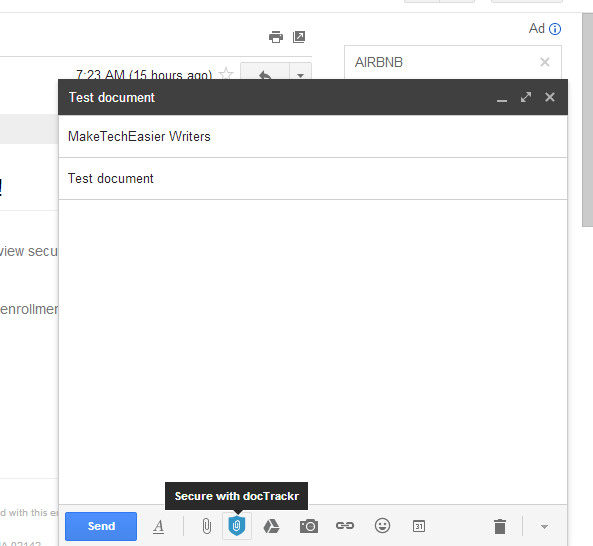
Click on this icon to open the dialog box to select the PDF file you want to attach. Proceed with adding the message subject, body and recipients. When done, hit the Send button.
A pop-up will then appear offering access control and message expiry options. Here you can opt to grant editing and printing rights to recipients and assign an expiration date for the attachment.
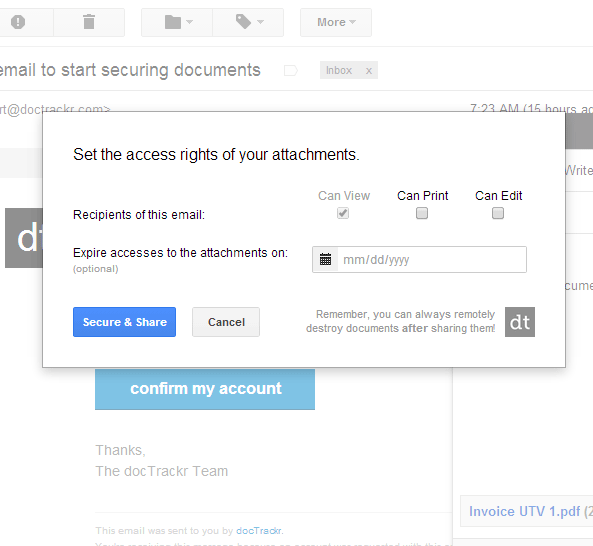
Click “Secure & Share” to send the email.
To track the email attachment’s activity or remotely disable access, click on the docTrackr icon again and then on the blue link on the bottom of the pop-up window. This opens another tab which will show your dashboard.
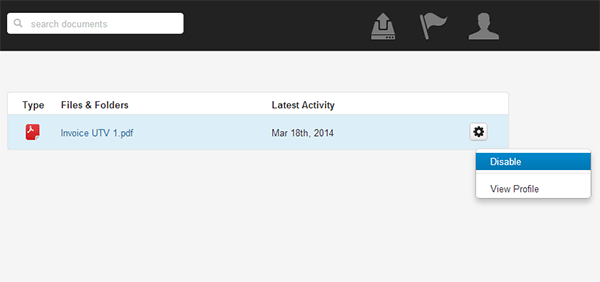
From here, you can view a list of files you have secured using docTrackr. A gear icon to the right side of each file allows you to click on Disable or Profile. Disable remotely disables the document while Profile brings you another page which shows the document’s activity.
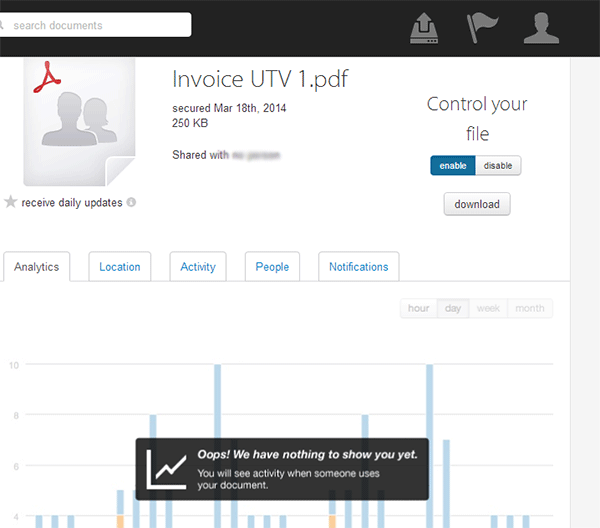
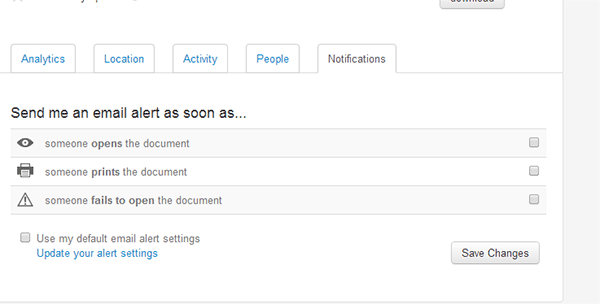
You can also receive email notifications when a recipient opens, prints or fails to open a document. Click on the Notifications tab on this profile window to select any or all of these options.
One important thing to note about opening PDF files sent through docTrackr is that it only opens using Adobe Acrobat Reader. The extension is designed to work with Adobe only and will not work when opened with other software such as Google Docs, Mac OS Preview or other third party PDF viewers. Also, a free docTrackr account allows you to send ten attachments per month.
Given all features that are accessible and free, docTrackr is a convenient way to secure PDF file attachments. It goes beyond securing documents and allows you to track them after they are sent, which is a huge plus when you want to do more than just keep a document secure.