
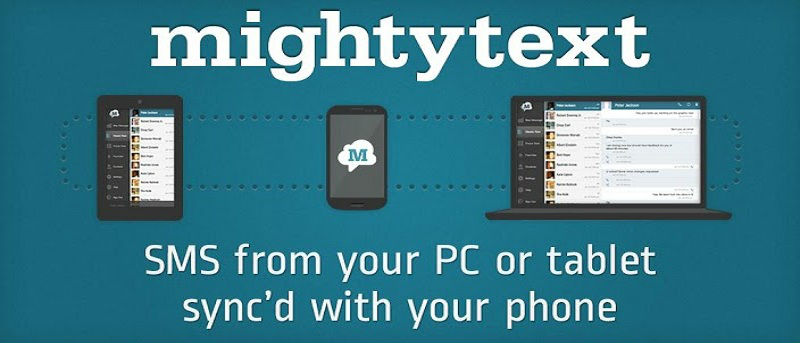

While you are busy working on your computer, it can be a hassle for you to reply to a lot of SMS texts from your phone. Thanks to the Gtext for Google Chrome, users can now send and receive SMS texts from the Gmail window. It will automatically sync Android SMS, both incoming and outgoing messages, thus allowing you to fulfill your texting needs right inside Google Chrome.
What is GText?
GText is a very handy extension in Google Chrome. In combination with the MightyText app for Android, it allows you to send and receive SMS flawlessly from the Web and Gmail. The application uses your current Android phone number to send and receive text messages or MMS. The interface works just like the Gmail Chat with the only difference being that you are actually sending an SMS.
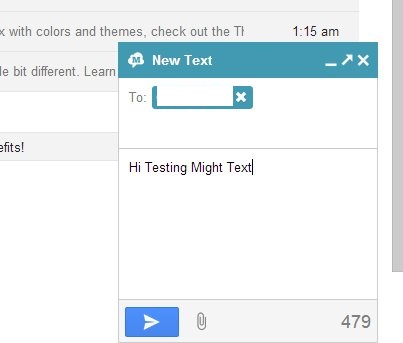
In order to make sure that you sync Android SMS from your device with what you send and receive in Gmail, you must install the MightyText application for Android. Let’s take a look at how you can set up and send SMS from Gmail and the web.
Setting Up GText for Android and Chrome
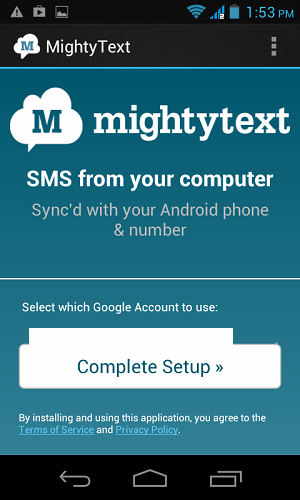
Go to the Google Play Store and install SMS Text Messaging for your Android device. When you launch the application for the first time, it will ask you to sign in with your Google account and authorize the application. It will then automatically show you all the accounts that sync to your Android device.
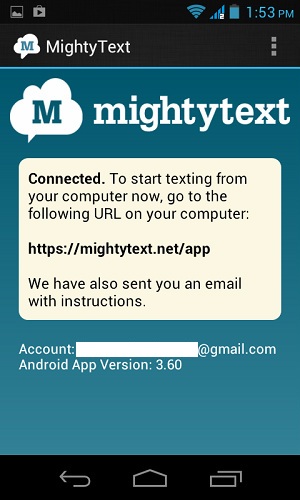
After setting up the application, it will ask you to visit the Mightytext web application to send and receive text messages. Do not visit the web application yet, as we want to send/receive messages from the Gmail interface. Go to the Chrome Web Store and install Gtext for Google Chrome.
Using Gtext for Google Chrome
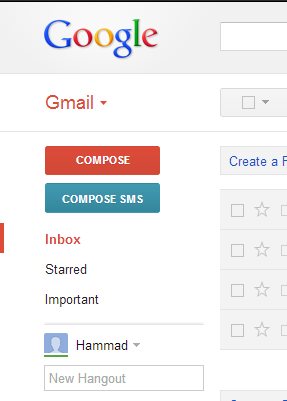
After installing the extension, refresh the Gmail tab and you will see the “Authorize Mighty Text” option below the compose button. Click on it and authorize GText to access your Gmail account. After that, the button will automatically switch to compose an SMS. Click on it and send SMS to anyone you want. It even allows you to attach images and send them as MMS (carrier charges apply).
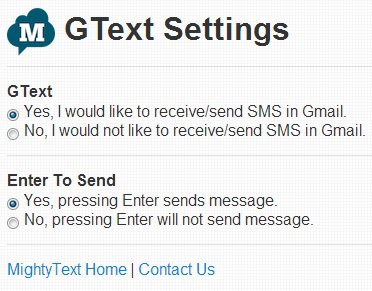
You can also customize some extension options such as using the Enter button to send the messages.
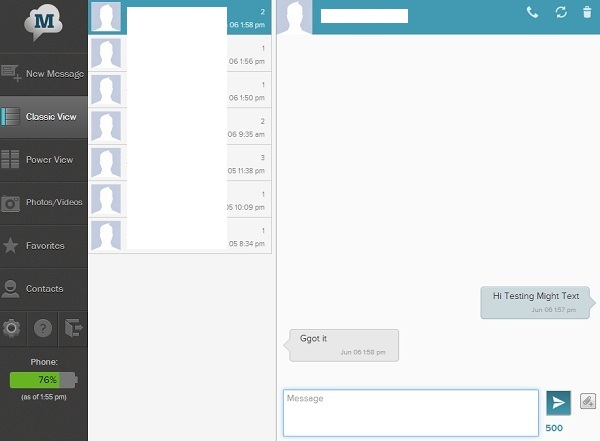
The extension’s web application provides you with more features such as backing up contacts from phone to Web interface and using them to send SMS, threaded view for multiple SMS and much more.
Conclusion
GText for Chrome is very useful, simple and works perfectly to sync Android SMS. I think it is a must-have app for all those Gmail users who hate to switch to their phone to send and receive messages. I did not come across any issue when using it. I would love to hear about your opinion if you have tried GText for Google Chrome. Chime in in the comments area below.
Download Gtext by MightyText for Google Chrome
Download GText for Android