One of the most essential apps in all of our arsenals, whether we do our computing on a mobile device, laptop, or desktop, is the browser. Are you loyal to one browser or are you constantly switching?
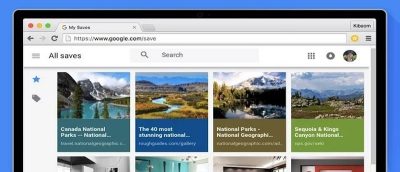
Google recently launched a Chrome extension similar to Pocket that lets you save websites for later viewing called Save to Google. Here’s how it works.
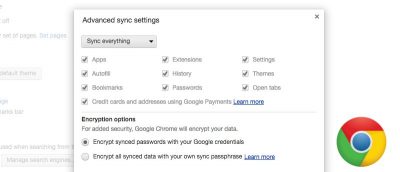
Chrome includes data sync which syncs most of your Chrome data, like saved passwords, to all your devices. Here’s how to do that while keeping your data secure.
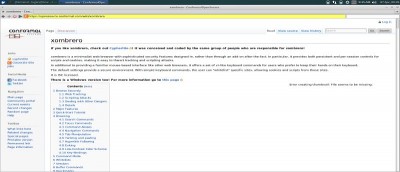
Looking for a more secure browser for Linux? Check out Xombrero web browser, a minimalist browser with sophisticated built-in security features. It has a familiar interface similar to Firefox.
You have probably heard of browser fingerprinting, but are not sure what it is. This article will explain what browser fingerprinting is and how to avoid it.
Behind Chrome’s minimalist design, it hides hundreds of features – even some you may not know about. Let’s check out some of those little-known Chrome features.
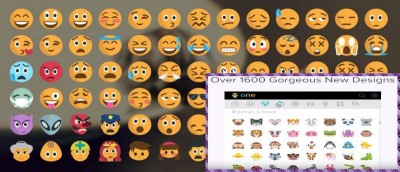
If you’re a Chrome user, a must-have extension is Emoji Keyboard. This free extension is available for Mac, Windows, and Linux and gives you instant access to 1,619 emojis in nine different categories.
Trello’s official Chrome extension has been released and does two useful things: allows you to quickly add cards and opens your existing boards. Check it out.
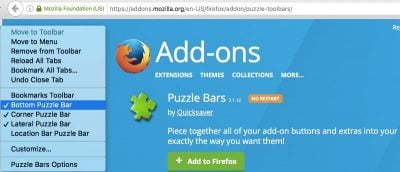
Did a toolbar magically appear in Firefox after installing a program or do you have a toolbar you want gone? This tutorial will show you how to remove them.
Do you prefer the style of Firefox’s download manager over Chrome’s? Luckily for you, there’s a Chrome extension that will allow you to get it. Check it out.
Looking to add a password to protect files downloaded in your browser? Zip It is a free drag-and-drop web app that can be used on your PC or smartphone. Here’s how it works.
The latest version of Safari on Mac allows you to clean the cache files individually instead of removing all browsing data. Here’s how to enable and use it.
Want to open links directly in Chrome instead of integrated app browsers? Chromer is an Android utility that replaces any app’s crummy built-in browser with Chrome Custom Tabs.
Microsoft Edge still has a long way to go to be an appealing web browser. In the meantime, here are some tips and tips to help you better utilize it in Windows.
When it comes to browser security, Internet Explorer is far from the best or safest browser. As as matter of fact, it’s getting more dangerous! See how in this article.