
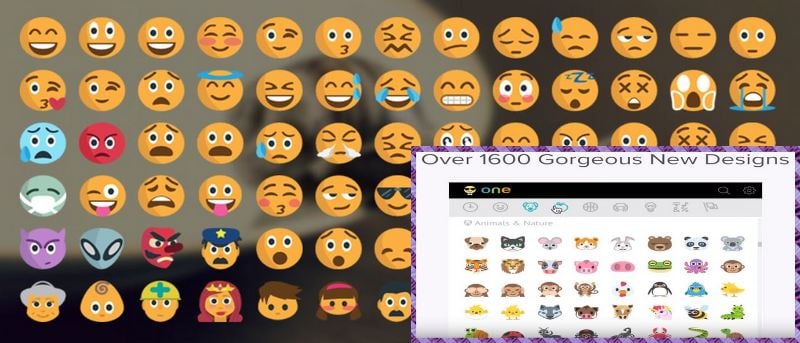

I’m sure you’ve heard the phrase; “A picture is worth a thousand words,” right? I guess that is why we can’t write a single sentence without getting the urge to add an emoji into it to express ourselves even better. Emojis also make our messages look alive and more colorful, something we can’t seem to achieve by only using text. They also help us say a lot with the least amount of typing.
If you’re a Chrome user, a must-have extension is Emoji Keyboard. This free extension that is available for Mac, Windows, and Linux, is going to give you instant access to a total of 1,619 emojis in nine different categories. The categories are Frequently Used, Smiley’s and People, Animals and Nature, Food and Drink, Activity, Travel and Places, Objects, Symbols, and Flags. In the people category, Emoji Keyboard gives you the option to choose between six different skin tones. As you can see, this Chrome extension doesn’t hold back when it comes to options.
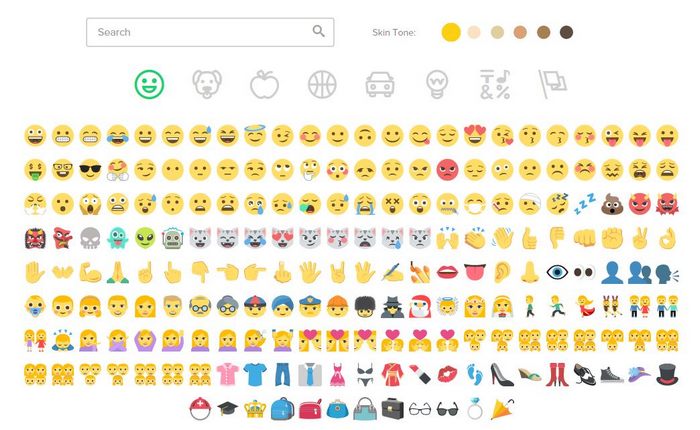
You know you will have this extension in your browser because of the smiley face with sunglasses that you will see on the right side of your browser. Click on the smiley face icon, and you will automatically have access to all the emojis. If you scroll down you will be taken through all the categories the extension has, one by one. If you want to jump to a particular category, you can always click on one the icons at the top.
To place an emoji on a page you are commenting on, click on the emoji you want, click “Copy” and paste it where you want it to go. It’s that easy.
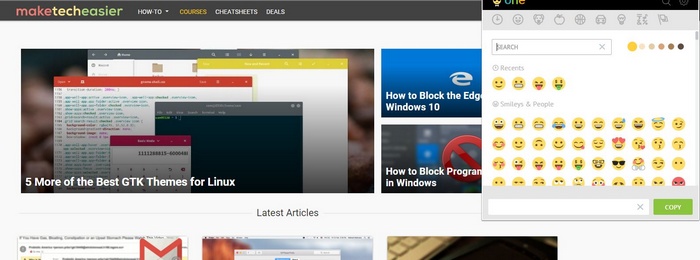
The interface is very user-friendly, so even if you don’t get along too well with technology, you won’t have any problems using this extension. After launching the extension, you will see the Settings wheel on the upper right-hand corner. In Settings, you will find the options to replace all emoji in Chrome to Emoji One, Auto-copy emojis to the clipboard as you select them, emoji size, and you can even create a keyboard shortcut for quick access to the extension.
Emoji One is also an open source tool. This means that it’s completely open to continuous improvement, and hopefully, they won’t take too long to update it even more. If you want to try Emoji One before you install it, you can do so by visiting its web page and signing its guestbook and using any emoji or emojis you want to. Users from the U.S, Argentina, United Kingdom, Spain and other countries have already signed the guestbook. What are you waiting for?
Conclusion
If you’re a Chrome user and an Emoji addict, then you will love Emoji One with the variety it has to offer. With it being free you have nothing to lose and many Emojis to gain. What emoji do you use a lot? Let us know in the comments.