Posterous is the newest way of lifestreaming. What is lifestreaming? Lifestreaming is a feed of a person’s daily activities. This is usually done by social aggregating and/or the person posting photos, videos, and statuses through his/her smartphone. Posterous provides the service for you to do this by posting using email or SMS. It simultaneously posts to various services (e.g. Twitter, Facebook, blogs, etc.), so you don’t have to scramble around doing it yourself. Posterous is very flexible in that it allows you to pick-and-choose the services you want to post to, and it also allows you to have multiple Posterous sites. Below are ten tips that will help you get the most of out of Posterous:
1. Use a Distinct Site Name and Address
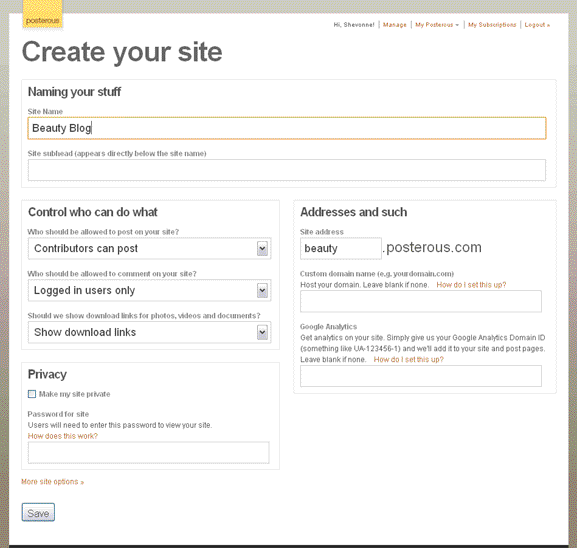
Select a site name and address that will make readers remember you. Posterous provides the capability of having your own custom domain name. Therefore, you can host your domain that directs the service to it.
2. Edit Your Profile
Write something interesting about yourself that will make readers want to return.
3. Use Google Analytics
If you haven’t used Google Analytics, then you should start. It really helps in showing trends and keywords that are popular with the viewers of your Posterous.
4. Manage Your Emails and Phone Number
Add all the email addresses that you use, so you are able to post to any of them at any time. Also, add your phone number, so you are able to post statuses using the number “41411.”
5. Enable Your Notification Settings
Choose when and how often you are notified when someone takes action on your Posterous. These are emails, comments, and subscriptions.
6. Add Services to Autopost to
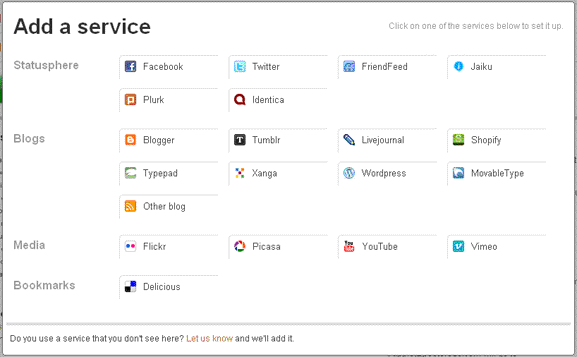
Select the services that you want Posterous to automatically post to whenever you post something. WARNING: Ensure that these are places that you want to do this because in some places, like FriendFeed, it might look like duplicate postings.
7. Customize Footers
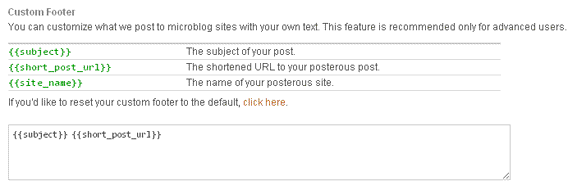
This is what gets posted to the services whenever you post. Modify it to fit your needs. If you make a mistake, Posterous allows you to reset to the default footer.
8. Control Where You Post
Posterous allows you to post to all or some of the services that you identified. The following screenshots shows the possible combinations that you can use when posting.
9. Add Tags
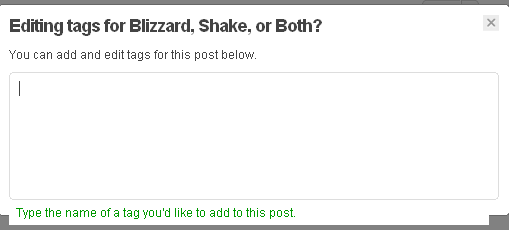
Tags are great ways for readers to find your Posterous. Add them freely on each of your posts, so that people are able to easily find you when searching for something that relates to your post.
10. Use the Bookmarklet
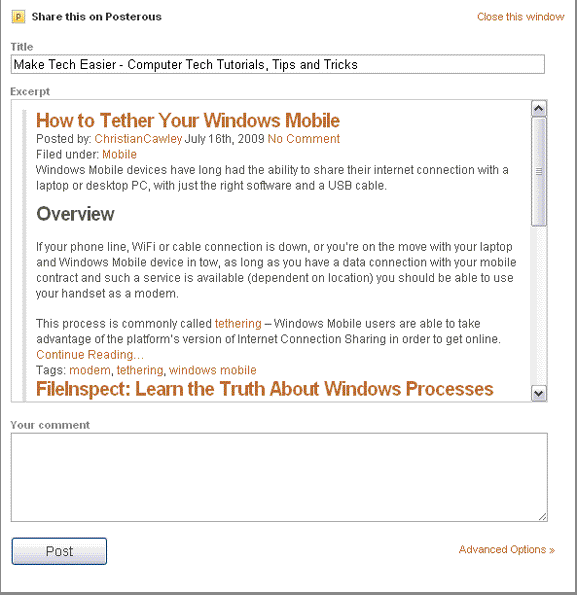
The Posterous bookmarklet makes it easier to add interesting items to your Posterous. Be careful from where you post because some sites might have copyright rules that will make it hard to share their stuff.
Add your Posterous site on the comments, so that others can read and subscribe to it.








