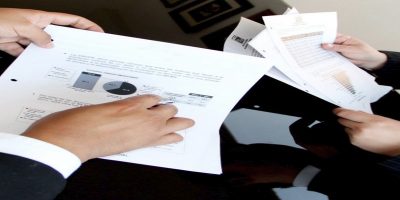
Google Docs has a new feature that allows users to compare two documents to see the differences between the two. Here is how you can use it to compare documents.
While Google Docs is useful, it has one downside. You can’t easily extract images from it. Here are three workarounds to extract images from Google Docs.
Trying to find some text in a long document can sometimes be a frustrating experience. Here’s how you can organize and alphabetize your documents in Google Docs.
When you’re writing a paper, it can be frustrating to get your citations sorted. Google Docs allows you to do your research and citing all within the document itself!
While Google moved their custom templates to their GSuite service, you can still create your own templates in Google Docs. If you are using the same document layout over and over again, here’s how you can create your own custom Google Docs template.
If you’re looking for a Google Docs alternative, Dropbox Paper is the new kid on the block. Here is what you need to know about Dropbox Paper and its uses.
If someone has edited and messed up a document in Google Docs, you can easily revert the changes. Here is how you can revert changes to a previous version in Google Docs.
Are you unable to retain formatting from Google Docs? Here’s how you can retain formatting from Google Docs when you export your document to another file type.
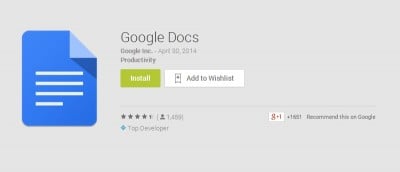
Google has released two new Android apps for Google Docs and Google Sheets which saves us from having to dig around within Google Drive for docs and sheets.