Online Download Manager is a Chrome extension that can transform the way you consume data, enhancing your download experience and extracting usable content.
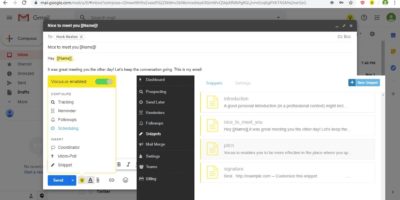
While Google ceased support of Inbox for Gmail, you can still turn your regular Gmail into an Inbox simulacrum that replicates the Inbox experience as closely as possible.
Some browser extensions can invade your privacy and steal your personal data. Use Extension Police to examine Chrome extensions and limit the chance of installing bad extensions.
While Chrome extensions have allowed us to have a great deal of flexibility to customize the browser, beware, as you might have installed a fake ad-blocker extension you thought would protect you!
Chrome is easily the most popular web browser on the planet. If you want to cash in on the trend, you can build your own Chrome extension. Here’s how to do so.
Instead of saving a website and forgetting all about it later, Open Me Later! allows you to schedule websites to automatically open at a specific time. Check it out!
There are plenty of ways to spice up your new tab page, and having a 360-degree picture is the coolest. Learn how to get a 360-degree picture in Chrome’s new tab page.
If you’re interested in blocking ad requests or seeing who tracks you when you load a website, Disconnect for Chrome can block tracking websites completely.
Looking for a simple bookmark manager with a lot of great features – much your like computer’s file manager? If so, Bookmark OS is sure to catch your eye.
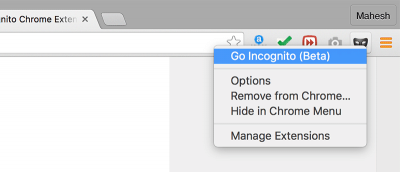
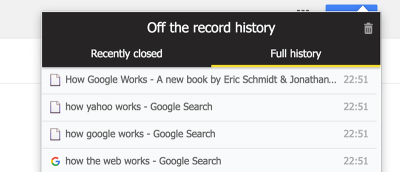
Sometimes you just need to save your browsing history in Chrome while in incognito mode. This is how you can save the browsing history of an incognito session.
Google recently launched a Chrome extension similar to Pocket that lets you save websites for later viewing called Save to Google. Here’s how it works.