Turn plain English into commands with ShellGPT. Automate tasks, and simplify your terminal workflow effortlessly.
By Anees Asghar – Mar 24, 2026

Learn how to manage Linux users from the command line, including creating, modifying, and securing accounts effectively.
By Anees Asghar – Mar 17, 2026
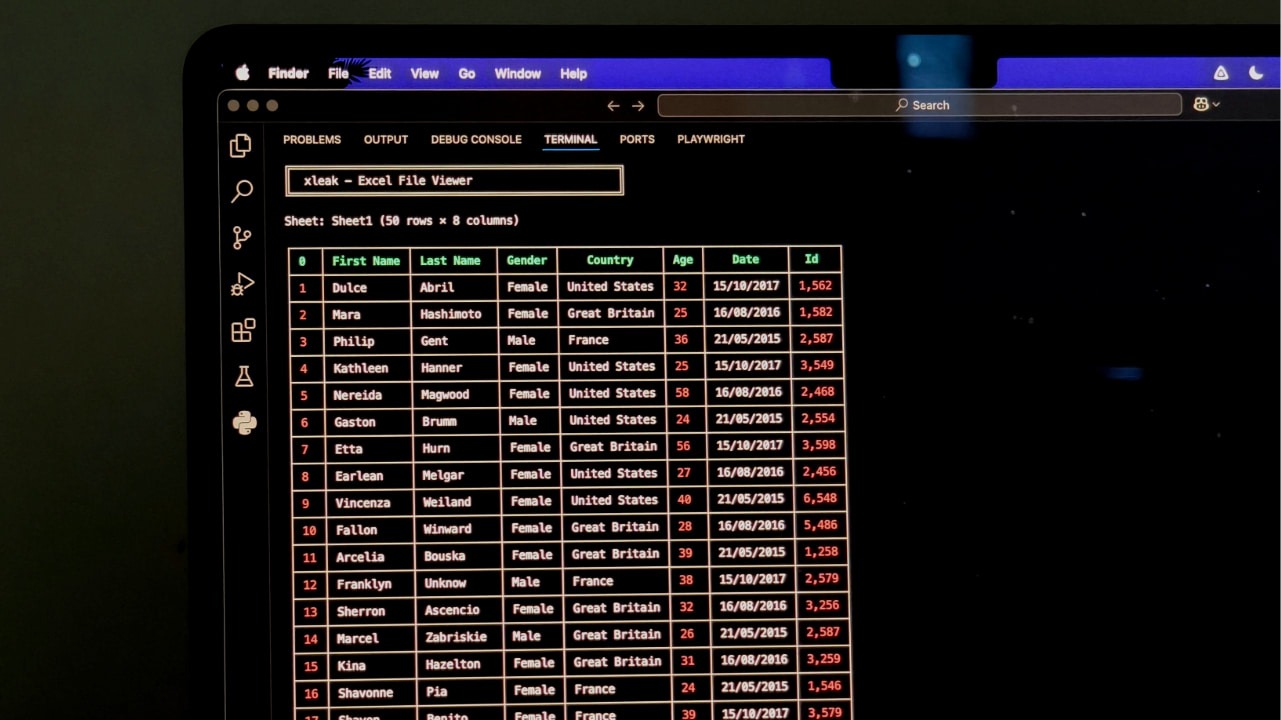
A simple terminal tool that lets you open and inspect Excel files instantly, without ever leaving your command line.
By Anurag – Feb 23, 2026
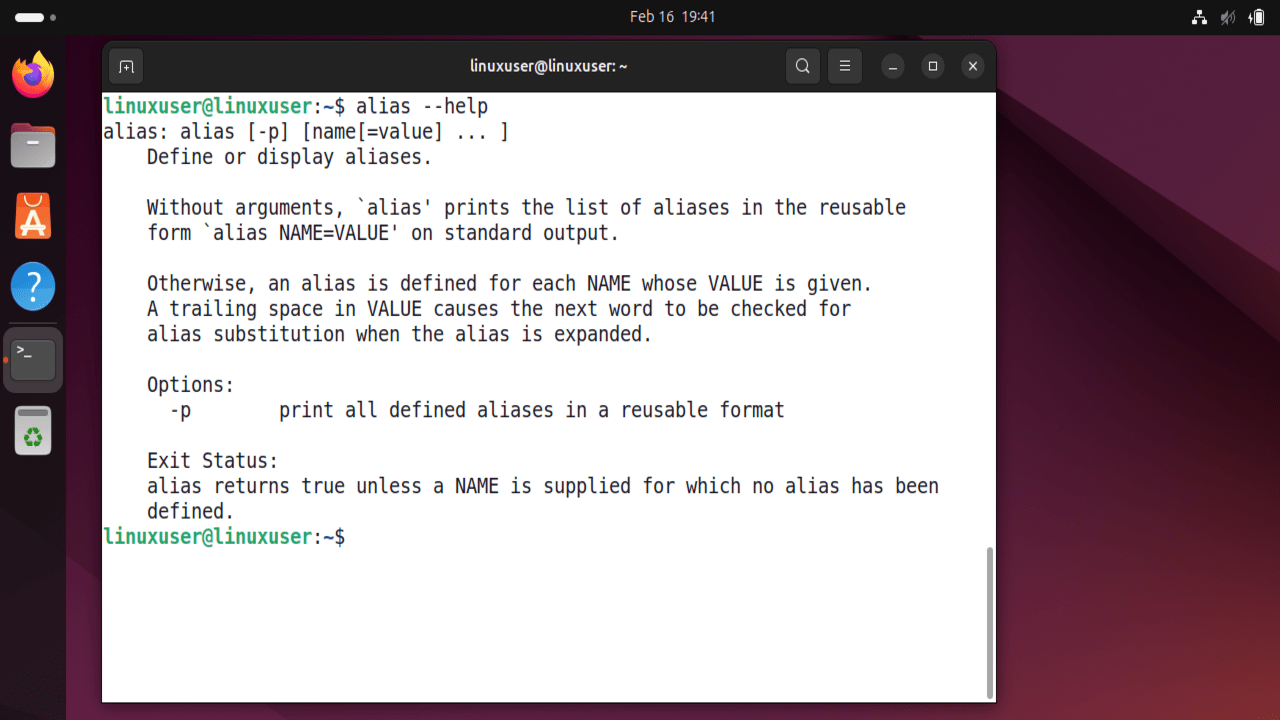
Learn how to use Bash aliases to shorten commands, reduce errors, speed up tasks, and improve your productivity in the Terminal.
By Anees Asghar – Feb 17, 2026
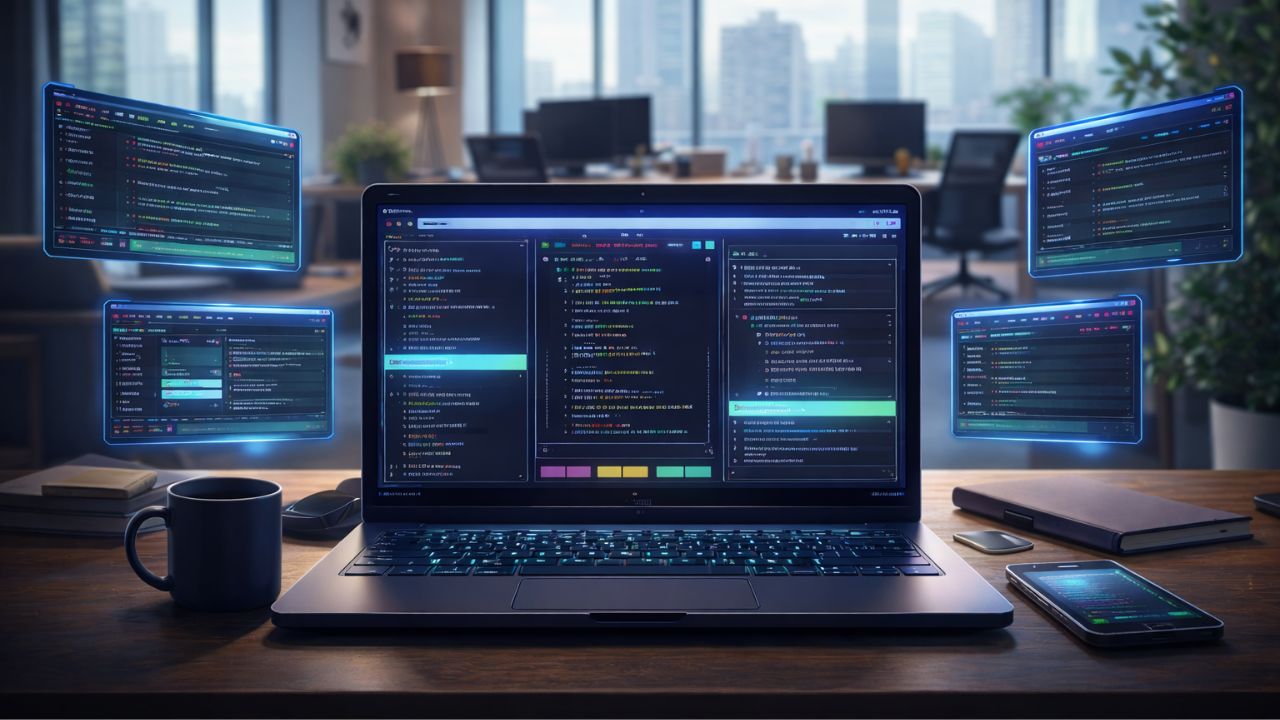
Zellij is a modern terminal multiplexer similar to Tmux, offering a clear, organized interface and efficient session management.
By Haroon Javed – Feb 11, 2026
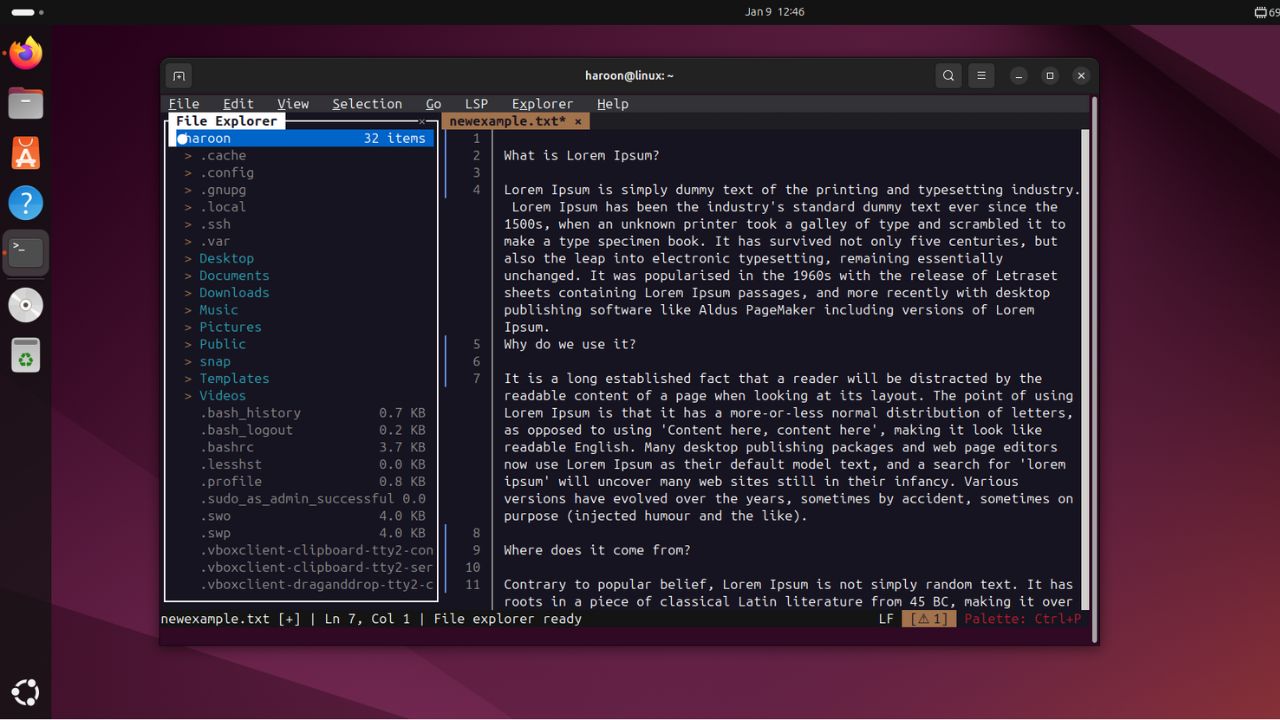
Want terminal efficiency without the learning curve? Fresh is the editor for you.
By Haroon Javed – Jan 10, 2026

Linux is a popular choice for many users, but it may not be suitable for everyone. Here’s why!
By Anees Asghar – Jan 8, 2026

Here are the fastest ways to check your storage usage.
By Alexandra Arici – Jan 6, 2026
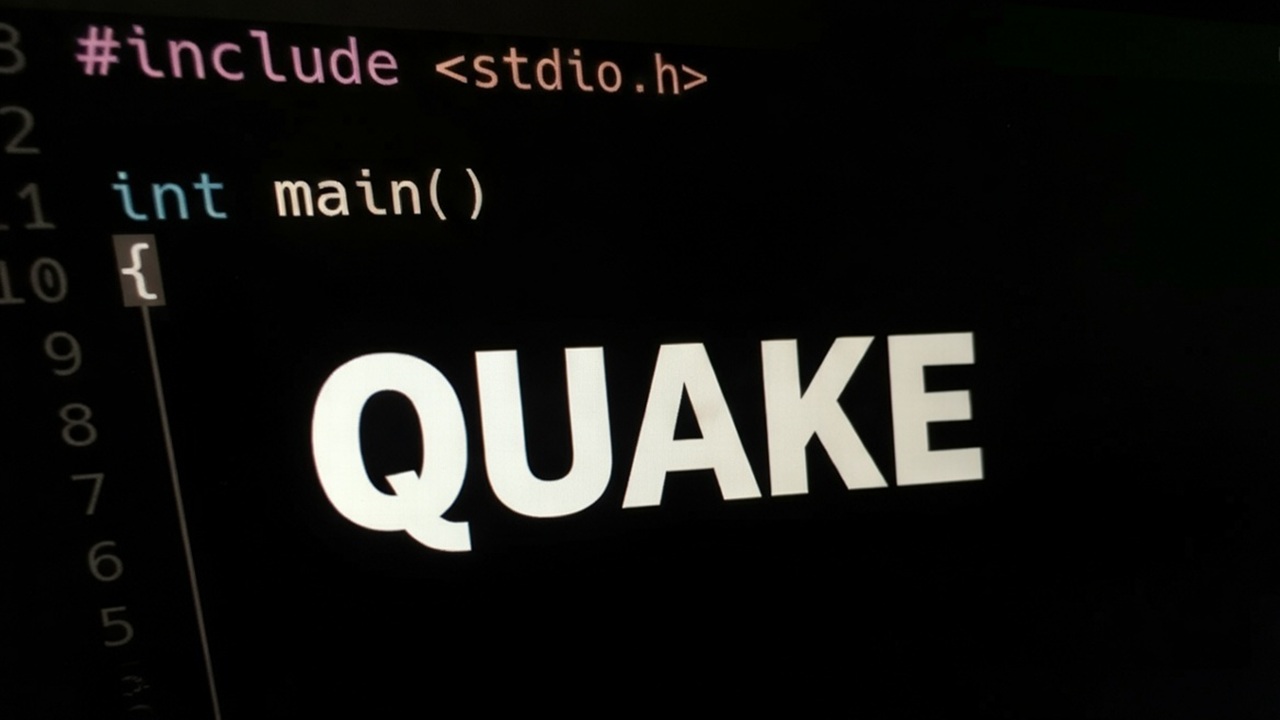
Windows Terminal has a hidden feature called “Quake mode” that turns it into a global drop-down console, saving you precious seconds and mouse clicks.
By Sayak Boral – Dec 16, 2025

Learn all the misconceptions of using the Terminal vs. using the GUI.
By Haroon Javed – Nov 25, 2025
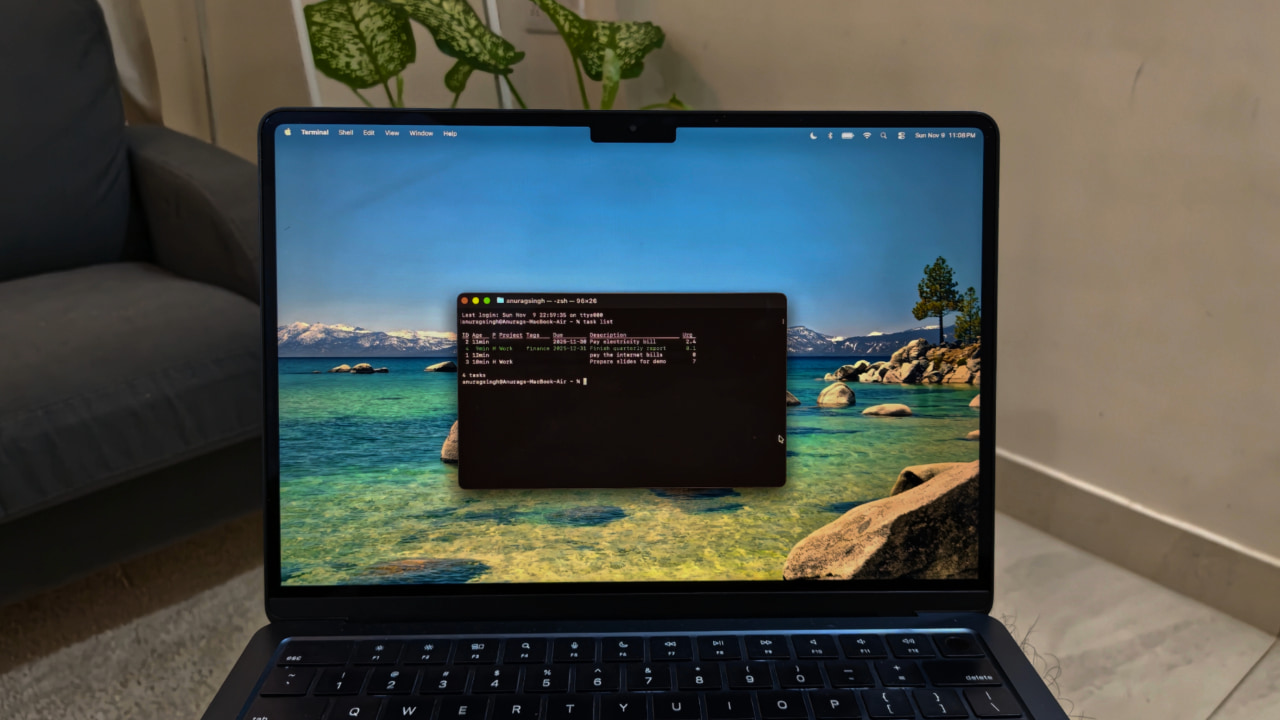
Taskwarrior brings speed, simplicity, and full control to task management right from your terminal.
By Anurag – Nov 19, 2025

Learn how to use the tree command in Linux to display your directory structure in a clear, hierarchical view.
By Haroon Javed – Nov 13, 2025

Use these Linux commands to quickly search and find anything from the Linux terminal.
By Haroon Javed – Nov 4, 2025
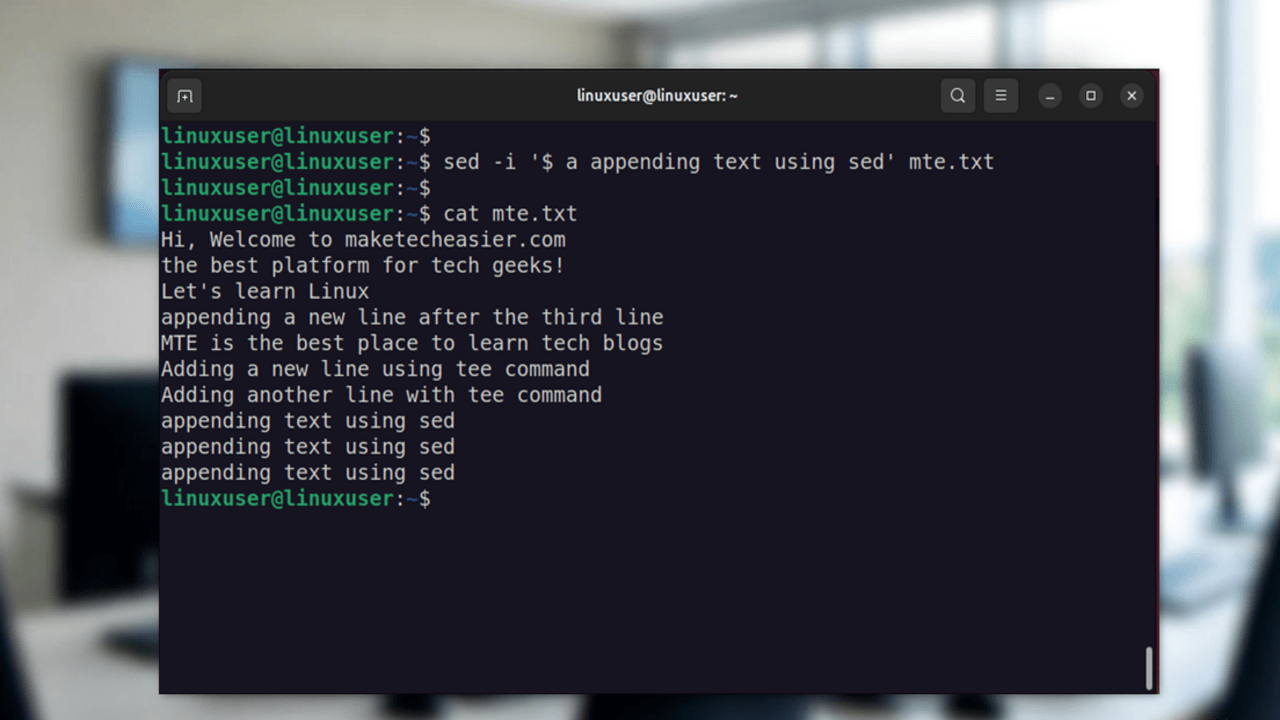
Learn how to append text to files in Linux using commands like double redirection operator, tee, and sed without overwriting existing data.
By Anees Asghar – Oct 31, 2025
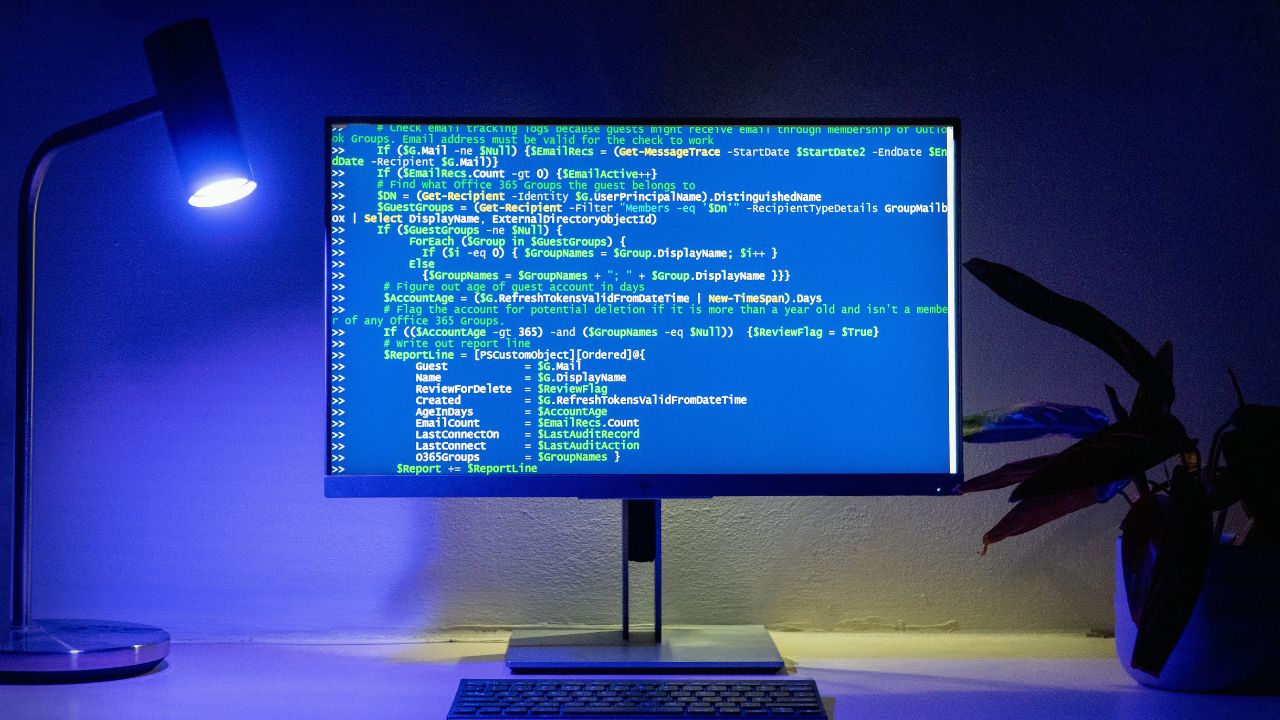
Explore some cool and useful things you can do directly in the terminal without diving too deep into its complexity.
By Haroon Javed – Oct 7, 2025
Work faster and smarter in the Terminal with these Bash tips and tricks.
By Haroon Javed – Sep 29, 2025
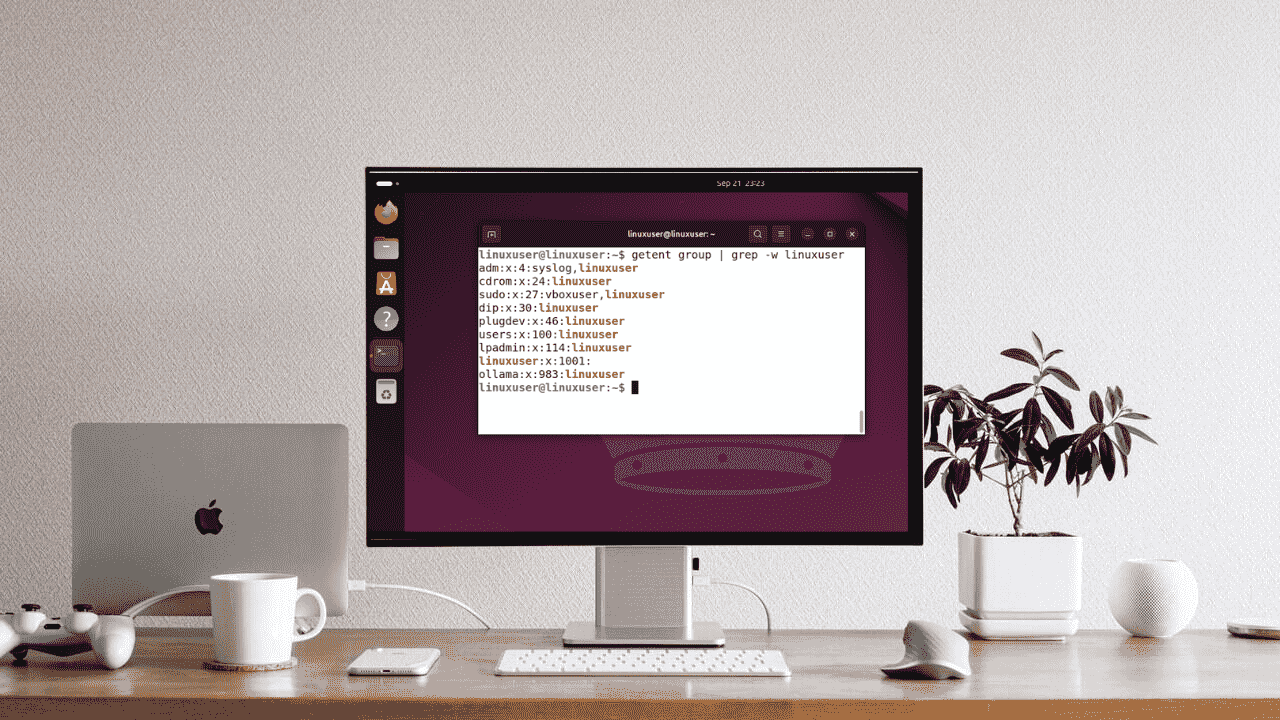
You can easily check user groups in Linux to manage permissions easily.
By Anees Asghar – Sep 23, 2025

There are many ways you can use Linux without touching the Terminal. Here are some GUI alternative tools that can replace your terminal-based ones.
By Haroon Javed – Sep 22, 2025
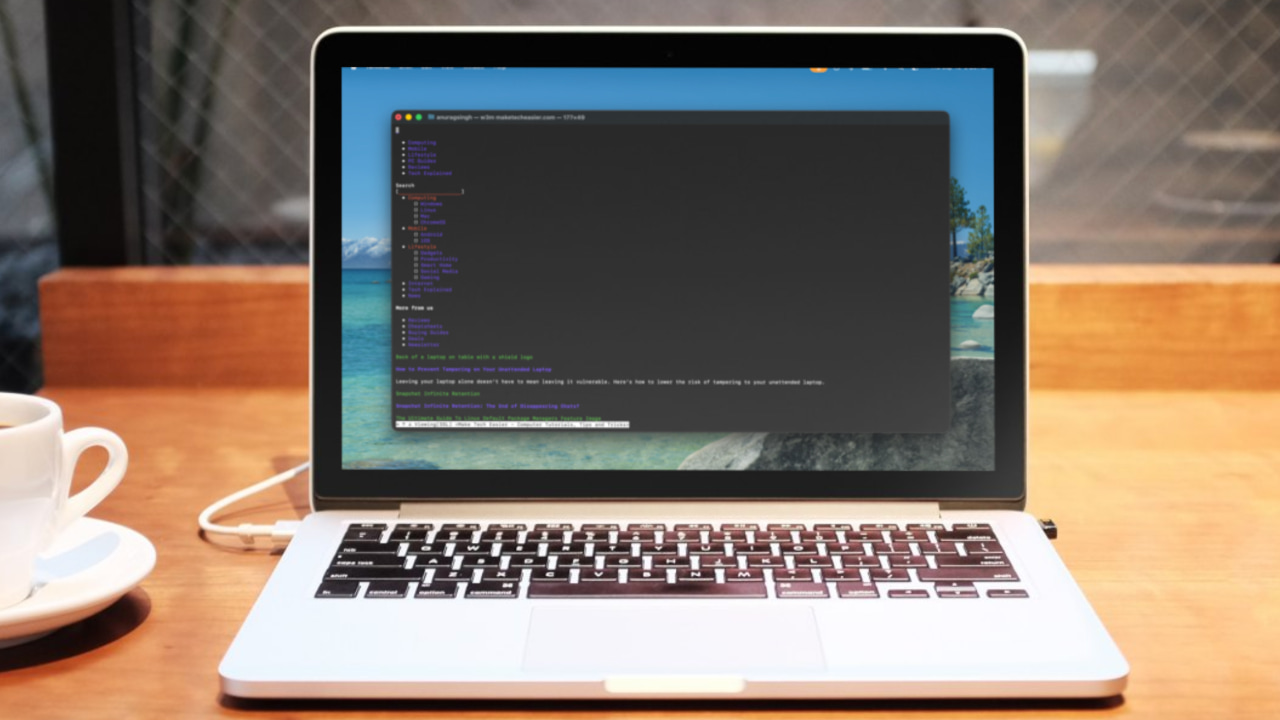
w3m is a terminal-based browser that works well for distraction-free reading but falls short as a modern browser replacement.
By Anurag – Sep 19, 2025

With the ttyd command line tool, you can transform your terminal into a live, interactive web app that anyone can access with a link.
By Haroon Javed – Sep 8, 2025
Affiliate Disclosure: Make Tech Easier may earn commission on products purchased through our links, which supports the work we do for our readers.