
Missing the convenience of the Ctrl+F shortcut on iPhone? Here’s the fastest way to search within a page with Find on Page.
By Alexandra Arici – Mar 22, 2026
Pixel Search app brings universal search to any Android phone, making apps, files, and contacts faster to find every day.
By Henderson Jayden Harper – Jan 12, 2026

Are there really six people in this world that look like you?
By Crystal Crowder – Dec 6, 2025

Use these Linux commands to quickly search and find anything from the Linux terminal.
By Haroon Javed – Nov 4, 2025

You can get more precise YouTube video results using natural language prompts in Gemini
By Karrar Haider – May 8, 2025

Skip endless subreddit browsing and unrelated answers. Get your answer instantly with Reddit Answers.
By Karrar Haider – Apr 24, 2025
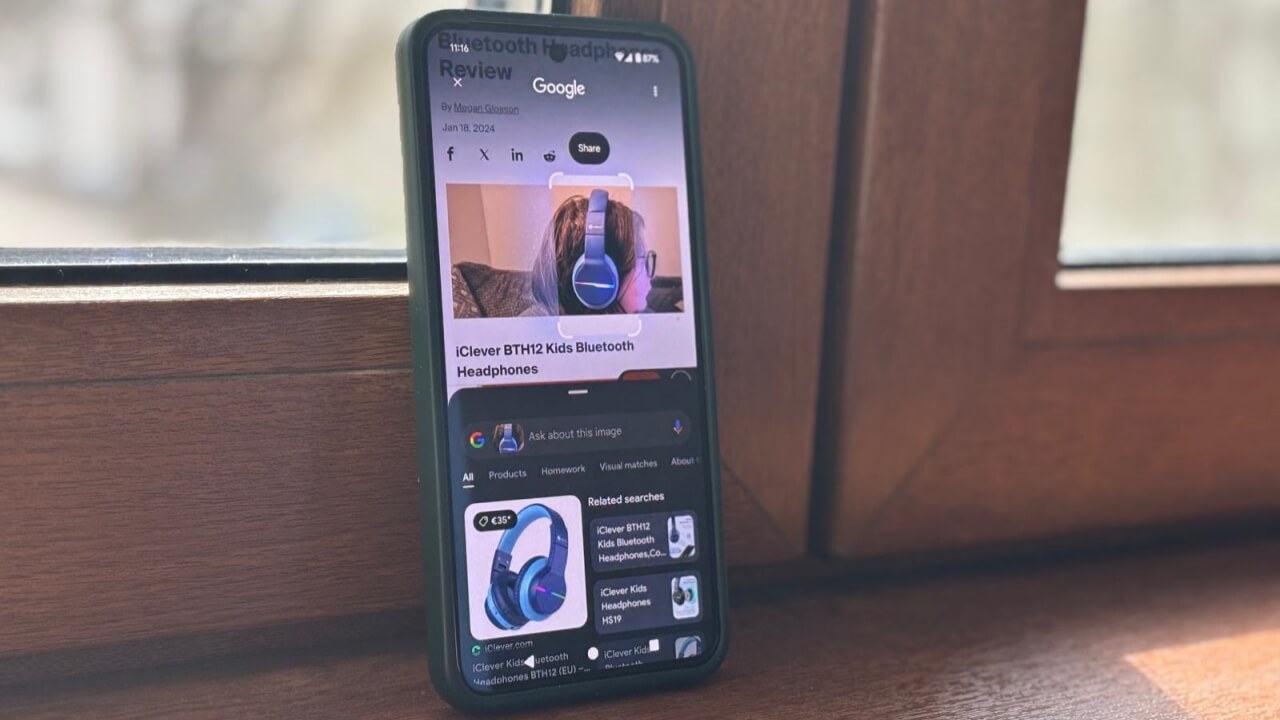
The Google Circle to Search feature totally changed how I search on my phone.
By Alexandra Arici – Apr 2, 2025

Google added easier ways to search for photos and is also granting users early access to the new AI Ask Photos feature.
By Laura Tucker – Sep 5, 2024

Google losing the federal antitrust lawsuit has opened it up to more lawsuits. Yelp is now bringing an antitrust lawsuit against Google.
By Laura Tucker – Aug 28, 2024

Not sure why you’re getting the “unusual traffic from your computer network” error on Google? Learn what it is and how to stop it.
By Crystal Crowder – Jun 5, 2024
Troubleshoot and fix Finder search not working on your Mac with this step-by-step guide. Quickly locate your files and get back to work.
By Anya Zhukova – May 30, 2024

Find anything on Facebook easily.
By Zainab Falak – Mar 25, 2024

If you need to search WhatsApp, the app lets you easily find messages, media, links, and more. Learn how in this tutorial.
By Alexandra Arici – Jan 3, 2024

As Gmail users, you may struggle to find an email that you know you received. Follow these instructions on how to find lost emails in Gmail.
By Sayak Boral – Dec 4, 2023
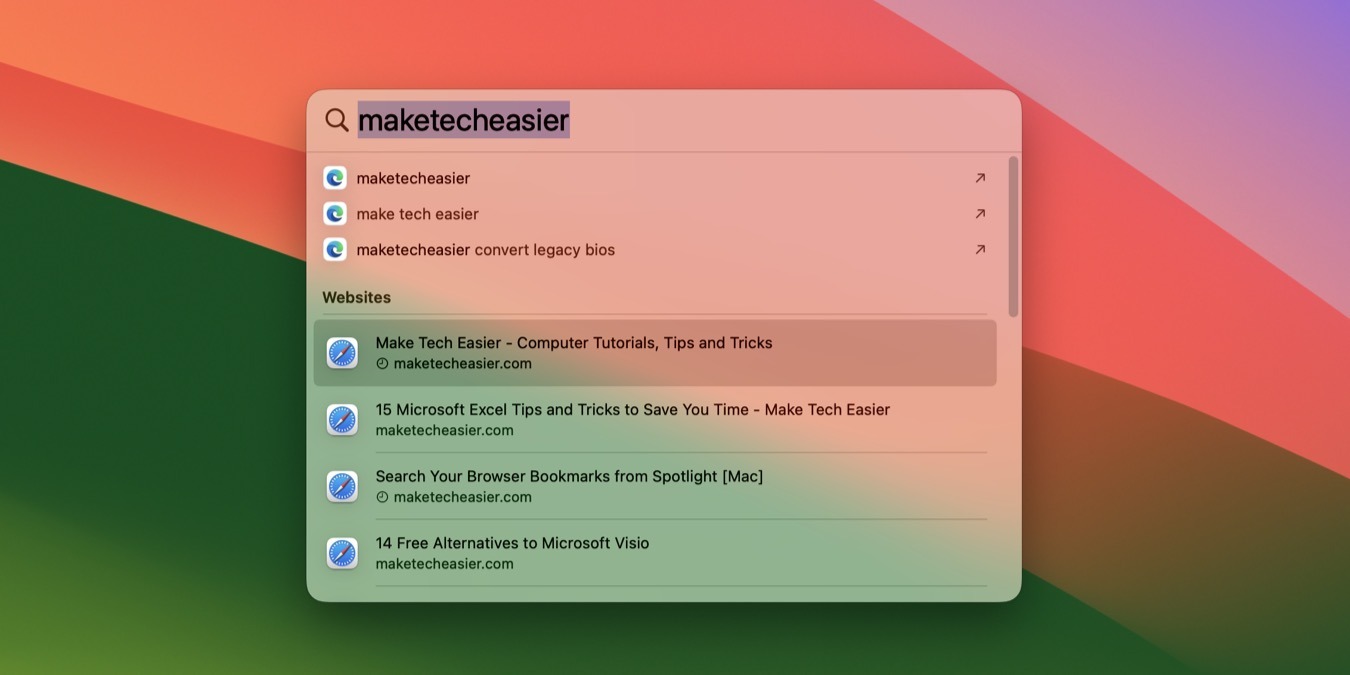
Learn how to search bookmarks saved via Spotlight on Mac on any web browser by following our comprehensive guide.
By David Morelo – Oct 2, 2023

Are you frustrated with the slow Windows search? Here are the best Windows Search alternatives to do the perfect desktop search.
By Damien Oh – Jul 29, 2023

Is the Microsoft Windows Search Index leading to high CPU usage on your device? Learn how to fix the issue for good!
By Zainab Falak – Jul 21, 2023

Sometimes, the Windows Start menu search won’t show apps like it should. Check out these fixes if your Start menu search stopped working.
By Farhad Pashaei – May 31, 2023

“Indexing has been temporarily paused” is an error that affects Windows search functionality. This tutorial provides fives ways to fix it.
By Farhad Pashaei – Jan 27, 2023

Customize your Google adds experience.
By Laura Tucker – Oct 21, 2022
Affiliate Disclosure: Make Tech Easier may earn commission on products purchased through our links, which supports the work we do for our readers.





