Is your Windows Start Menu cluttered with Bing results? You can now get it to show only local results with these fixes.
By Oluwatokiloba Folami – Jan 20, 2026
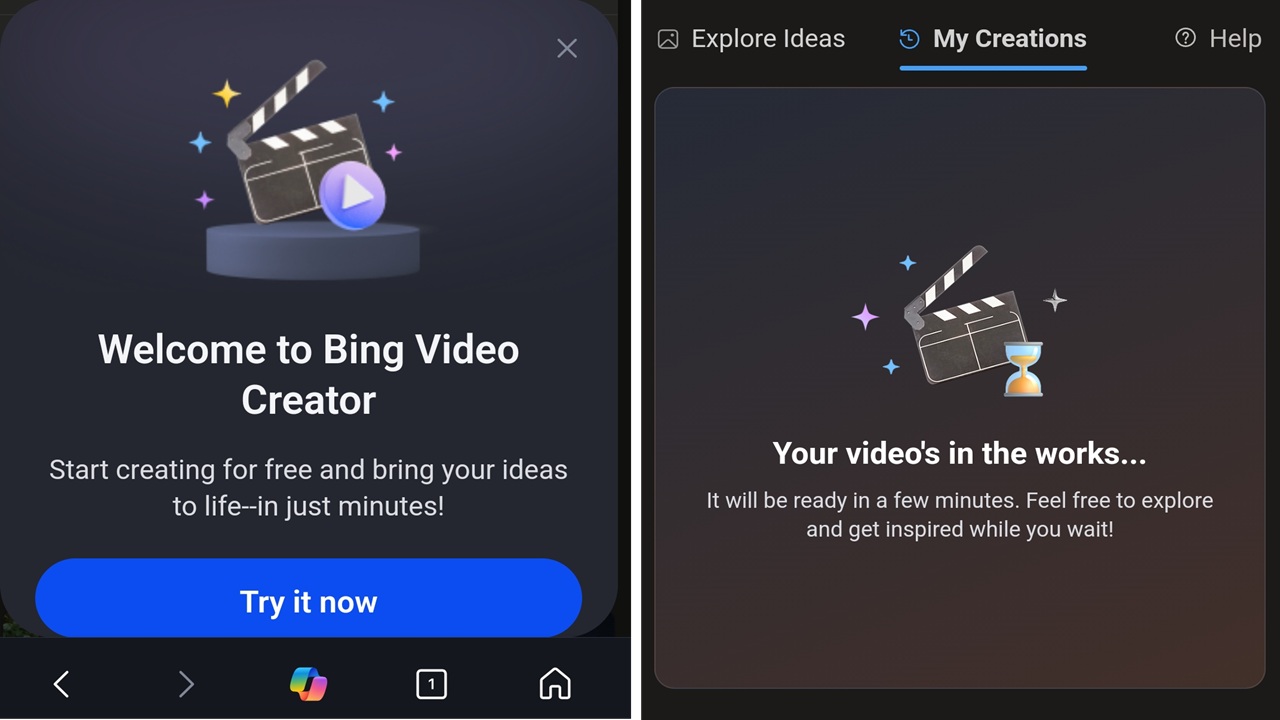
Now you can skip the premium Sora account and create free AI videos with Bing Video Creator.
By Crystal Crowder – Jun 3, 2025
TL;DR Bing Copilot Search have more options than Google’s AI Overviews.
By Crystal Crowder – Apr 4, 2025
Microsoft Bing wants you to keep using it over Google. See the latest strategy to keep you from moving to Google.
By Crystal Crowder – Jan 7, 2025
Tired of using Google for all your searches? Improve your search game by using these Google search alternatives.
By Crystal Crowder – Nov 1, 2024
Meta is reportedly working on one less reason to leave its conglomerate: an AI-powered search engine to compete with the others.
By Laura Tucker – Oct 29, 2024
Microsoft’s PC Manager will restore the Bing search engine to the default on EDge, after it repairs your PC. Is this malicious?
By Laura Tucker – May 16, 2024
The Bing Chat icon made its way to Edge and the Search window on Windows. Learn how to remove Bing Chat from Windows.
By Siddharth Dudeja – Jul 29, 2023
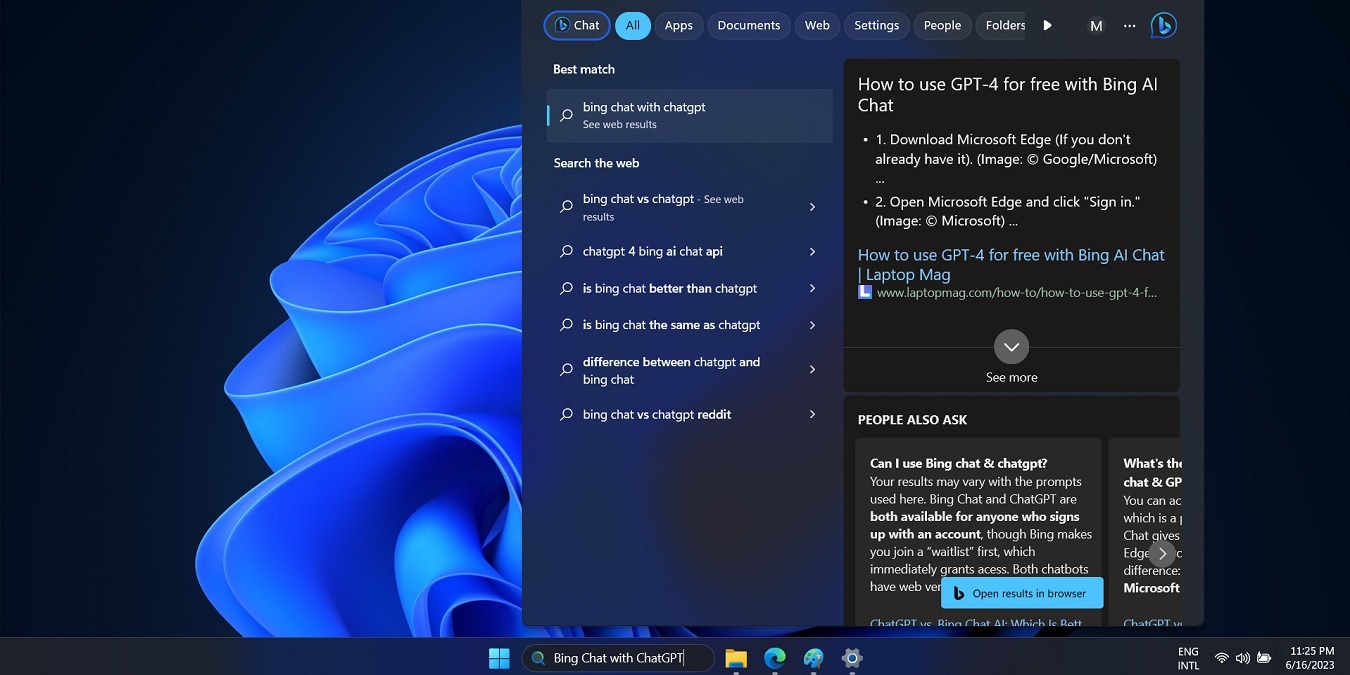
Bing Chat based on ChatGPT’s GPT-4 model is a new feature in Windows 11 search box. Let us find out how to use this invaluable feature.
By Sayak Boral – Jun 26, 2023
There are tricks to searching online in a specific country, but it’s more accurate to change the engine for country-specific results.
By Charlie Fripp – May 19, 2023
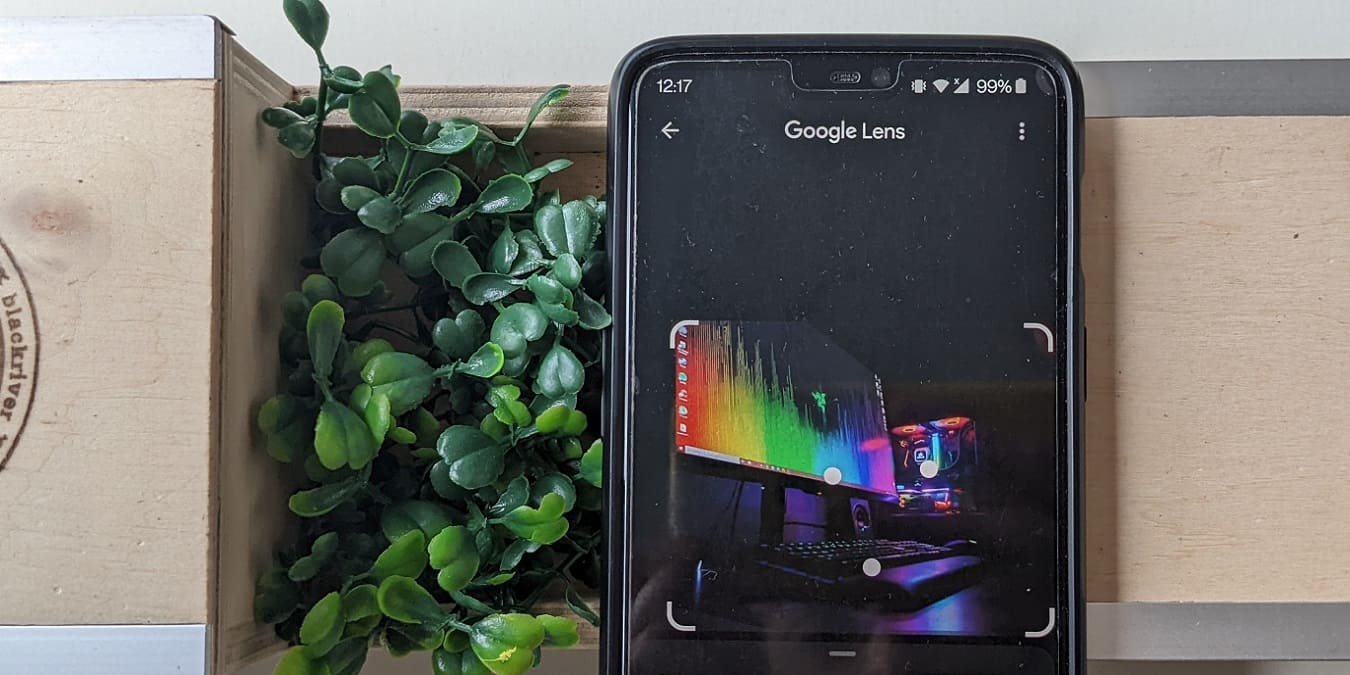
Doing a reverse image search on Android is possible if you have the right tools. This post walks you through the options.
By Alexandra Arici – Dec 21, 2022
Annoyed that Windows Search, News, and Weather open all links in Edge and Bing? Learn how to make links open in your default browser instead.
By Brandon Li – Nov 18, 2022
You don’t need anything more for a quick conversion.
By John Ruiz – Jul 30, 2022
Do you get accurate search results every time?
By Megan Glosson – May 25, 2022
Is it possible to find a safe browser?
By Laura Tucker – May 25, 2022
While Bing is not as popular as Google, it does have some features that make it better than Google. Check out some of its useful features here.
By Sayak Boral – Aug 26, 2021
Using Bing on Windows 10 to search for a Google Chrome download can inflict you with malware and adware when downloading Chrome.
By Laura Tucker – Oct 29, 2018
If you need to find something on the Internet, you go to Google. But have you tried the other options? Let’s find out how other search engines fare in answering your questions.
By Andrew Braun – Jul 31, 2018
The thing about a digital map is that it requires an Internet connection to be accessible, which is not always possible when you travel. Learn how you can use Bing Maps offline in Windows 10.
By Simon Batt – Dec 27, 2017
Not everyone is a fan of the Bing search engine. If you want to change the default search engine in Microsoft Edge to Google, here’s how it’s done.
By Vamsi Krishna – Apr 25, 2016
Next >
Affiliate Disclosure: Make Tech Easier may earn commission on products purchased through our links, which supports the work we do for our readers.