Linux has several different command line tools that can encrypt and decrypt files using a password supplied by the user. Let’s take a detail look at some of them.
Exposé is a handy feature in Mac that re-arrange all open windows so you can find the one you’re looking for. The good thing is, you can get Mac’s Exposé in Windows too.
Most users conveniently classify viruses, worms, trojans, spyware as “viruses”, but the fact is they are not really the same. This article explains it all.
Tired of having folders full of unneeded archive files on your Mac? Learn how to automatically move archive files to trash or delete them after expanding.
Screencast videos are an ideal tool to provide instructional assistance. Kazam for Linux is simple enough for new users, and offers tweakable controls to experienced users.
A fake piece of software will do everything it can to convince you that it’s real. This is particularly true for a fake antivirus program. How can you detect this?
If you have a large amount of tabs open in Firefox, wouldn’t it be much easier if you could preview your Firefox tabs just by hovering your mouse over them? Here’s how you can do it.
When you download a file in Firefox, a blank tab will open for no reason. Wouldn’t it be better if it didn’t happen at all. Here’s how to put an end to it.
Technology myths are everywhere. On occasions, it costs you money and make you poorer. Let’s take a look at some of the technology myths that cost you money.
Don’t want your browsing history, previously typed URLs or bookmarks displayed when searching from Chrome’s Omnibox? Use this quick trick to exclude them.
People now have the option to buy a smartphone that has a whopping 6.3-inch screen size. Have we gone too far, or are we seeing a new era of consumer choices?
Gmail filters is a good way for you to organize your inbox without you doing the manual work. Here are a few ways that you can make good use of Gmail fliters.
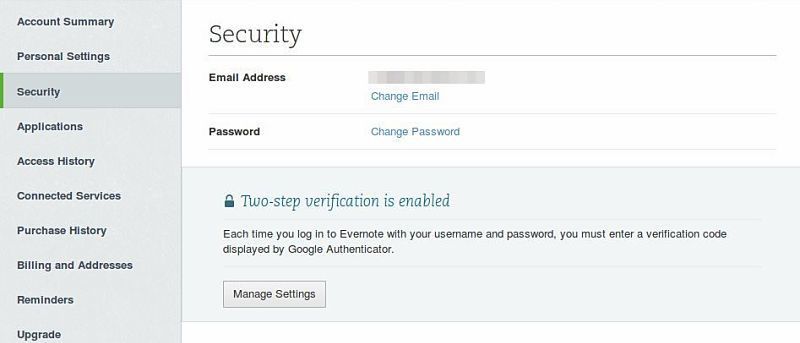
Add an extra layer of protection to your Evernote account by enabling two-step verification. A code will be sent to your mobile phone whenever you log in.
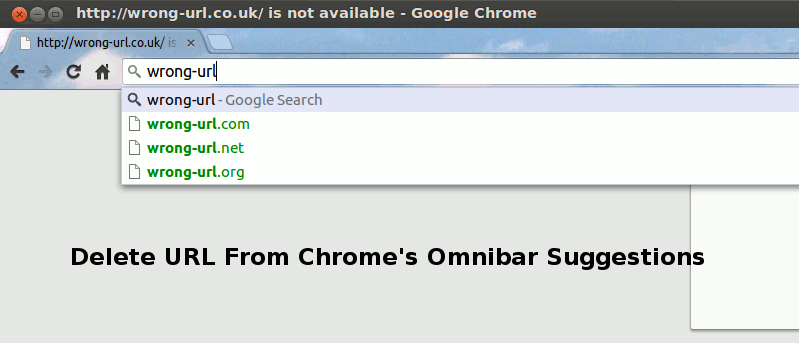
If you entered a wrong URL in Chrome’s omnibar, it will continue to show up in the suggestion, which can be rather annoying. Here is a quick way to delete a URL from the Chrome omnibar.


![Automatically Move Archive Files to Trash After Expanding [Mac]](https://maketecheasier.com/wp-content/uploads/2013/10/move-archive-files-trash-mac-featured.jpg.jpg?width=400&height=225&aspect_ratio=16:9)