Google Sheets may not be as feature-rich as Excel, but there’s a lot more to it than first meets the eye. Here are some tips and tricks for how to use Google Sheets which should ensure you get off to a smooth start.
You know the basic password rule: it has to be strong to be secure. If you want a quick and easy way to make a strong password, here are some of the best resources to generate passwords online.
Chrome is easily the most popular web browser on the planet. If you want to cash in on the trend, you can build your own Chrome extension. Here’s how to do so.
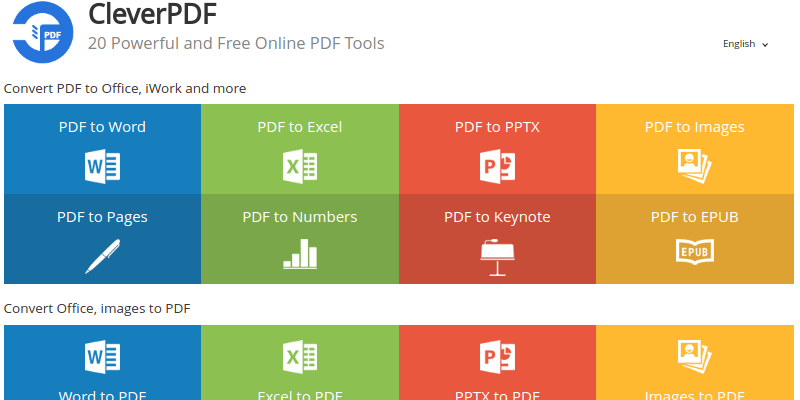
Need to convert or edit a PDF file? CleverPDF does it all from conversions to encrypting and decrypting to combining and splitting to watermarking and more!
Digmine is a new cryptojacking attack vector that uses a combination of Facebook Messenger and Chrome to infect users. Learn how it works and how you can block it.
Firefox 57 comes with a lot of changes, and that includes a new tab design. Learn how you can customize the Firefox Quantum new tab page to your liking.
The release of the new Firefox Quantum promises amazing speed, new minimal design, and a bunch of changes that will make Firefox go head-to-head against the other browsers.
While Google moved their custom templates to their GSuite service, you can still create your own templates in Google Docs. If you are using the same document layout over and over again, here’s how you can create your own custom Google Docs template.
Coloring images is not just for kids. It has become a popular activity for adults, too, because it’s fun and a great stress-reliever. Here are 5 coloring sites for adults to start with.
It can be confusing why people choose to share PDF files with others instead of the editable .DOCX format. Here are some of the benefits and drawbacks of using the PDF format.
If you’re looking for a Google Docs alternative, Dropbox Paper is the new kid on the block. Here is what you need to know about Dropbox Paper and its uses.
When you open an email in Gmail or Outlook, it will automatically be marked as read. Here’s how you can stop Outlook and Gmail from marking emails as read.
If you are sharing your PC with others and don’t want them to install any extensions, here’s how you can disable and block extensions in the Edge browser.
When you are online, your computer/browser gives your location away. Here’s how location tracking works over the Internet and how you can protect yourself.