
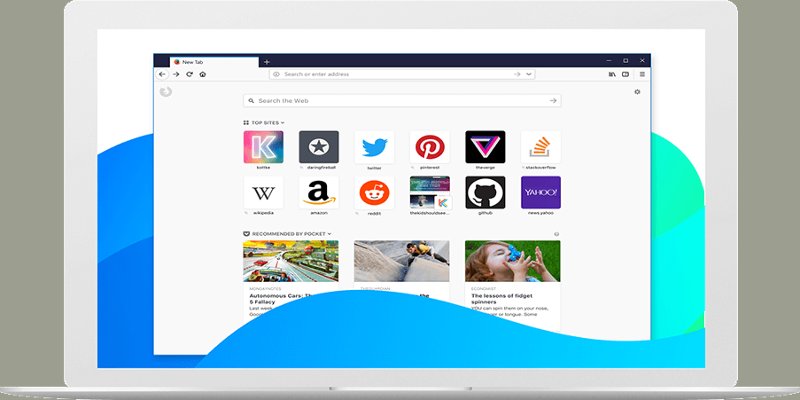

Firefox 57 comes with a lot of changes, and that includes a new tab design. If you’re not happy with the new tab design, there are options when it comes to customizing the Firefox Quantum new tab page.
For example, it’s possible to add a background image to the new tab. You can also have your favorite sites appear with every new tab so they’re easier to access. There are different options when it comes to adding your own personal touch; let’s see what they are.
1. Add a Background Image to Firefox 57’s New Tab
If you find Firefox 57’s new tab page dull, add some life to it with the New Tab Tool 86 extension. With this tool you can add more tiles, add an image from your computer, and even see the recently closed tabs.
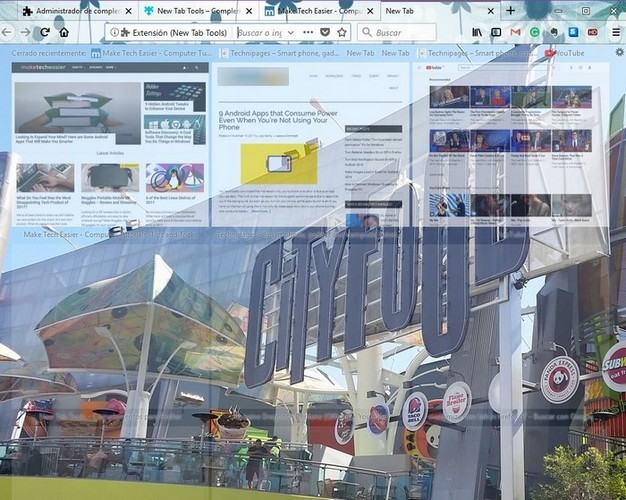
To add an image, click on the cog wheel on the upper-right corner. At the bottom left you should see the option to add your photo. You can also decide how many tiles you want per row and how many columns. There’s also an option to choose between a dark and light theme as well.
2. Get the Old Tab Page in Firefox Quantum
When you open a new tab in Firefox 57, you see the search bar at the top, followed by the most visited, and finally with some highlighted sites. If you don’t like the new design and want to revert back to the old tab page in the pre-Firefox Quantum era, you’ll need to type about:config in the search bar.
Click “Yes” and say you’ll take the risk of voiding your warranty. Type browser.newtabpage.activity-stream.enabled in the search bar and click on “True” until it turns into “False.” Reboot Firefox and the next time you open a new tab, you’ll see the new (or perhaps, the old) changes.
3. Customize the Most Visited Sites in a New Tab
At the top of a new tab, you’ll see the sites you visit the most. To either add or remove a row, click on the cog wheel, and on the “Show two rows” option under “Most Visited.”
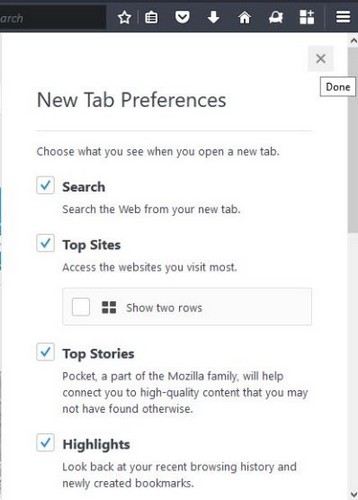
As long as you’re in the Settings tab, you can also remove the search bar and choose to get information from Mozilla about updates and even a meme here and there.
4. Add a Yahoo Look to a New Tab
With the New Tab by Yahoo extension, you get a new tab but with a touch of Yahoo. You get a new image with every new tab. For example, with one tab you can get an image of a mountain and with another an image of flowers.
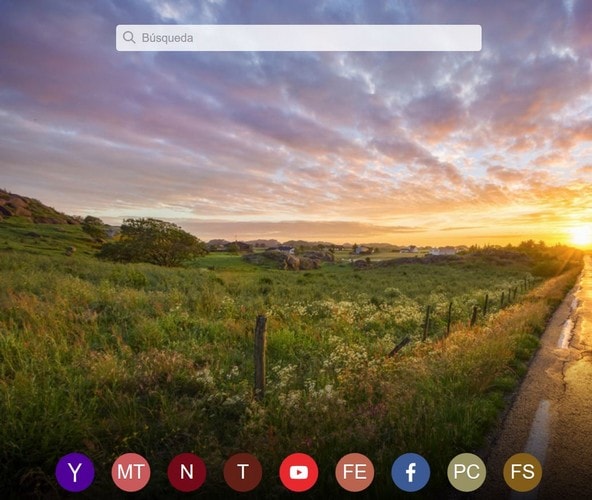
At the top you’ll see what’s trending and at the bottom shortcuts to sites such as Yahoo, Facebook, Firefox extensions and more. If you use the search bar, it will give you your results by using Yahoo (obviously) as the browser that gives you the results.
5. Have a Particular Site Open with Every New Tab
If you have a blog and want Firefox to open it every time you launch a new tab, that can easily be done by installing the New Tab Override extension. Once the extension is installed, go to Firefox’s settings and then to the extensions option.
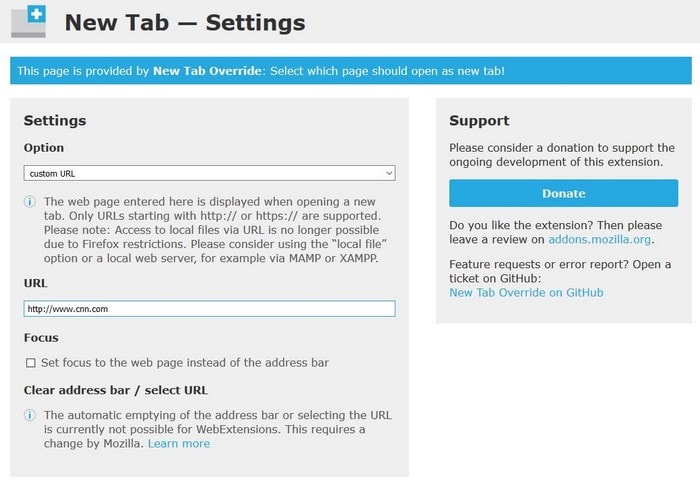
Click on the extension, and you should see the space where you can add the site URL. You can only add one site. If you try to add two, the new tab will simply freeze.
Conclusion
Just because Firefox Quantum’s new tab page is different, it doesn’t mean it also has to be boring. These options will help you personalize the new tab page to best suits your needs. How are you going to personalize your new tab page? Share your thoughts in the comments below.