

When it comes to creating documents for different systems and devices, you can almost always count on the universal PDF file to be compatible. Whether you’re using Windows, Mac, Linux, or a mobile device, you can quickly and easily view PDF files without any trouble. The same cannot be said about documents from office programs like Microsoft Office and iWork.
This is why converting documents to PDF files is so useful and why CleverPDF, a one-stop-shop for all your PDF file needs, is a hero when it comes to doing so. CleverPDF doesn’t just convert documents to PDF files, it can also convert PDF files to documents so that they’re easier to work with on your specific platform. Additionally, there are other useful tools available that we’ll get into below.
This is a sponsored article and was made possible by CleverPDF. The actual contents and opinions are the sole views of the author who maintains editorial independence, even when a post is sponsored.
Convert PDF Files to Other Formats
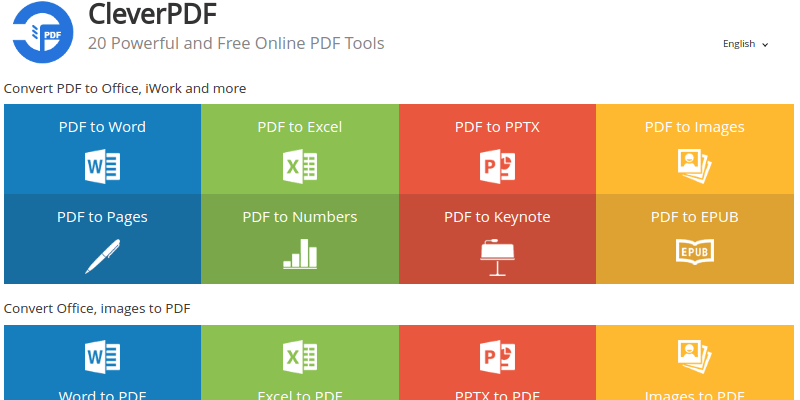
With CleverPDF, you can convert PDF files to the following formats:
- Word Documents
- Excel Spreadsheets
- Powerpoint Presentations
- Images
- iWork Page Documents
- iWork Numbers Spreadsheets
- iWork Keynote Presentations
- eBooks in ePub Format
If you want to convert a PDF file to a Word document, click “PDF to Word” on the home page and then upload the PDF via the file picker or by dragging and dropping it to the page. You can also choose your preferred output: Docx or Doc.
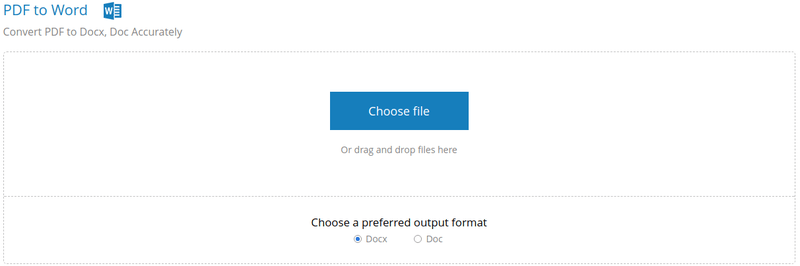
Once you start the conversion, a progress bar is displayed so that you can see how much time you have left. Obviously, the larger the file, the longer it’s going to take to convert. For a single page PDF, it only took a couple seconds to convert.

I even tried a large 96-page ebook, and it only took a few seconds to do the conversion. Impressive!
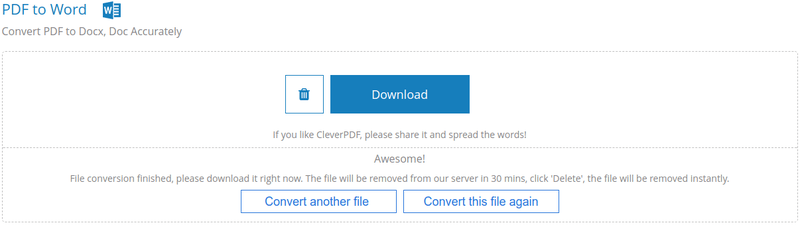
It’s also important to know that you only have 30 minutes to download the file. After that it will be removed from CleverPDF’s servers, so be sure to keep an eye on your large files so that they’re not sitting too long after completion!
Convert Other Formats to PDF Files
With CleverPDF you can convert these formats to PDF files for easy reading on Windows, Mac, Linux, Android, and iOS:
- Word Documents
- Excel Documents
- Powerpoint Presentations
- Images
For instance, to convert an image to a PDF file, click “Images to PDF” on the home page and upload your file. You can also choose a PDF page size (based on image or custom size) and page margin (0-256px).
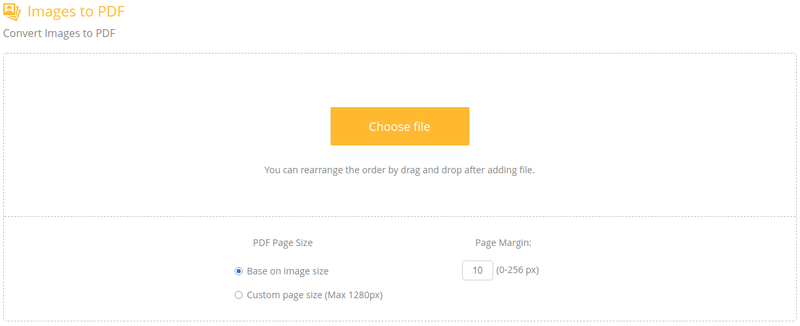
It only took a few seconds to convert a 4MB image. This is a great way to create single-page images for PDF creations like ebooks, manuals, etc.
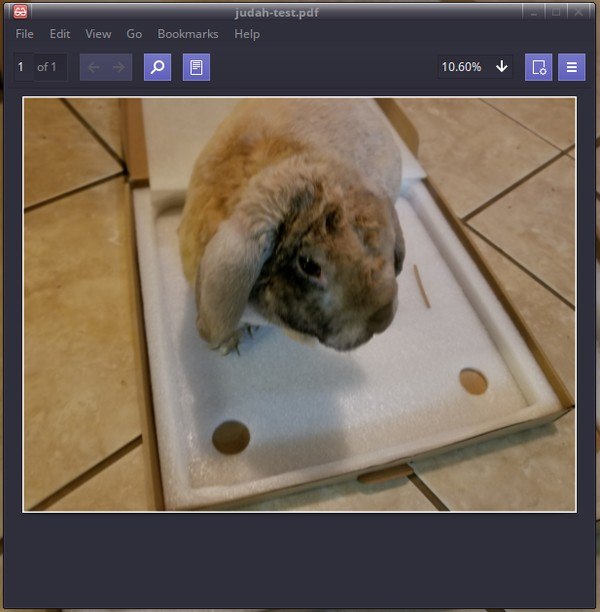
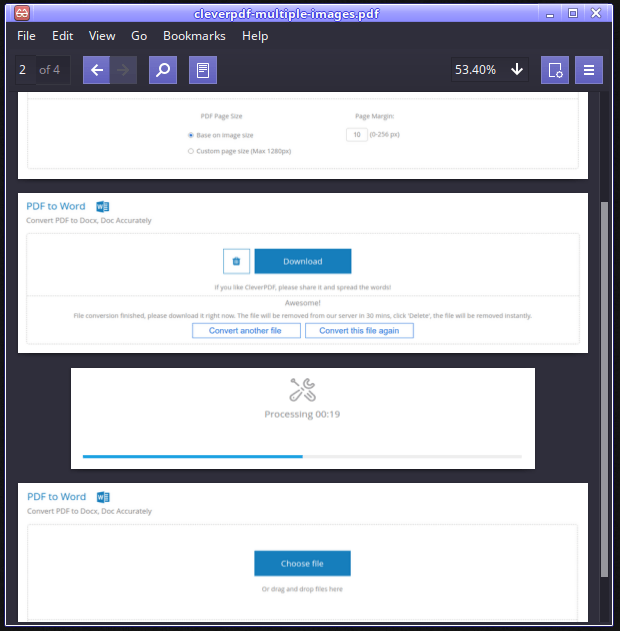
It’s not just for single images, though. You can select multiple images and add them to a single PDF file. However, each image counts as its own page.
Additional PDF File Tools
Along with converting files and documents, you also get access to these tools:
- Encrypt – Protect PDFs files with passwords and restrictions
- Unlock – Remove passwords and restrictions from PDF files
- Combine – Take multiple PDF files and combine them into a single PDF
- Split – Extract pages and split PDF files into multiple PDFs
- Watermark – Add text and water images to PDF files
- Rotate – Rotate or change the orientation of a PDF file
- Number – Add page numbers to PDF files
- Compress – Reduce the file size of a PDF file
Final Thoughts
With a super-clean, user-friendly, and easy-to-use Web interface, CleverPDF definitely deserves a spot in your bookmarks.
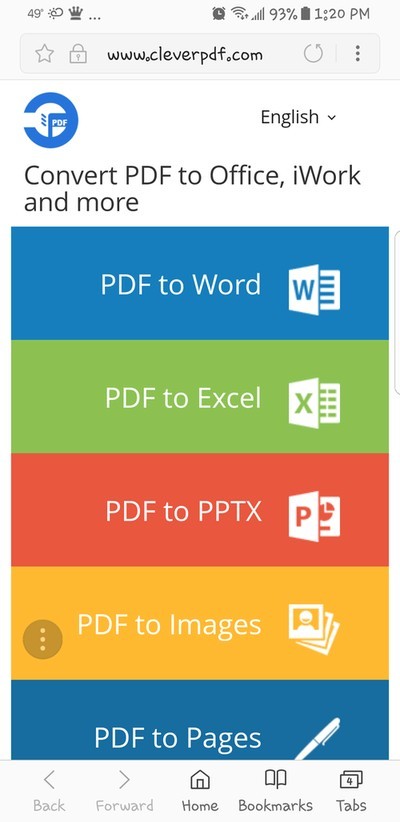
Not only that, but it also has a responsive design that looks great and makes it easily accessible on mobile devices. Honestly, what more can you ask for?