With the new year comes resolutions. I myself have made a few that I am working to keep. Some people I know have vowed to be more organized. Having an Android phone can make getting your digital life more organized if you let it.
My Life Organized is a cool little Android application that lets you treat your life like a project. Think of MLO as a to-do list on steroids. Let me explain.
[Read more...]
Often, when group plans, such as outings and parties, are made, participants complain about the tasks they are assigned. Because normally tasks are assigned without consent, people’s tasks usually do not match their best abilities. For instance while arranging a get-together between friends, you would ask a friend to bring the food while he would be more suited to arrange a venue.
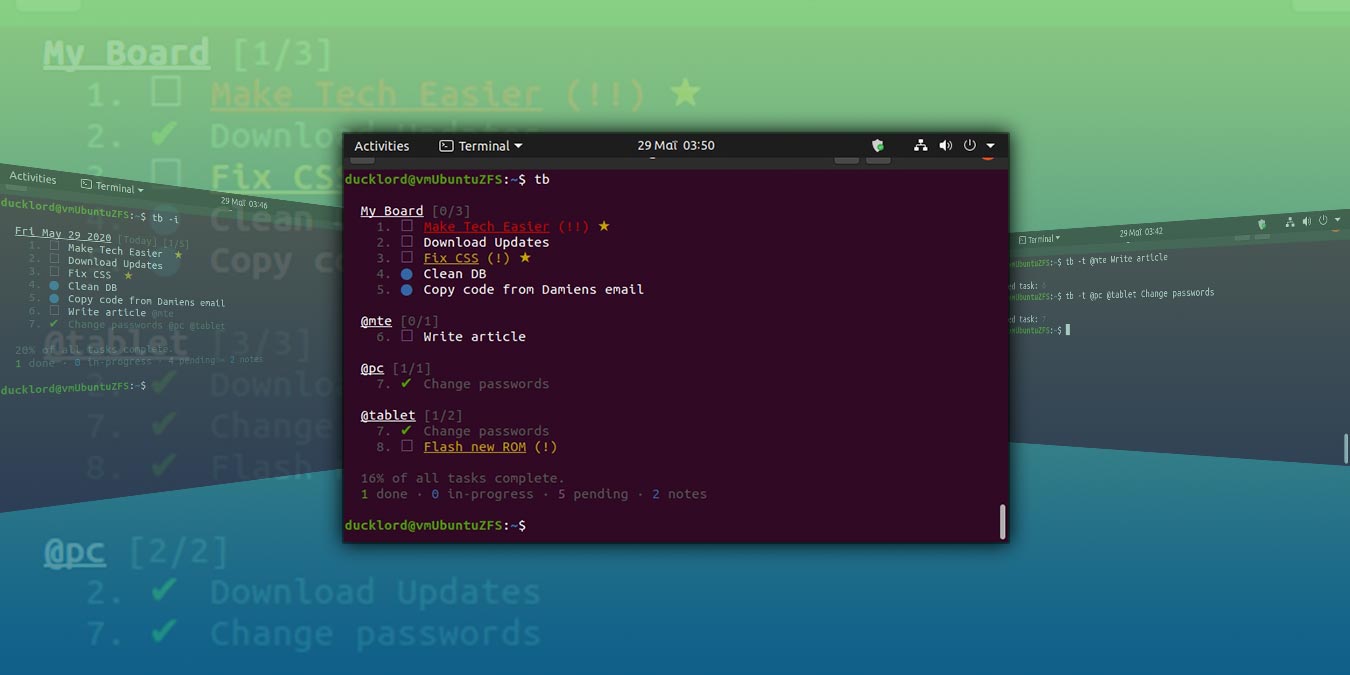
I like a good GUI as much as the next person, but some things beg for a little more simplicity. One of those things is a to do list. Which is why I turn to the command line and a text file for mine.
There are many iPhone apps that do similar things to Siri Assistant, but none of them do everything Siri does. It’s an app that does so much, it’s usually underused. It performs exactly as billed, like a much-needed personal assistant.
As a freelancer, I have tried all types of to-do lists and electronic notepads to help me be more efficient and keep track of all of my work and clients. There are many good desktop solutions and also many good online cloud-based solutions. But if you want something simple that you can install on your own website and domain,
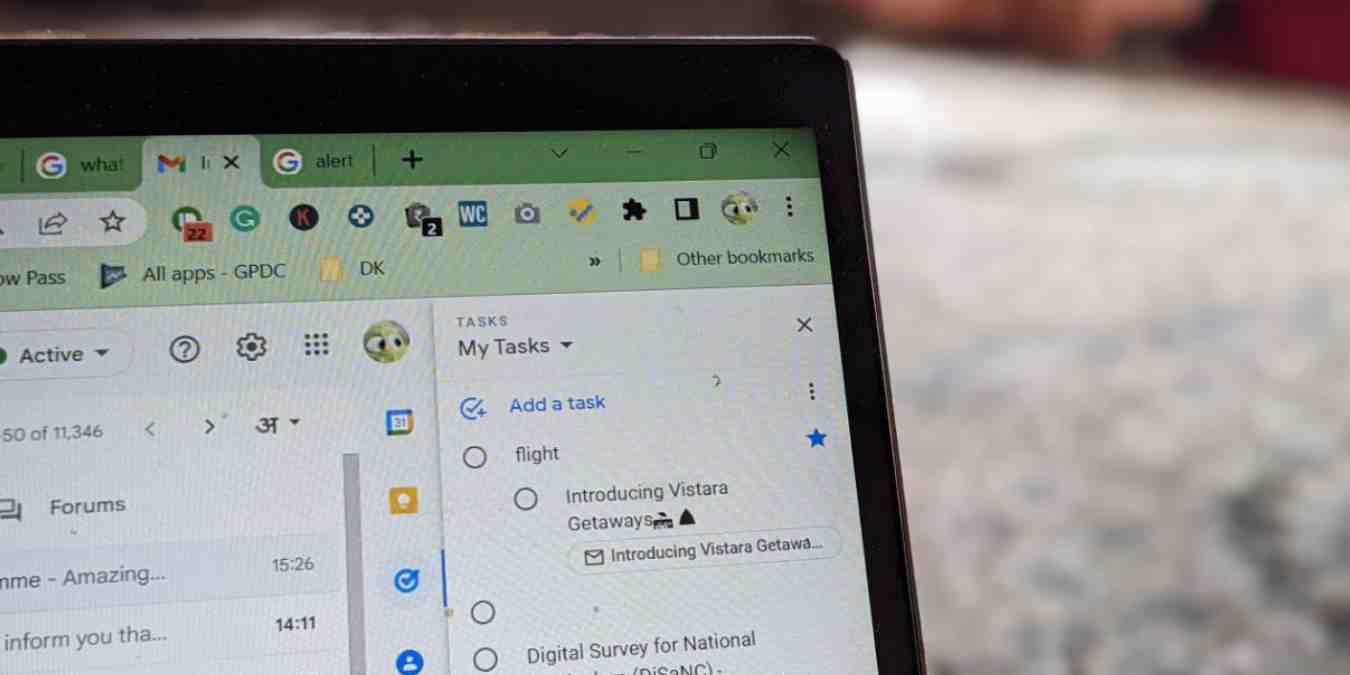
Ever receive an email that reminds you of a task that you need to complete? What do you do then? Open another tab, load the to-do list site (perhaps Google tasks?) and add the task into your to do list. What if there is a simpler way to convert your emails into tasks and manage them right within your Gmail? Yes, Taskforce is the one that I am talking about.
One of the best feature that I love in Android is the ability to multi-task. Surfing the Web and remember that you need to send an email? Simply switch to the Email app, send your email and return to the browser to continue your surfing. Came across an excellent article in Google Reader and wanted to share with your friends? No problem! Switch to the TweetDeck app, post the link and switch back to Google Reader to continue reading. Here are 8 different ways that you can use to supercharge your multitasking experience in Android.
Following on from