Some useful File Explorer tips you can use to make File Explorer better.
By Karrar Haider – Dec 25, 2025

Can’t type into the Windows Search bar on your PC? Read on to learn how to fix the typing issue and get back to searching.
By Meenatchi Nagasubramanian – Oct 3, 2023

If you upgraded from Windows 10 to 11, chances are that your search bar might not be functional. Here’s how to fix this problem.
By Sayak Boral – Jul 24, 2022

Meet Liquid, your free personal search bar for Mac that helps to simplify the process of getting more information on selected text.
By Jeffry Thurana – Mar 4, 2016
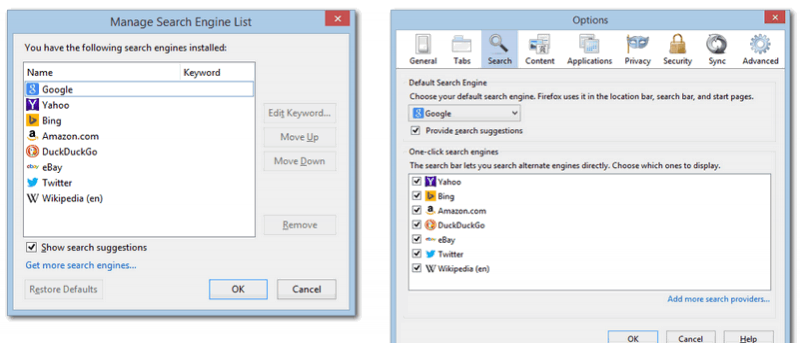
Firefox 34 changed the look of the search box. For those who are not used to the new look, here’s how you can restore the old search UI in Firefox.
By Paul Ferson – Jan 7, 2015
Affiliate Disclosure: Make Tech Easier may earn commission on products purchased through our links, which supports the work we do for our readers.





