










If there’s one thing that bothers me about the Facebook app for iPad, it’s that I can’t add captions onto my photos. I can do that by opening Facebook in Safari, but I can’t add the photos through there, nor can I do batch photos. This means a process of constantly moving back and forth between the two apps. I knew there had to be a better, easier way.
I started a search in the App Store to find an app to help me out with this process. The first two apps failed to deliver the results I needed. I then tried iLoader for Facebook HD and finally found a way to add those photos in one simple step, even when adding them in a batch.
[Read more...]
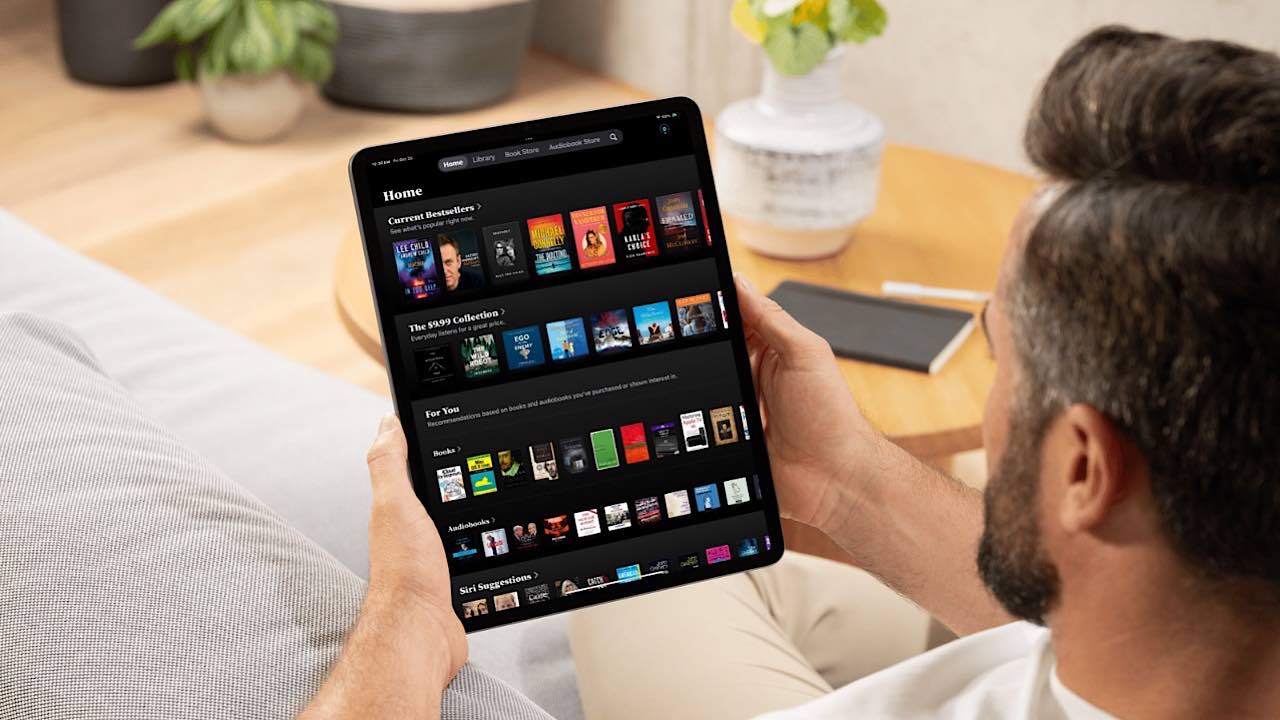
Apple had an education event in late January in New York that allowed any company to dip their foot in the textbook industry. This was through the release of iBooks 2, a more textbook focused iBooks app than the previous version, for the iPad. In addition, Apple released iTunes U for iPhone, allowing individuals to enjoy the college course videos and podcasts they know and love from iTunes, on their iOS devices. Last but not least, Apple made it possible for every individual to have a chance to get into the publishing field with iBooks Author for Mac. Today, we will crack open the application to see what it offers us.
One of the problems with iOS devices is that they are so universal and can do so many different things that they often aren’t used by just one person. Yet sometimes you have pictures, notes, and websites that you might not want the whole family privy to. That’s where
If there is one thing more disturbing on the news these days, it’s the amount of trusted adults that are being arrested for sexual offenses on kids. It makes parents lose all sense of how to keep their children safe, when they don’t even know if the child’s teacher, coach, uncle, or neighbor can be counted on as a safe haven. While the apps reviewed here will help to keep your child safe, it needs to be mentioned that true safety needs to go beyond help that you can receive from apps. It needs to come from every area of their lives.
For many consumers these days, a Mac of any type can be a really difficult purchase to make. Some individuals find the price too difficult to look past. This makes some people feel that there are no alternatives toward getting a Mac, with some refurbished models still considered quite high. However, there is a great alternative to purchasing a Mac – get an iPad. Today, we will go over the steps to make an iPad the best Mac alternative that it can possibly be. From products to applications, you can find yourself with a “Mac-Pad” in no time.
With iOS, there are choices when using a search engine. You can either use it from within Safari or another browser, just like you would in Mac OS, or you can use a separate search engine app. Which option you choose depends much on personal preference.
There are many location-based applications available on the App Store today for the iPhone. From FourSquare to Gowalla, you have many choices, unique of each other, to choose from. They are great, but there are many times when I know I have a dinner with some friends that night, but forget to check-in. In another example, you may want to go out to dinner on Friday, but you’re not sure who wants to come. With both situations, Forecast can come in handy. Forecast allows you to check-in ahead of time, perfect for those times when you forget to check in or when you want others to know you have an event coming up.
Craigslist is maturing into the premiere way for people to place their classified ads, whether it be to sell merchandise, place a personal ad, or look for a job. There are so many different Craiglist lists out there that it can get a big overwhelming, but a few iPad apps make that entire process much easier.
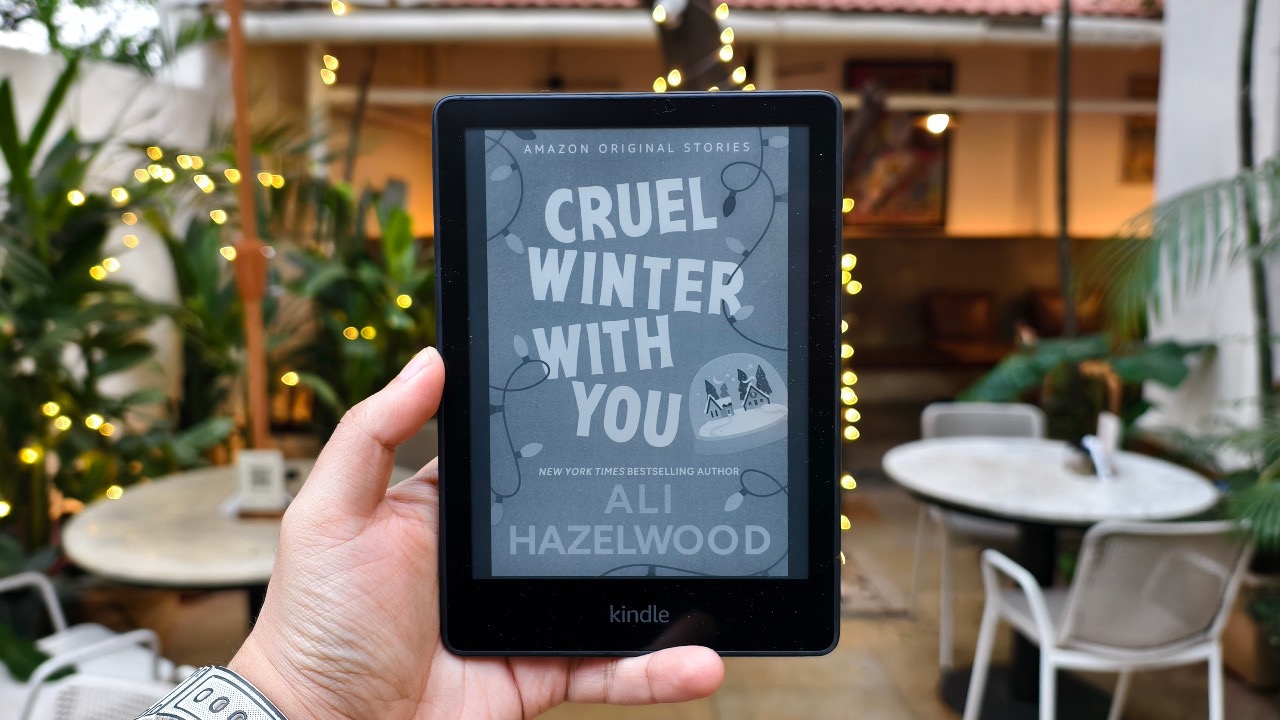
Just in case catching up with your reading wasn’t easy enough on the Kindle apps for iOS and Mac, Amazon has made it even easier. Previously, iOS apps turned the iPhone and iPad into Kindles, and allowed the same reading experience on a Mac. Now they have taken the experience one step further.
We all know that Apple itself doesn’t go to CES, or at least not to show off new gadgets, but third party companies are there to show off some of their newest creations in the form of iOS accessories and add-ons. At CES, there were a ton of these ranging from cases to hook ups you can use with games already in the App Store. Though all of the hundreds of accessories presented, MTE has decided to take a couple of our favorites to show you. Here are the best of the best accessories for iOS devices shown off at CES 2012.