




BDlot DVD Clone Ultimate + Free Giveaway

bdlot-logoDo you ever need to copy DVD with same perfect quality as the original one? What about backing up DVD as ISO file or DVD folder on hard drive or USB? BDlot DVD Clone Ultimate could be the solution for you. And yes, we have a free limited giveaway for you.

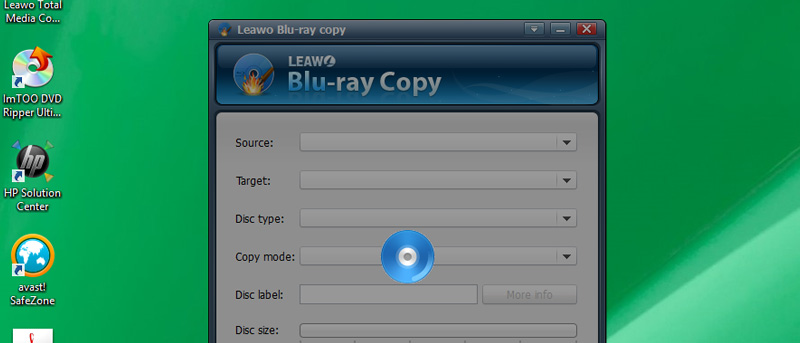
BDlot DVD Clone Ultimate is an application for Windows that allows you to backup your DVD to hard drive or USB with original contents. It can unlock all known DVD copy protections including DVD Region, CSS, CPRM, CPPM, RC, RCE, APS, UOPs, SONY ARccOS, Rip-Guard, Disney X-DRM protection, etc. Thanks to the GPU accelerating technology, your time and energy spent copying DVDs can be reduced to a great extent. On top of that, you can clone an entire DVD to a blank one and burn a desired DVD from ISO image file, hard drive DVD folder, VOB or MPEG file. Easy work maintains original high video and audio quality!
[Read more...]

Ripping DVDs in Linux with OGMRip

A DVD to ripDo you have DVDs that you want to back up or take portable? Of course you do. Well, ripping those DVDs doesn’t have to be a major chore.

In fact, ripping DVDs can be quite easy. If you’re a Linux user, you have a number of excellent options. And you can turn to the command line or go GUI. Going GUI can be a bit easier, especially if you only rip DVD once in a blue moon. With a GUI application, you don’t have to worry about remembering (or forgetting) lengthy command strings.

Presented for your consideration OGMRip. It’s an easy-to-use and efficient GUI application for ripping DVDs. Let’s take a look at how to use it.
[Read more...]

WinX DVD Copy Pro Giveaway. Exclusive for MakeTechEasier Readers [Time Limited]

winxdvd-copy-pro-logoWe are glad to bring you another free giveaway. This time is WinX DVD Copy Pro and it is exclusive only for MakeTechEasier readers.

WinX DVD Copy Pro is the latest software from Digiarty and it allows you to make DVD copy without any quality loss, be it from DVD to DVD Copy or DVD to ISO Image Clone.

The usage is simple. Simply insert the DVD, select the option you want and click “RUN”. That’s it.
[Read more...]

How to Copy DVDs With Your Mac

disk-utility-cdWe all love our DVD collections, but few people relish the idea of having to re-buy some of our favorite titles, or losing some of your most cherished family memories because you lost a disk. What is the best way to keep your memories safe, or protect your investment? Make backup copies. While we cannot, of course, suggest that you should make illegal copies of your favorite movies, we can tell you how to make legal copies of non-protected DVD’s. That way, you can make a backup of your daughters dance recital, or your soccer game. These kinds of DVDs will not be copyright protected, so copying them will be fine
[Read more...]

How to Get Your DVDs Onto Your iOS Devices

mac-theripper-iconHave you ever wanted to watch a movie on your iOS device, but not wanting to spend money in the iTunes Store because you already own the DVD? Maybe you just don’t know the best way to encode your movies to not just work on your iPhone, iPod Touch and iPad, but also to have them look pretty good. While Apple doesn’t really provide any easy way for you to do this, with this simple tutorial (and a couple extra apps), you’ll be able to view your DVDs on any iOS device. Keep reading and follow these instructions to help you save money and enjoy your favorite movies on the go!
[Read more...]

MacX DVD Ripper Pro Free Giveaway

macx-dvdIf you are looking for ways to rip your DVD in Mac, you are not going to miss this deal!

I have just received an email from Digiarty this morning that they are giving away their most popular software – MacX DVD Ripper – in celebration of the launch of their new site and the upcoming Halloween.

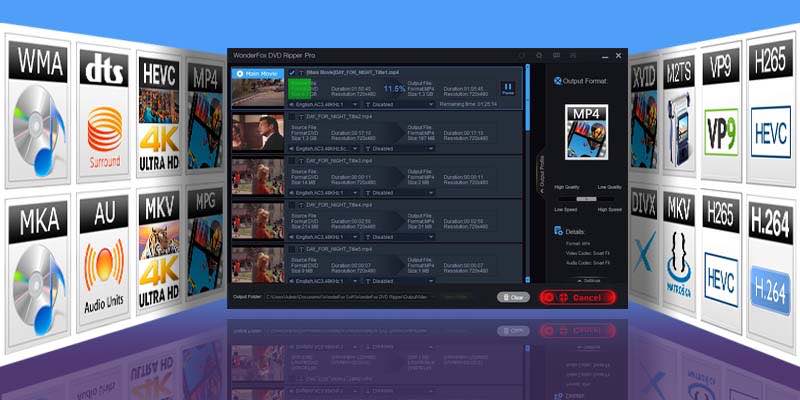
The MacX DVD Ripper software is able to rip your favorite DVDs to high quality AVI, MP4, MPEG, FLV, AVI, iPhone 4, iPad, iPod touch 4, PSP, Apple TV format. It also supports the H264 video format used in iPhone, iPod Touch and iPad. In addition, it is also able to access all types of DVD protection technology including CSS encryption, Sony ARccOS encryption, RCE Region protection, Disney X-project DRM, etc.

Here is what you need to do to grab this free giveaway:
[Read more...]

Wondershare DVD Slideshow Builder + Free Giveaway

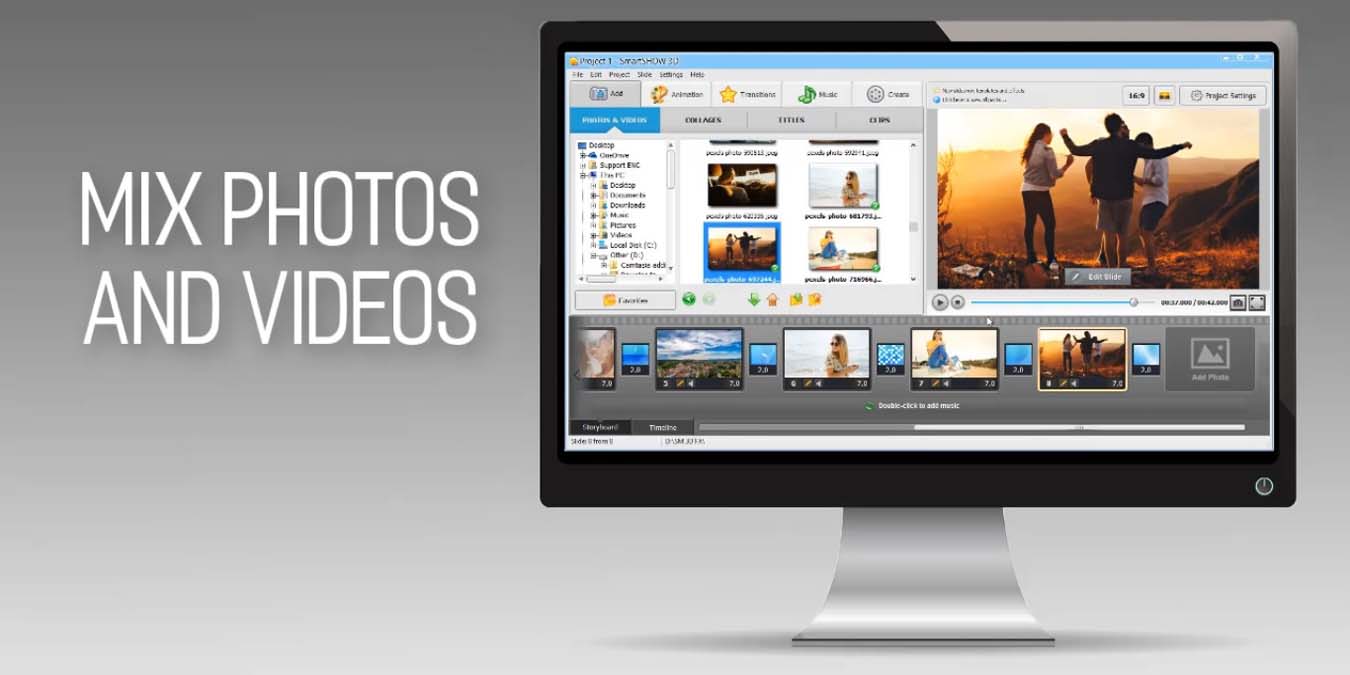
dvd-logoThe digital slideshow is an effective means of displaying all your digital content. Instead of your family and friends viewing a static sequence of your holiday photos and videos you can dress it up in imaginative ways to provide an interactive experience.

Simple products such as Microsoft’s Windows Movie Maker and Apple’s iMovie allowed early amateurs to link together a group of photos and videos with interesting transition effects and background music. More advanced non-linear editing software such as Apple’s Final Cut Pro and Avid’s Media Composer allowed a far greater feature-set for more professional film editors.

Falling squarely in between is Wondershare’s DVD Slideshow Builder Deluxe. This product aims to allow the budding editor to test the waters of photo and video editing, while having a fairly complete feature set to tempt the professional.
[Read more...]

Giveaway of the Week: WinX DVD Author

The giveaway contest has ended. Thanks for all your participation.

Thanks to all of you, the giveaway for last week: Daniusoft Video Converter Ultimate has received great responses.

The winners for the Daniusoft Video Converter Ultimate software are:

  1. lorant onodi
  2. Toby Shoemaker
  3. Nykau
  4. Favier Jonathan
  5. James Mayfield

We will get in touch with you shortly.

winx-dvd-authorNext, for the giveaway for this week, we are proud to present the WinX DVD Author.

While there are plenty of DVD authoring tools out there, WinX DVD Author is one of those that make all the technical stuff easy. You don’t really need to have any DVD authoring experience to use WinX DVD Author software. Just a few clicks and you can get your DVD ready. Read my full review on the software.

Digiarty Software has gladly sponsored 50 free licenses for the WinX DVD Author software. Here’s how you can win it:
[Read more...]

How to Burn a Windows 7 ISO Image to a DVD

windows7-iso-logoInstead of buying a brand new Windows 7 DVD, some of you might opt to download the ISO image from the Microsoft site and burn it to a DVD yourself. The problem is, a great percentage of the common mass is facing problem getting the ISO image onto the DVD. In this article we will tackle this problem so you can easily burn your ISO into DVD and install Windows 7 on your machine.
[Read more...]

Linux Gaming With Sabayon Gaming Edition DVD

sabayon-gaming-logoOne of the most common complaints I hear about Linux is that it’s just no good for gaming. Some complain about hardware support, others the lack of titles, others that it’s just too complicated. It’s true that Linux probably isn’t the first platform that comes to mind when I think about PC gaming, but some parts of that reputation are inaccurate or outdated. Sabayon Gaming DVD takes on that myth to see just what a Linux gaming system can do. It’s got a fast Gentoo base, built-in codecs and 3D driver support, Compiz, and many of the best games available for Linux. On top of the usual Gnome games, you get such titles as Neverball, Battle for Wesnoth, OpenArena, Tremulous, Warsow, Nexuiz, and Warzone 2100, all playable from the live DVD.
[Read more...]