The post editor in WordPress doesn’t allow you to add custom CSS styles by default. These are some ways to add custom style options to the WordPress post editor. Check them out.
On some servers your WordPress site may not display the correct IP address in the comments. Instead, WordPress displays the localhost IP address 127.0.0.1. Here’s how to fix an incorrect IP address in the WordPress comments.
When you uninstall a plugin in WordPress, it often leaves behind the database tables it created and a bloated database. Here’s how to easily delete those leftover database tables in WordPress.
Creating a staging area for your WordPress site gives you the benefits of testing, altering and improving your site’s features before they go live on the site.
Modal windows are frequently used by sites to attract users’ attention. Here are 7 WordPress plugins you can use to easily add modal windows to your site.
Disqus is one of the more popular third party commenting system on the web. Learn how to install and setup Disqus comment system on a WordPress website.
Are you looking to make some money from your WordPress site? Here are some of the best WordPress advertising plugins you can use to add ads to your site.
If you are setting up a WordPress site for your clients, you will want to make WordPress easier to use and avoid user errors. Here are some tips for that.
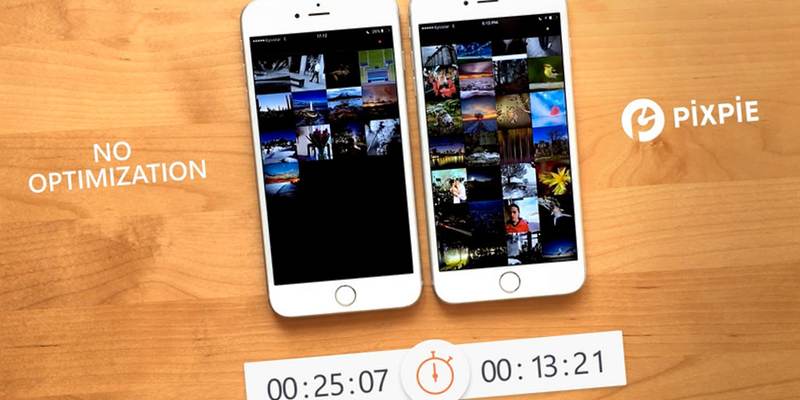
Optimizing and reducing the size of your images is one of the best ways to speed up your site. Here’s how to easily optimize images in WordPress with Pixpie.
For WordPress and Chrome users, there are plenty of Chrome extensions you can use to improve your WordPress usage. Here are some of the best extensions to use.
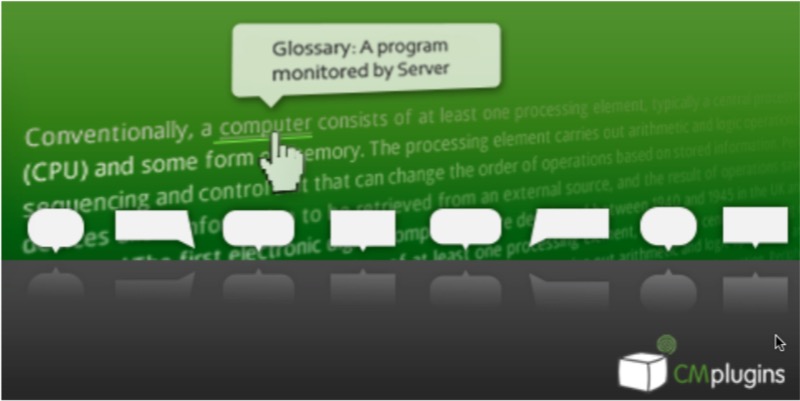
If your site is using terms that the general population is not familiar with, you can add tooltips and a glossary to your WordPress site to explain the terms. Learn how.
The latest trend in web design is using a mega menu to show all of the navigation menu. Here is how you can easily add a mega menu to your WordPress site.