


One of the best things about the Google Chrome browser is that it has an extension for almost anything. Being a WordPress user, you can make your life a tad bit easier and enhance user experience using the Chrome extensions targeted specifically for you. For instance, using the WordPress Chrome extensions, you can quickly check WordPress stats, edit stylesheets, control the admin bar, detect active themes and plugins on other sites, etc. Here are some of the best Chrome extensions for WordPress for you to try.
Also read: 7 of the Best Chrome Extensions You Need to Try
1. WordPress Admin Bar Control
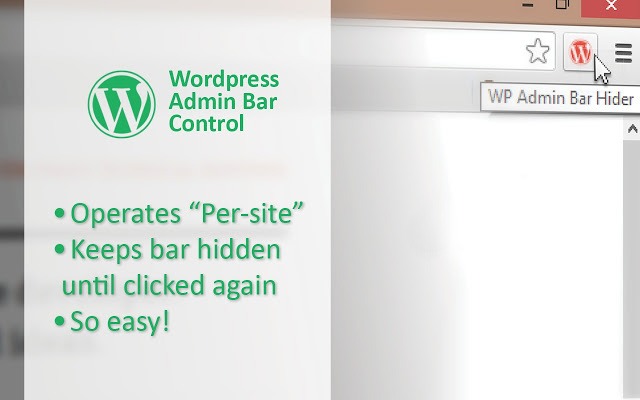
Once you are logged into your admin dashboard, WordPress displays a simple yet very useful admin bar on top of all frontend and backend pages. However, the downside of the admin bar is that it may sometimes hide a part of your site. Of course, you can always disable the admin bar from the settings page provided you don’t need the options to move quickly between backend and frontend. To make things easier, you can use a simple Chrome extension called WordPress admin bar control. Using this extension, you can toggle the admin bar on and off with a single mouse click.
2. WP Write
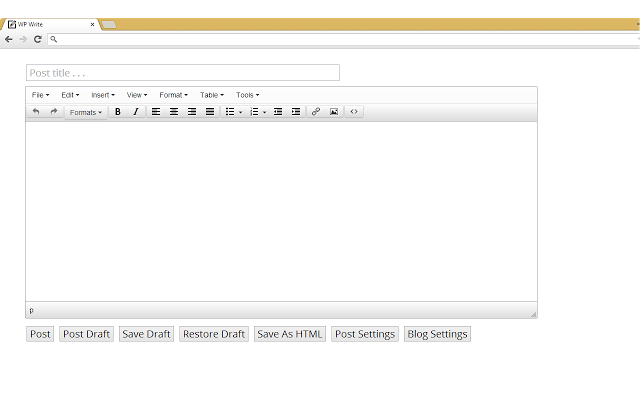
WP Write is a simple Chrome extension that provides you with a minimalist post editor. The good thing about this extension is that you can link it with your WordPress site so that you can directly publish posts from it or save quick drafts and post ideas.
3.Wordpress Style Editor
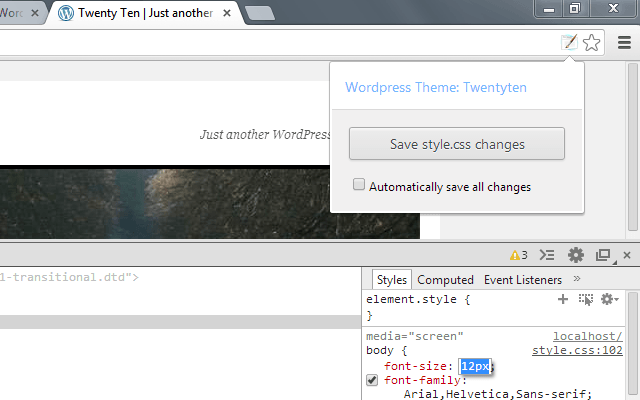
Google Chrome has one of the best developer tools for you to view and modify the site settings. Traditionally, once you modify the CSS settings, you either need to log into your FTP client or use the built-in WordPress editor to manually enter and save the changes. By using WordPress Style Editor, you can save those modified style settings directly from the Chrome developer tools. No need to use the WordPress editor or the FTP client.
4. WordPress Stats
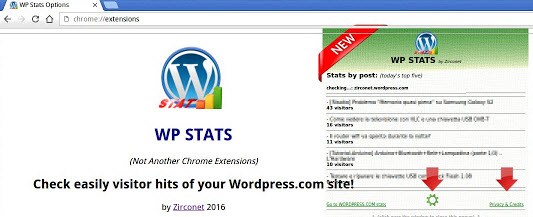
Do you like to monitor your WordPress stats every minute? WordPress stats extension is for you. This simple extension shows real-time stats and eliminates the need to log in to your WordPress site each and every time just to see your stats. All you have to do is enter the Akismet API key.
5. Dimensions
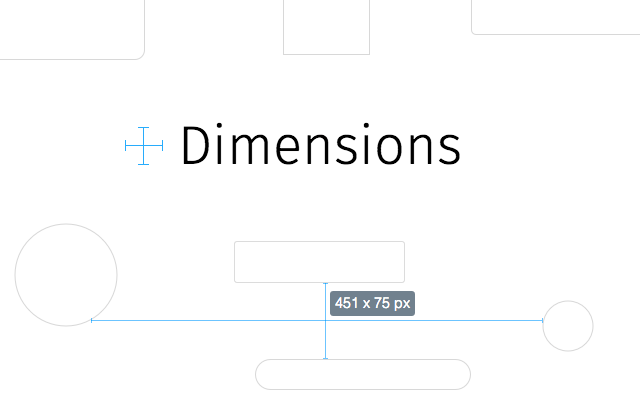
Dimensions is a simple extension that lets you find dimensions of different elements. For instance, you can use it to find the distance between two elements, know area boundaries, etc. A pretty useful extension if you make heavy WordPress theme modifications.
6. WhatFont
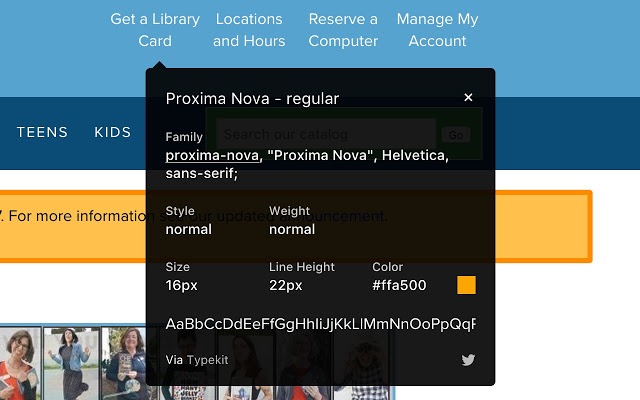
How many times have you wondered what font a website is using? Of course, if you know how to use the “Inspect Elements” feature in Chrome, you can easily find the font name. Alternatively, you can also use WhatFont. This extension instantly shows you what font a website is using and other useful details like font weight, style, line height, etc.
7. WordPress Theme and Plugins Detector
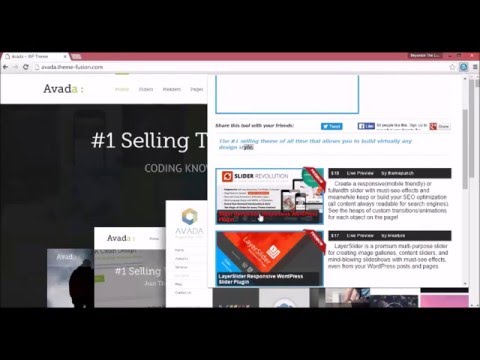
Just like with fonts, you might find a theme or other functionality in WordPress to your liking. In those situations, rather than stumbling around to find the theme or plugin name, you can use the WordPress Theme and Plugin Detector extension. With a single click, you can find what theme and plugins a WordPress site is using.
8. WordPress.org Plugins SVN Link
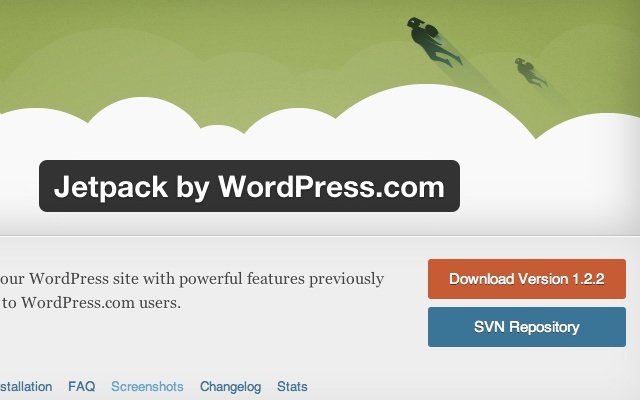
This plugin doesn’t add any functionality to your WordPress site. However, it is very helpful for developers and users who love to dig into the WordPress SVN repository. When you install and activate the WordPress.org Plugins SVN Link extension, it adds an SVN repository button right under the actual download button in the official WordPress.org download page.
9. Awesome Screenshot
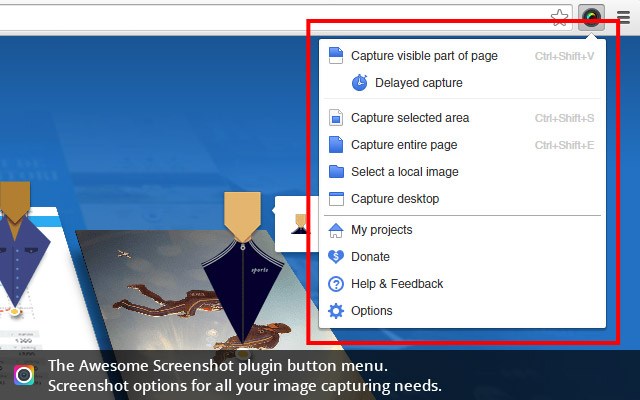
Awesome Screenshot is not necessarily targeted towards WordPress users but it is a pretty useful and powerful tool to take quick screenshots right in your browser. If you want to, you can even capture your desktop using this extension.
10. WordPress Version Check
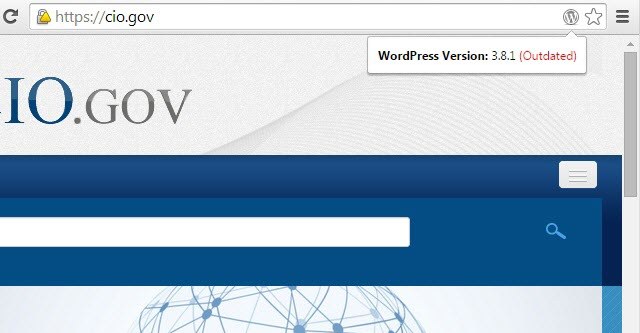
As you can tell from the name itself, WordPress Version Check lets you know whether a site is using WordPress or not and if it is, the extension shows you its version number. The good thing is the extension lets you know if the current version is up to date or not. This extension is really useful when you have multiple WordPress sites and want to quickly check if they are up to date or not.
Do comment below sharing your thoughts and experiences about using the above Chrome extensions for WordPress.