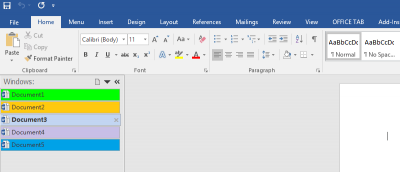
Tabs make everything easier and allow you to open multiple items as once. If you want to add tabs to the Microsoft Office interface, this guide is for you.
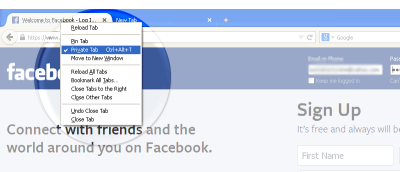
Private browsing in Firefox requires you to open a new window. The Private Tab addon allows you to open private tabs in Firefox instead of a separate window, making it easier for you to keep track of multiple sites at a time.
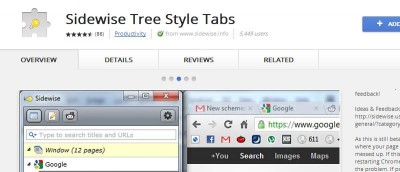
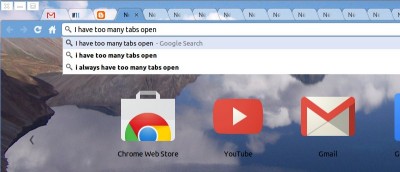
Looking for a way to overcome having too many tabs open? Use this quick trick to save and restore groups of tabs in Chrome without installing an extension.
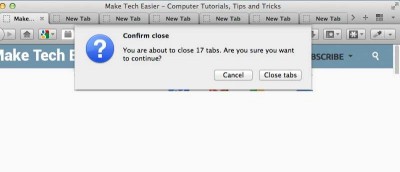
There are times when you opened too many tabs in your browser and it is causing the whole system to slow down. A quick and easy way to fix this is to close as many unused tabs as possible to minimize the memory usage. However, it can be a chores if you have tons of opened tabs. Luckily, most browsers come with a way for you to quickly close multiple tabs with a single click.
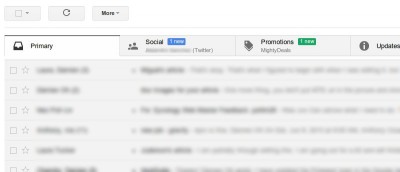
Google has recently introduced the new tabbed inbox in Gmail which will auto-sort your emails into various tabs and help you to be more productive. This new tabbed inbox interface is not activated by default. This article will show you how you can activate and configure the tabbed inbox in Gmail.
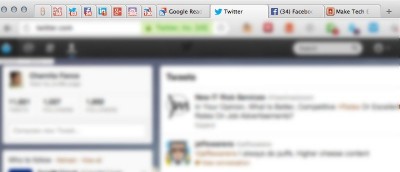
Do you use pinned tabs in Chrome as a way to keep up with your email and/or social networking sites – like Facebook, Twitter, and LinkedIn? Wouldn’t it be great if you could display notification counts for messages and unread items on your pinned tabs? Here’s how you can do so.
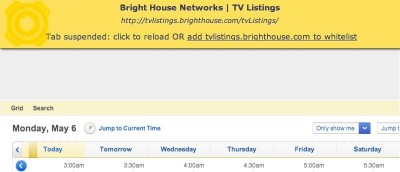
Do you often open a lot of tabs in Google Chrome, just to leave most of them untouched for hours? One way to prevent it from eating away your computer’s memory is to suspend the tab until you’re ready to use it. Here’s how to do so.