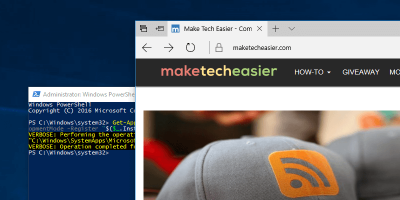
If you’re having issues with the Edge browser and can’t fix it, one solution is to reset it and start from scratch. Here’s how to reset the Edge browser.
While it works from the search bar, Cortana in Windows 10 can also work in the Microsoft Edge browser. Here’s how to set up and use Cortana in Microsoft Edge.
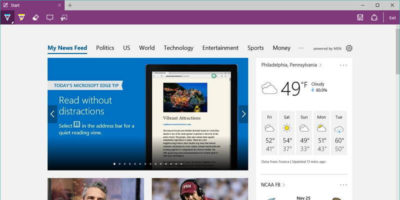
Microsoft Edge’s screenshot capability allows you to annotate and share directly from the browser. Here’s how you can take webpage screenshots in Edge.
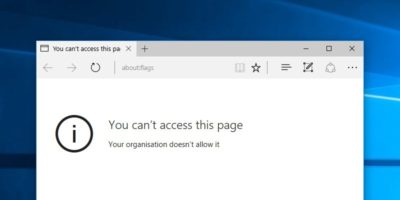
Like Chrome, Microsoft Edge also comes with an “about:flags” page for users to enable developmental options. Here is how you can block users from accessing this page.
One of the most essential apps in all of our arsenals, whether we do our computing on a mobile device, laptop, or desktop, is the browser. Are you loyal to one browser or are you constantly switching?
Microsoft Edge still has a long way to go to be an appealing web browser. In the meantime, here are some tips and tips to help you better utilize it in Windows.
There have been many changes to the Microsoft Edge Web browser since it first arrived on the scene. Here’s why it’s now a solid browser worth another look.
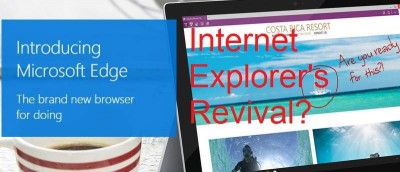
Edge is a brand new browser built to give you a better web experience with web notes, reading mode & more. Is it enough to put Microsoft back in the game?