If you open a text file create in Unix system in Windows, the text won’t be displayed correctly. Here is how you can convert it from Unix format to Windows.
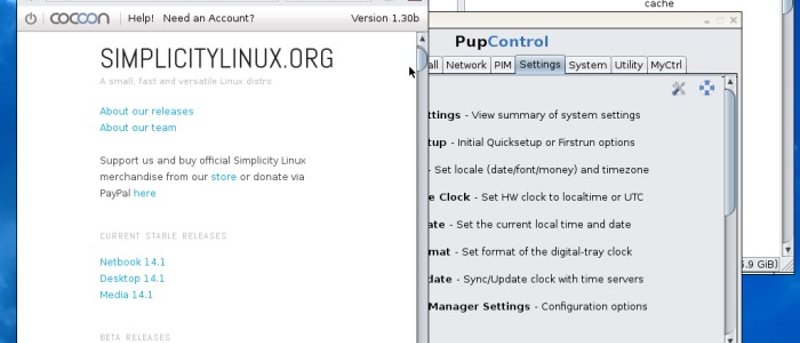
Simplicity Linux is a derivative of Puppy Linux that comes in netbook, desktop and media versions. It is quick and doesn’t need much memory or disk space. Let’s check it out.
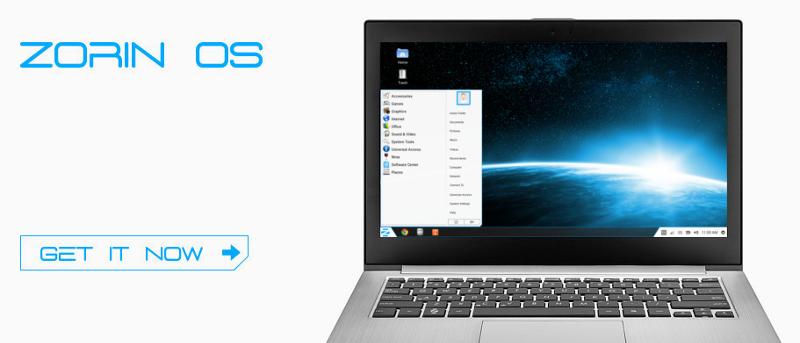
Microsoft wants you to spend more money to upgrade your Windows XP. If you are looking for a free alternative to Windows XP, Zorin OS could be the one for you.
The Raspberry Pi can support a variety of Operating Systems. For those who are keen to run FreeBSD on Raspberry Pi, here is the installation instructions.
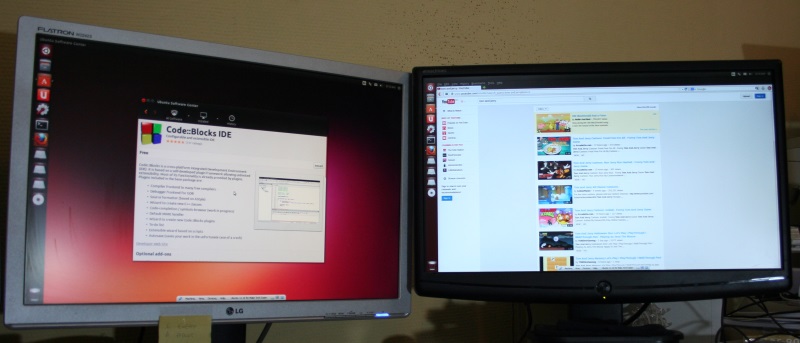
Last time, having two monitors was the sole privilege of advanced PC used by graphics designers. Now, almost anyone can add a second monitor to their PC. Let’s check out the configuration guide for Ubuntu.
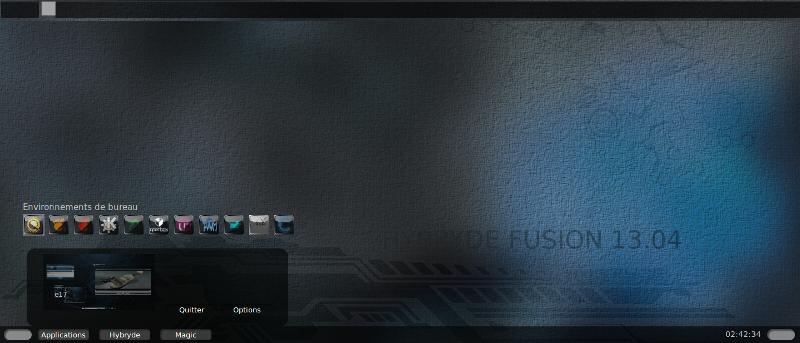
Do you want to test the various desktop environments and see which one is the best for you? Look no further than Hybryde Fusion which let you test out 11 DE at once.
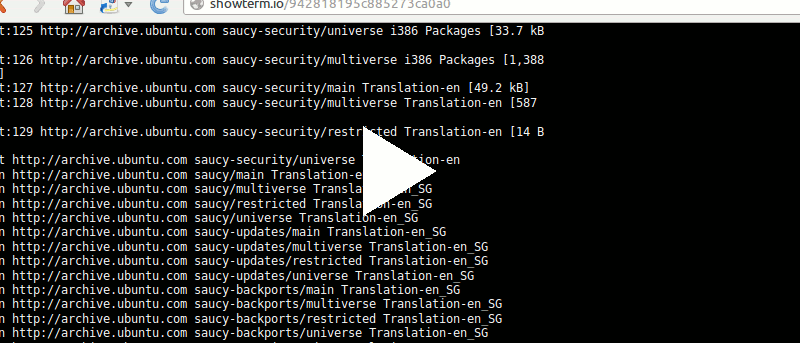
If you like to record your terminal session and save it in video format, here are 2 applications that allow you to record your terminal session as video. Work with both Linux and Mac.
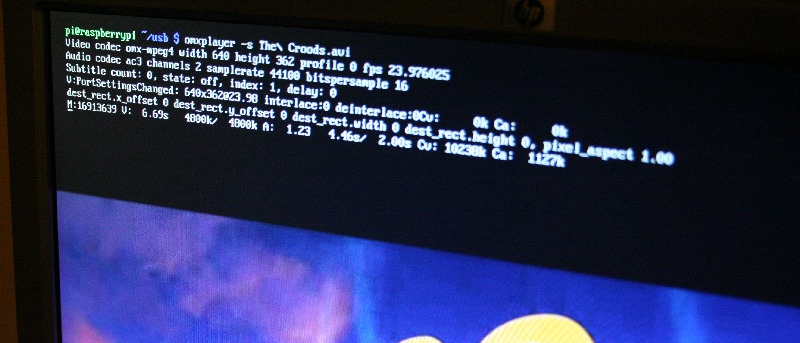
Raspberry Pi’s command line interface can play video without starting the graphical desktop. Here is how you can watch videos from the command line on the Raspberry Pi.
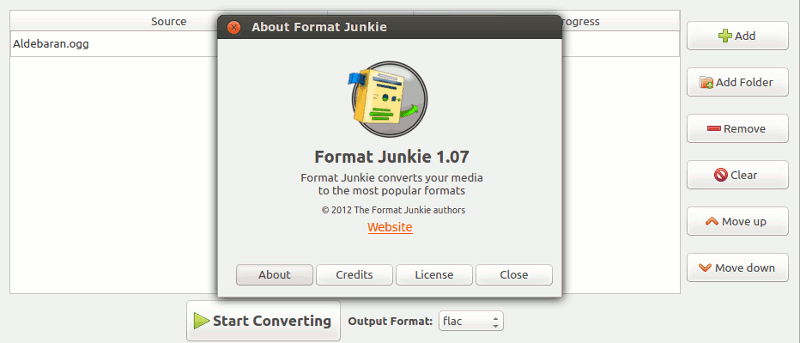
Have you ever wanted to convert a media file from one format to another? Format Junkie can easily convert audio/video/image/ISO from one format to another.
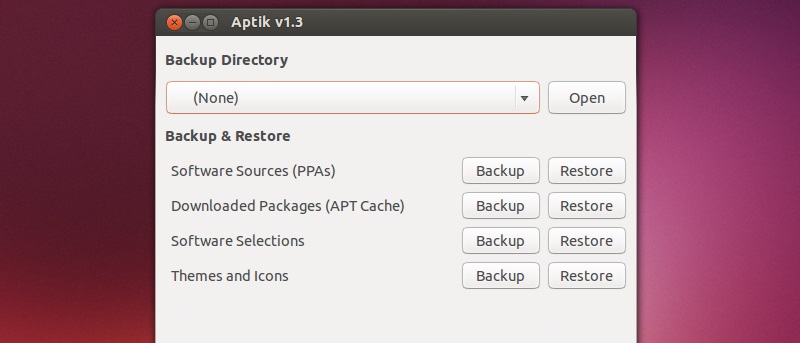
When you reinstall Ubuntu, you also have to reinstall all your favorite packages. Aptik can backup your installed apps and restore them on a new machine.
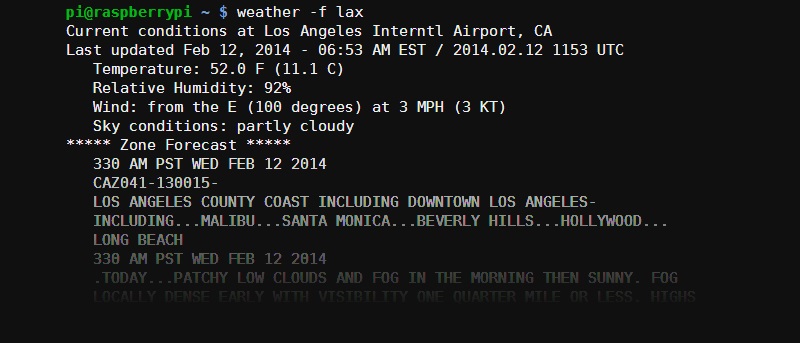
From the web to smartphones, there are tons of ways to check weather forecast. In Raspberry Pi, you can also get the weather forecast from the command line.
For those who are not fans of the Ubuntu unity desktop, there are several Ubuntu derivatives for specific purposes. How out how to pick the best one for you.
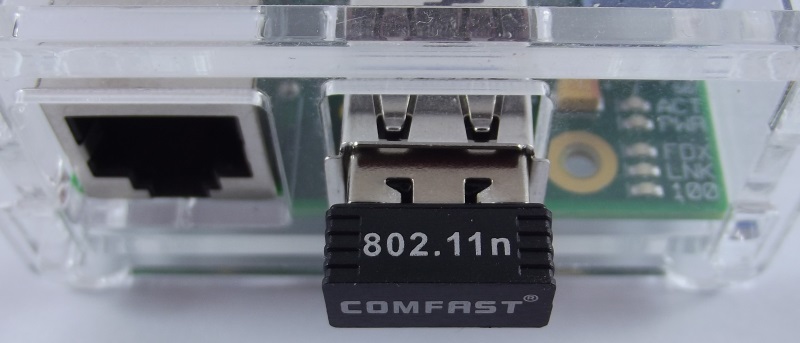
Although the Raspberry Pi comes only with an Ethernet port, it can also connect to WiFi. All it needs is a WiFi USB dongle and some simple configurations.