Did you know that you can save on your data plan or play a hidden game when you’re offline? Find out how to improve your Chrome for Android experience.
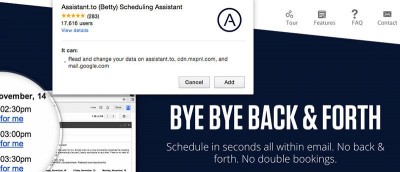
You can have hassle-free meetings & Skype calls with the smart scheduling Chrome extension, Assistant.to. Find out the features that caught our attention.
If you often have to share a computer, you may wish to automatically clear data when you quit the browser. Here’s how you can do that in Chrome & Firefox.
To prevent third-party cookies from tracking your online activity, you can disable third-party cookies in Firefox and Chrome. Here’s how you can do it.
There are many productivity apps that can help us become more efficient. The following apps make use of Google services and are particularly handy as Chrome apps. Check them out.
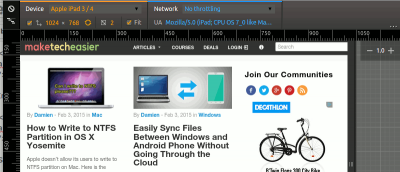
Google Chrome comes with a nifty tool that allows you to test how your website render in various mobile device. Here is how you can use the device mode in Chrome.
If you are a Youtube enthusiasts, as well as a Chrome user, here are some of the best Chrome extensions for YouTube to improve your video watching experience.
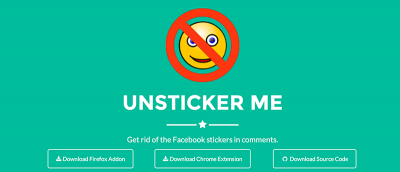
Facebook added the sticker feature in its comments section. For those who dislike it, you can disable stickers in Facebook comments in Chrome and Firefox.
Tab Resize is a Chrome extension that allows you to easily split the screen layout to display multiple tabs in one tiled view. Let’s check out how it works.
Firefox comes with a Quick Find feature that allows you to search for text when you start typing. Here is how you can get the same feature in Google Chrome.
If you frequent links but want to be sure that they are safe and virus-free, Dr. Web Link Checker for Google Chrome can help you check links for viruses.
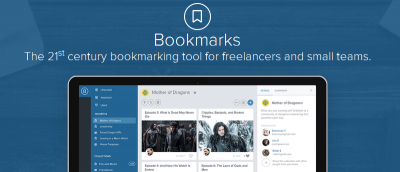
Bookmark a URL doesn’t allow you to add your own notes about that site. If you want to add notes and save webpages at the same time, AnnoPad is a great solution.