

Working with other people remotely has been a convenience with the many tools available on the web today.
For small teams, sharing information is now easier than ever with web-based apps and tools. These tools make tasks like meetings and brainstorming sessions possible even with team members that are spread around the globe.
Bookmarking may not be an initially collaborative activity, but what if you want it to be?
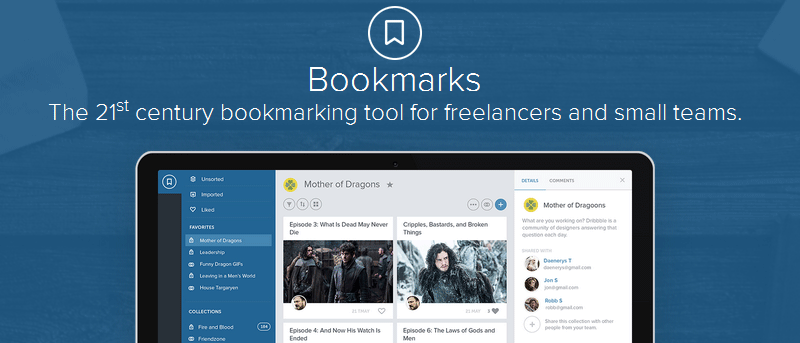
A suite of web apps from Studioapps offers Bookmarks, a tool that organizes and shares bookmarks with other members of a team.
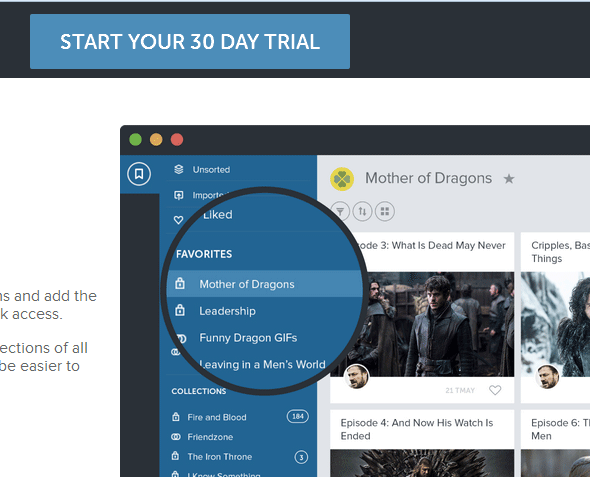
You can use the service for free with its 30-day trial, no credit card required.
To start, you can go ahead and install the extension for Firefox or Chrome.
Next, go to the app’s website and register with your email address and password.
After registering, you’ll be taken to the Bookmarks dashboard. You can add your team here by clicking on the Add Team icon. Assign a name for your team. This will give you a custom URL from which you can access the dashboard in case you need to open it again. It’s usually “teamname.studioapps.co/dashboard”.
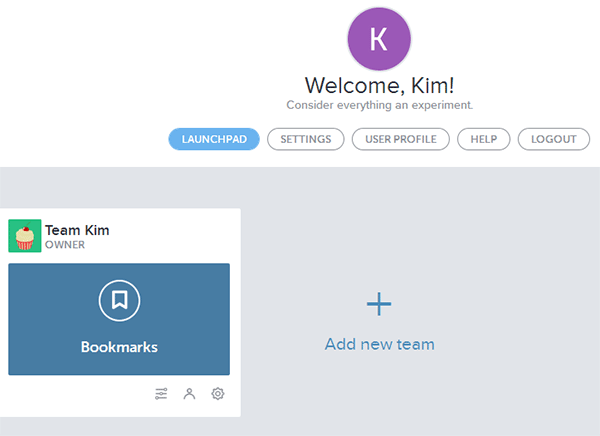
To add team members, click on the person icon labeled Team Management. Click “Invite New Member.”
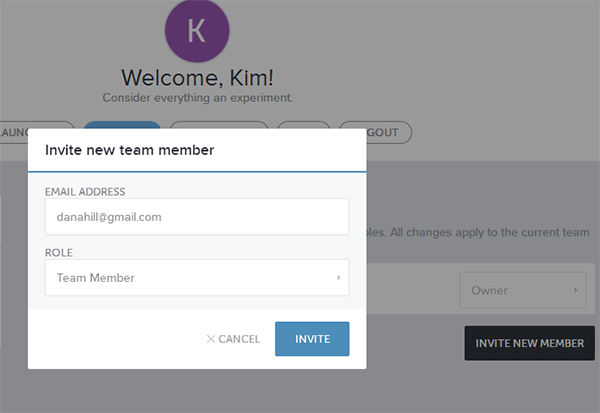
In the pop-up box, enter the email address of the member you want to add. You can designate him as a team member or administrator. Click “Invite” when done.
For the team member to join the bookmark group, he has to open and click on the confirmation link sent to his email. This step is important; otherwise the new team member won’t be able to access your shared bookmarks.
When you’re done adding team members, then you should be able to share your bookmarks.
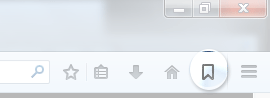
When you’re ready to bookmark a web page, click on the Bookmarks icon in the top-right corner of the browser.
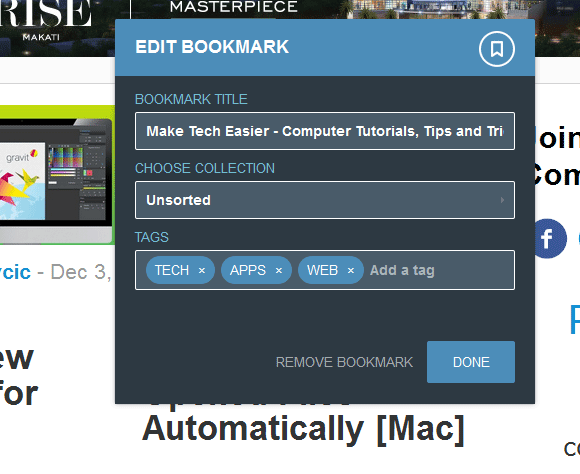
If you’re already logged in to your Bookmarks account, it will go ahead and prompt you to save the bookmark. You can change the web page title, assign it to a collection and add tags.
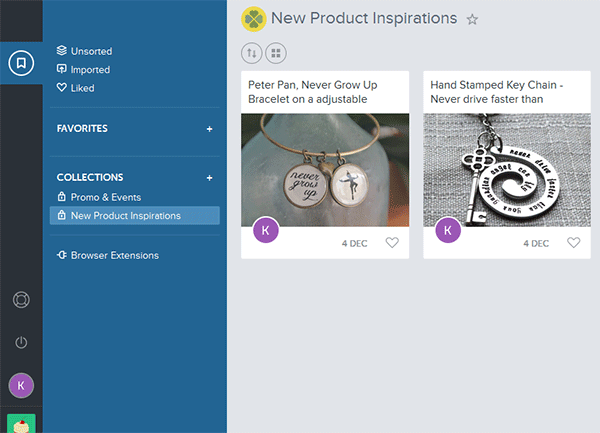
After adding your bookmarks, you can go back to your dashboard (open a new tab and type in your team’s URL) to view, delete and share them.
You can organize your bookmarks into Collections. Simply click on the plus icon beside Collections and give it a name.
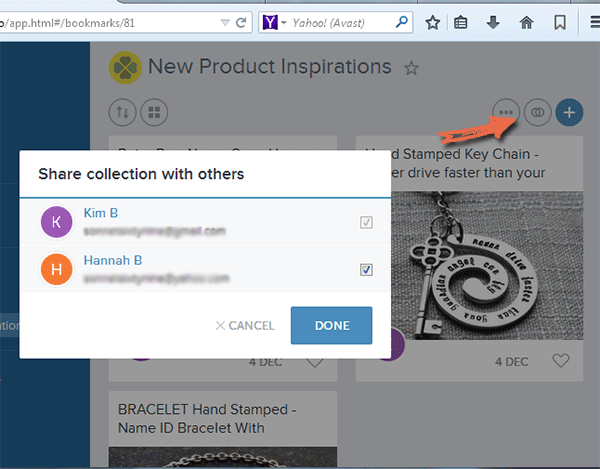
To share Collections, click on it and select the Share icon in the top-right corner of the menu. You will see a list of team members. Check the box beside the members you want to share the collection with.
There are many bookmark-sharing apps out there, but this one seems to be way ahead in terms of design. The modern user interface makes the experience visually pleasing while still giving you basic functions expected in a bookmarking app.
One of the few caveats of this tool is not being able to access the dashboard from the browser add-on’s icon itself and having to type the sub-doman instead. Granted, this is the first of Studioapp’s web tools. It’s far from perfect, but it’s worth using if you want a great collaborative experience with a team.