
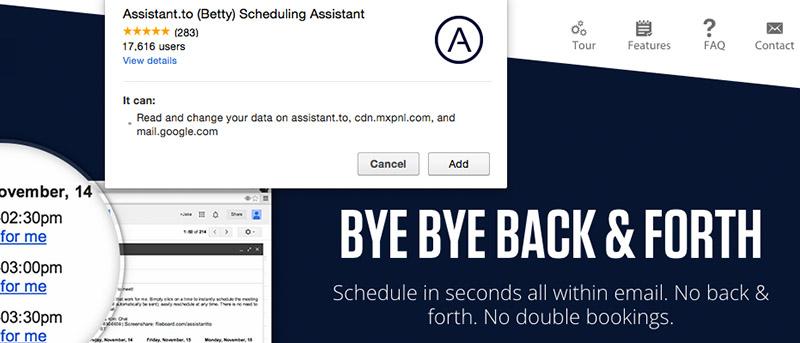

Have hassle-free meetings and Skype calls with this smart scheduling plug-in called Assistant.to. Save more time and have a flexible schedule while giving the recipient some options on dates and times whilst everything’s done within the email.
It can be daunting to manually check different time zones for their availability, especially if you’re dealing with quite a handful of clients, colleagues, and teams all over the world. However, with this Chrome browser plug-in, which you can download for free, it’ll help you organise your calendar (you can link your Google or Outlook account).
Apparently, it only works with Google Chrome browser. Do you want to try it? Visit the Assistant.to site and simply click the “Get Assistant.to” button.
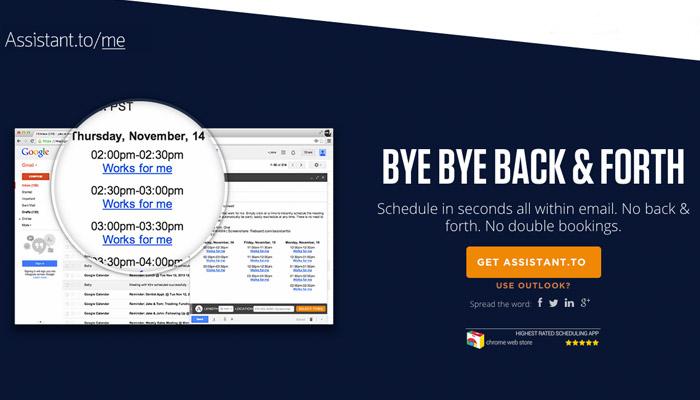
Open your Gmail box and check if the “A” button is embedded on the lower part of the box where you compose the email (see below).
Seven smart features of Assistant.to that caught our attention
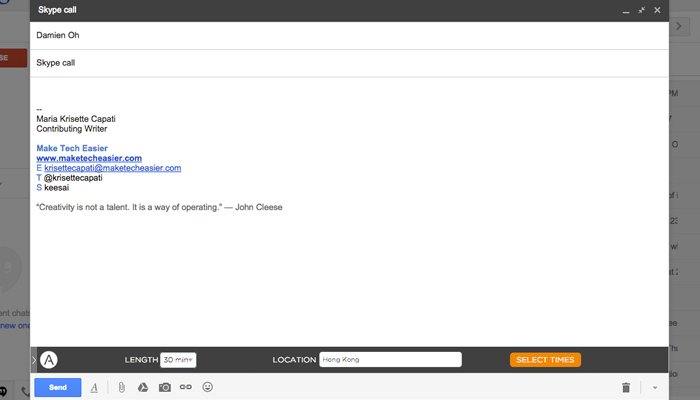
1. Easy access – when you compose an email, you’ll see the “A” button (as shown below) and once you click it, it shows you the other functions.
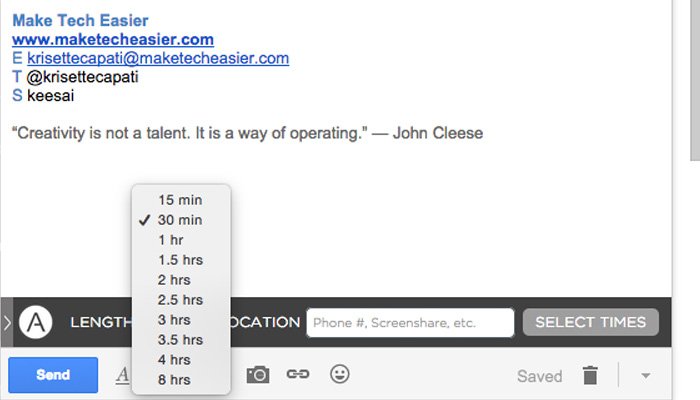
2. 10 available time intervals – from short calls to long ones, Assistant.to provides you certain time intervals you can choose, starting from 15 minutes up to 8 hours. It’s smart to remember your most scheduled meetings, so it’ll be easier to schedule next time.
3. Simple UI/UX – it’s simple to use and you can edit or fill up the title of the meeting and location.
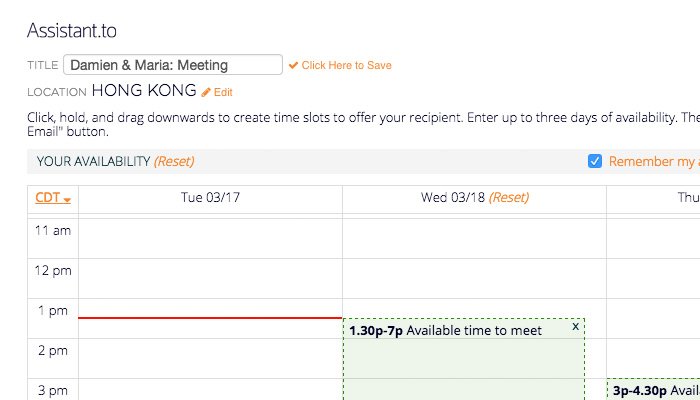
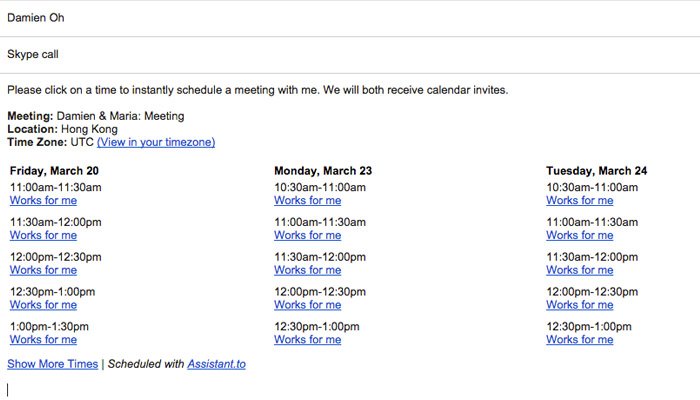
4. Hold, drag and set – click your preferred time on the table and hold it right there – drag it downwards to provide options for the recipient. When you click the “Insert to Email” it’ll generate the time intervals.
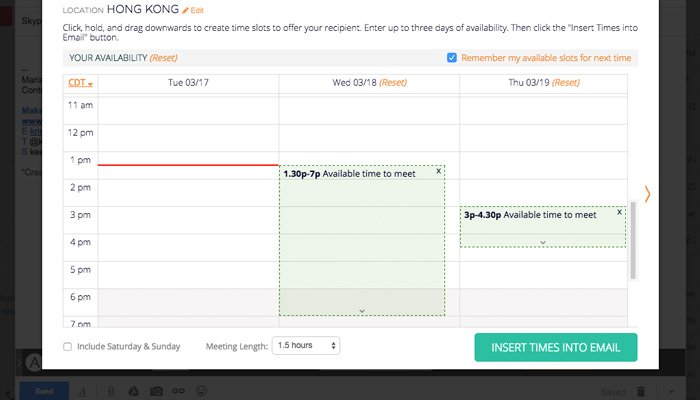
5. Time-zone sensitive – you don’t have to think about manually counting back and forth the hours in case the recipient(s) is following a different time zone. This plugin also includes the “View in my Time Zone” option, so they can pick up the time right away once they click that link.
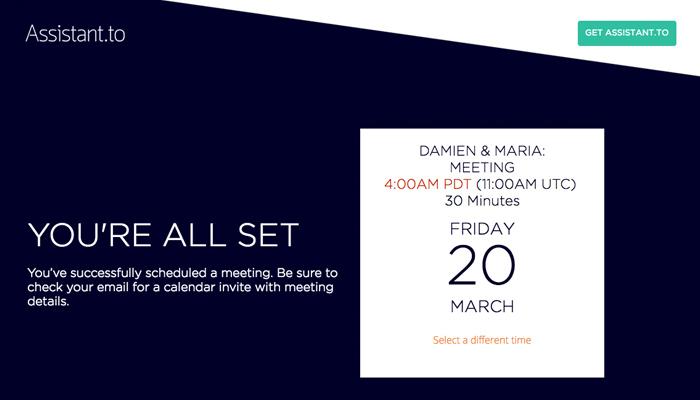
6. Email notifications – Assistant.to will remind you and the recipient of your meeting, including the changes, in case it’s rescheduled.
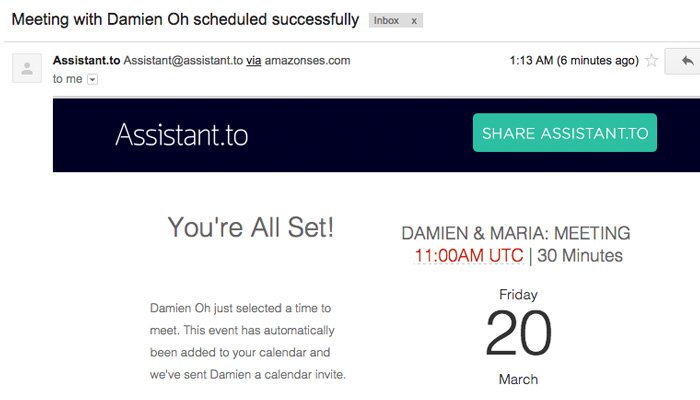
7. One-click confirmation – When you send the email to the recipient, he or she can click the best option right away with the “Works for me” link. Not only have you saved time for yourself, but you have also done a good favor on the recipient’s side. What’s more, Assistant.to automatically ditches the weekends (see below).
Smarter assistant on the go
Assistant.to is free and uses secure server and strong encryption to protect your data as stated on the official website. Personally, I’ve been using the plug-in, and it works perfectly whenever I schedule meetings, whether for Skype calls or meet-ups. With Assistant.to, efficiency is the best policy. No more double bookings or counting off the hours of time differences.
However, one of the caveats I found is that it doesn’t switch automatically when you access other personal or corporate Gmail-hosted e-mailboxes.
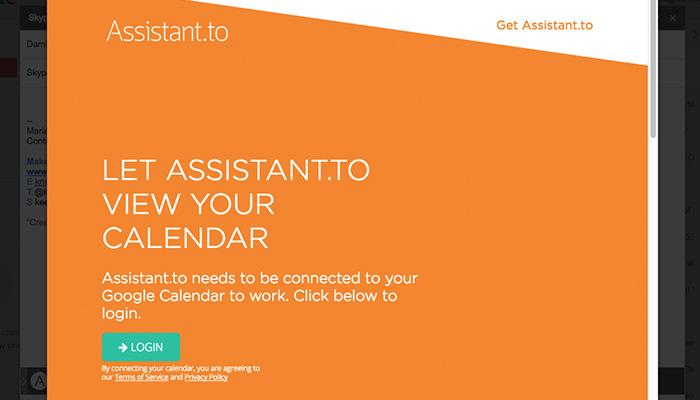
I have other Gmail-hosted e-mailboxes, and though I can switch between two email addresses when composing a new message, the first Gmail calendar I linked was selected as the default. So, before I totally mix up my Google Calendar and schedule, I make sure I log out and sign in to a different user.
What do you think of the app? Do you use any other plugins similar to this one?