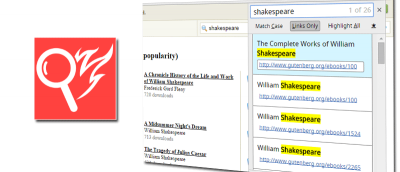
Firefox comes with a Quick Find feature that allows you to search for text when you start typing. Here is how you can get the same feature in Google Chrome.
If you frequent links but want to be sure that they are safe and virus-free, Dr. Web Link Checker for Google Chrome can help you check links for viruses.
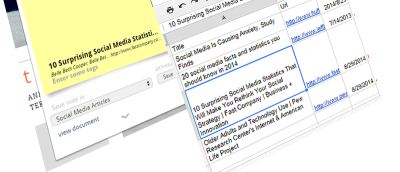
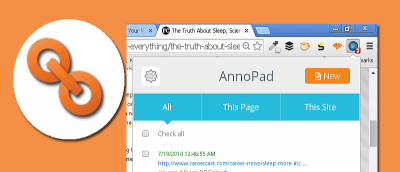
Bookmark a URL doesn’t allow you to add your own notes about that site. If you want to add notes and save webpages at the same time, AnnoPad is a great solution.
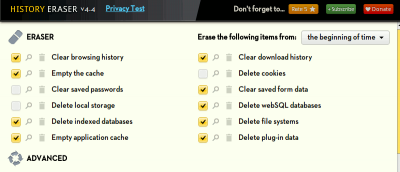
Are you worrying about your privacy when surfing the web? History Eraser can clean up your Chrome browsing history with a single click. Check it out here.
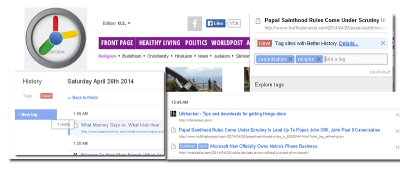
The History tool in Google Chrome can be in a mess sometimes. Better History provides a more structured way of searching and viewing recently visited sites.
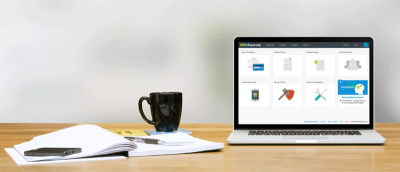
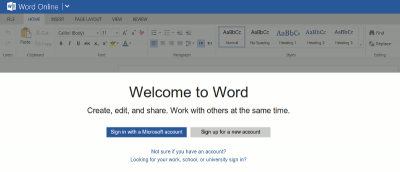
Following up to its revamp of the office web apps, Microsoft released a Chrome extension that allows you to use Office in Chrome browser. Let’s check it out.
Sending content from desktop to Android is not as easy as it seems. An extension called Pushbullet for Google Chrome and Firefox makes this task easier.
One of the biggest complaints about Google Calendar is that you can’t add events to Google Calendar without visiting the site. With Spot – Calendar’s Best Friend, you will be able to add events to Google Calendar, whenever you come across one anywhere in the Web.
For those of us who use multiple computers for one reason or another, being able to copy from one of them to another is extremely beneficial. Clipboard Sync for Google Chrome provides a good solution for users to copy and paste information between the browser from PC to PC.