
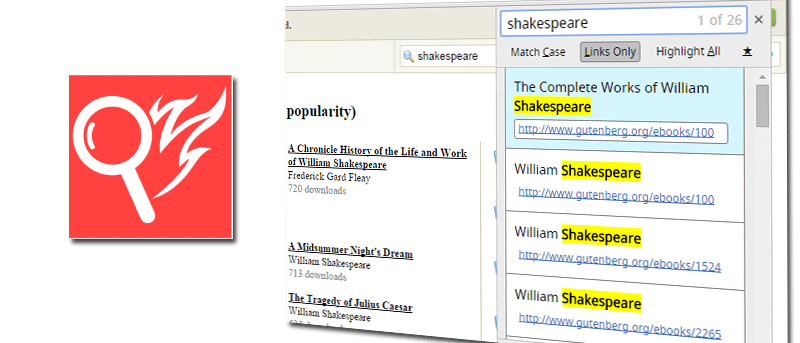

Most people who do research online rely on their browser’s search function to scan and find data in the quickest way possible. Searching for specific keywords might seem simple enough, but the standard Find function can sometimes fall short on functionality.
If you perform a lot of text searches on webpages, a Chrome extension called Quick Find allows you to do this and more with flexible search features.
A port of a Firefox feature, Quick Find helps you find a specified keyword on a web page and brings it on a separate pop-up window. You then have the added option to toggle search results in three different modes: Match Case, Links Only and Highlight All.
The extension uses keyboard shortcuts to work. There won’t be any icons visible on the browser.
On a web page you want to search, press the forward slash (/) or “Ctrl + Shift + F” to bring up the Quick Find menu. Type the word you want to search. This should return the results on the box, as well as highlight the ones on the web page.
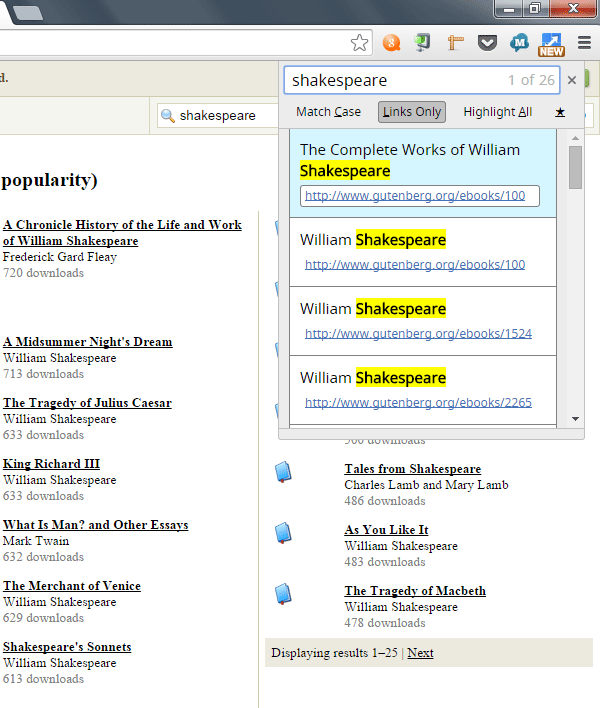
From here, you can toggle the search results by either clicking the buttons or using keyboard shortcuts:
- Alt + A – Highlight all
- Alt + C – Match case
- Alt + L – Links only
Pressing Enter or Return on a highlighted text within the Quick Find box will open the link.
To close the window, press Esc.
Although Quick Find works on almost any web page, there are some limitations. For instance, the extension does not work on existing tabs. You would need to refresh the tab or open another one for Quick Find to work.
The extension does not work on iframes, script or code tag.
Note that this extension uses anonymous page view tracking for the developer to gather data and make improvements. To opt out, go to “Settings -> Extensions -> Quick Find” in Options and check the box next to “Opt out of sending anonymous analytical tracking.”
There are many uses for Quick Find, mostly towards research work, but they could also be for narrowing down a long list of resources.
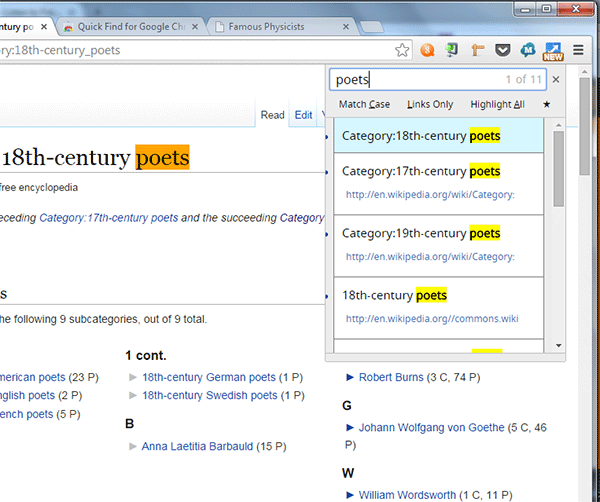
In the examples below, the extension helps scan information and return only ones that I needed (poets and English physicists).
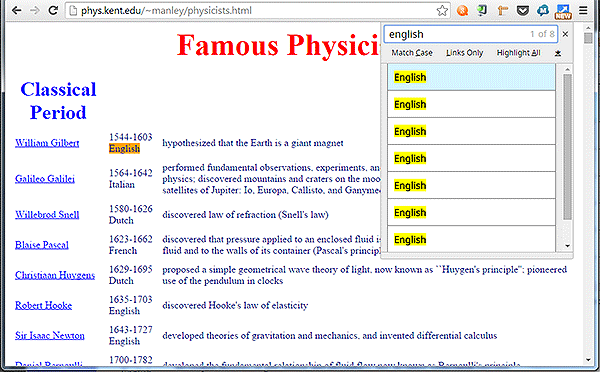
The Match Case mode is also a vital feature as it gives a more focused search.
There is a possibility that the keyboard shortcuts can clash with other extensions, so hopefully there will be an option to change the default shortcuts.
For now, the extension works as advertised, albeit with a few limitations. A dedicated icon for the extension might be a welcome sight for those who prefer to use the mouse instead of the keyboard when accessing apps within the browser.
Searching through tons of information on the Web can be tiresome, but Quick Find will help you do the work in half the time with just a few keystrokes. The keyboard shortcuts make it faster to start the search, filter and browse through the results. As far as its core function goes, this extension does a better job of searching through text and links within a webpage.