Cryptomator is an open source app that encrypts files before uploading to the cloud. Here’s how to use it to apply client-side encryption to cloud files.
Information in the marketing industry is constantly changing. If you find it hard to keep up, here are some marketing extensions for Chrome worth trying out.
If you’re currently in the process of moving out on your own, there are some cool tech tools available that can help you come up with more accurate estimates for the expenses you will need to budget for after making your move.
Every OS has its pros and cons, so everyone determines which one works best for them, whether it’s Windows, Mac, or Linux. How did you decide on a specific OS?
Installing the Anniversary update is not a smooth process for all. Here are some of the common Windows 10 Anniversary Update problems you might face and how to solve them.
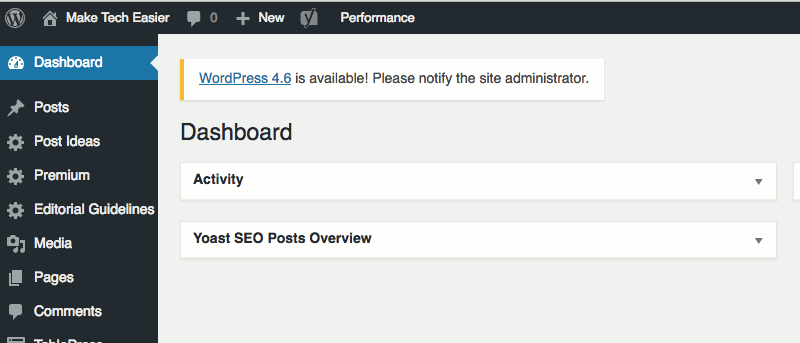
You will always receive the WordPress Upgrade Notification whenever a new WordPress version is released. Here is how you can hide the WordPress upgrade notification for all users
Apps for Internet radio stations on Linux can be hard to find if you don’t know where to look. Luckily, we’ve found these four great apps for you. Check them out.
It can be annoying if Windows never stops installing the same update. Here is how you can stop Windows from installing the same update over and over again.
Meet Parrot Security OS: a Linux distribution with loads of tools to accomplish your security research along with some useful cloud components. Read all about it!
There are several improvements in the Windows 10 Anniversary update, one of which is Action Center and notification priorities. Here’s how to set it up.
Firefox now has the ability to receive desktop-style web push notifications from select websites. For those who find it annoying, here’s how to disable web push notifications in Firefox.
EncryptPad is an open source text editor for Linux with the ability to encrypt files and encrypt/decrypt binary files. Here’s how to install and use it.
Microsoft enabled Cortana by default in the Windows 10 anniversary update. If you don’t use Cortana, here is how to completely disable Cortana in Windows 10.







![Parrot Security OS: A Debian-Based Distribution for Security Research [Review]](https://maketecheasier.com/wp-content/uploads/2016/08/parrot-feature-image.jpg?width=400&height=225&aspect_ratio=16:9)