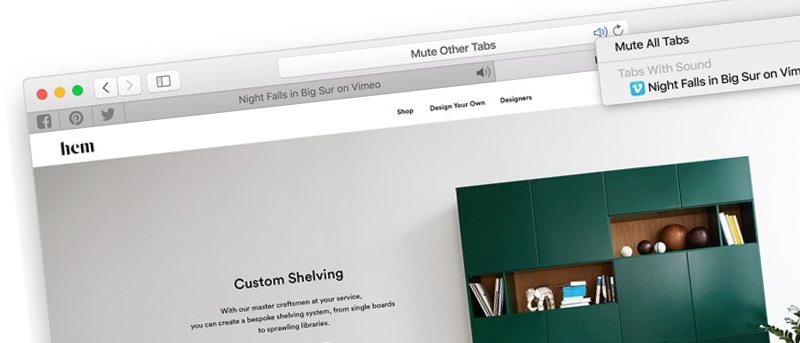
Having too many tabs open at one time in your browser can be very hard to manage, among other things. Here are some ways to manage tabs in Safari on Mac.
Everyone deserves a chance to browse the Web. Here are three free tools for visually-impaired and blind people to enhance their web browsing experience.
Is it practical to attempt to police speech on the internet – whatever form this kind of action may take? Should the Internet be policed? Let’s discuss.
Ever come across a website with cool web design elements that you wanted to use yourself? Here are some browser extensions to help learn more about sites.
Tired of Google Chrome running in the background and using up resources, even after you exit the browser? Here’s how to stop background apps in Chrome.
Some site owners choose to disable right click to help protect their content, but it is also inconvenient. Here’s how to re-enable right click on websites.
Have you heard about the Opera browser’s new built-in ad blocker? Let’s take a look at it and see if it’s a good replacement for your current ad blocker.
Your web browser is the gateway to the Internet, so you must ensure it’s not vulnerable to attacks. Here are five tips to improve your browser’s security.
Turbo Download Manager is a download manager that’s available on basically every platform and browser. In this article we take a look at this multi-platform download manager from inbasic.
Linkedin is the platform for professionals, so it’s critical that you have your profile set up correctly and that you aren’t making these Linkedin mistakes.
Opera’s gone through a lot of changes over the years. Is it really the fastest browser? How good is its built-in VPN? Let’s take another look at Opera.
The free cross-platform 3D rendering program Daz 3D Studio comes with poseable human being objects and scenes to render. Here’s how to set up Daz 3D and get started.