For those who are hesitant to do shopping online out of safety concerns, here are some ways to minimize the risks involved when making online transactions.
Optimizing and reducing the size of your images is one of the best ways to speed up your site. Here’s how to easily optimize images in WordPress with Pixpie.
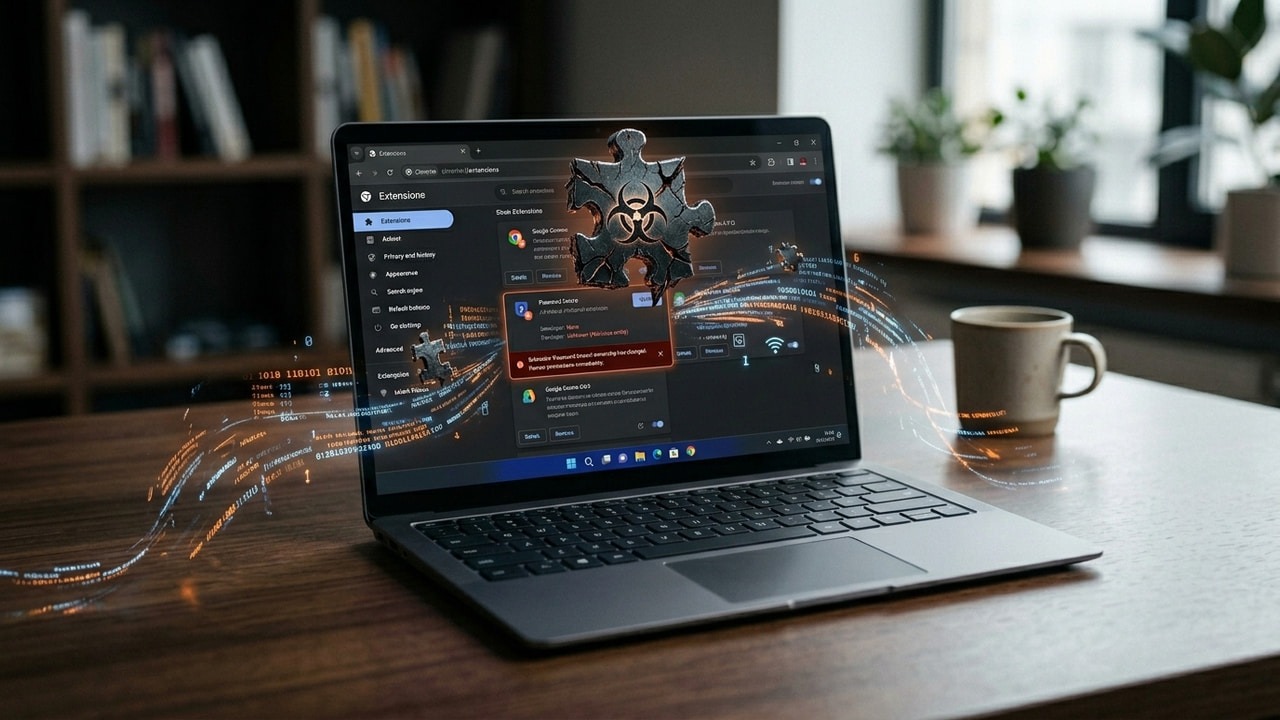
For WordPress and Chrome users, there are plenty of Chrome extensions you can use to improve your WordPress usage. Here are some of the best extensions to use.
For frequent Paypal users, you will want to avoid the limiting of your Paypal account at all cost. Follow these tips to reduce the chances of account limiting.
Have you ever tried to access a website only to get the error “Service is Unavailable?” Here are some ways for you to access a web page when it is down.
While there are plenty of time-tracking tools out there, only a few provide integration with other productivity apps. Check out some of the addons here.
You’ve just registered a new domain name and need to set up an email account for your domain. Here are some of the best email hosting services you can use.
Social engineering is a nefarious technique used by scammers to gain your trust. Learn about some common social engineering attacks and how to prevent them.
A new CIA leak has revealed that it can now infect air-gapped systems at will using a couple of cunning tactics and a USB thumb drive. Here’s how it works.
Having a YouTube video blocked in your country can be a huge pain. Here are a few methods you can use to watch restricted YouTube videos without having to move to a different country!
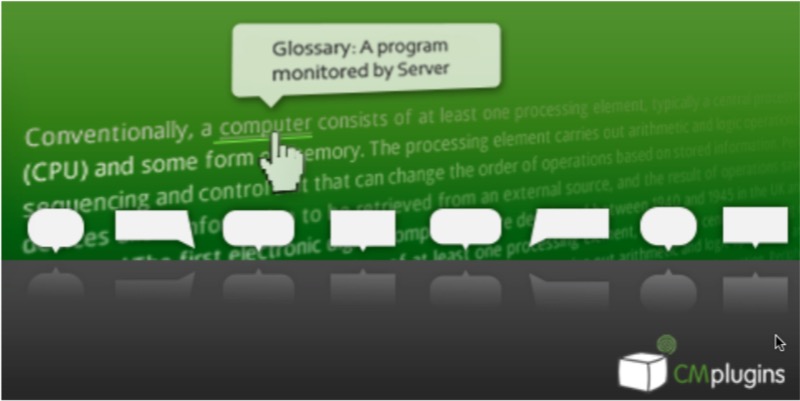
If your site is using terms that the general population is not familiar with, you can add tooltips and a glossary to your WordPress site to explain the terms. Learn how.
With all the data you share in social media, it is easy for people to cyberstalk you. Learn how to prevent and report online harassment and cyberstalking.
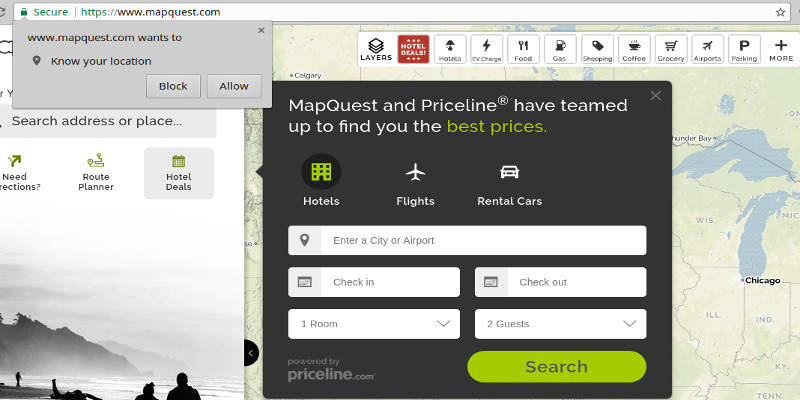
If you’re concerned about your privacy, you might want to disable the location-sharing feature. Learn how to disable location sharing in various browsers.
For documents downloaded from the Web, Microsoft Office will show a Protected View status. Here is how you can disable Protected View in Microsoft Office.