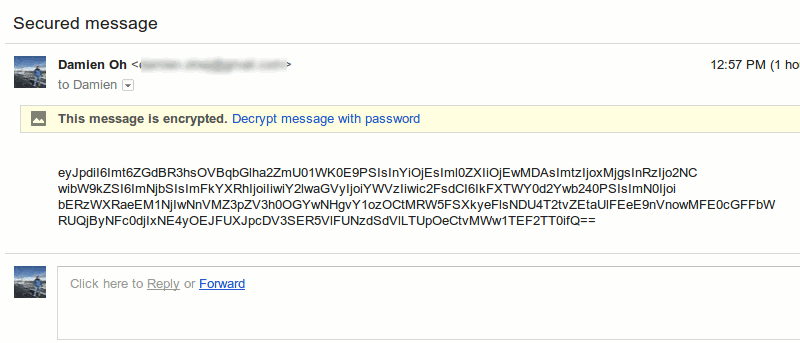
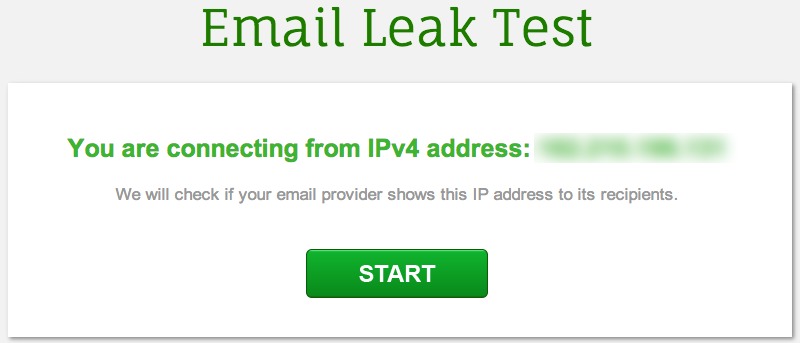
If you care about your privacy, you need to make sure that your email provider is not leaking your IP address to recipients. Here’s the tool for the job!
Looking for a way to overcome having too many tabs open? Use this quick trick to save and restore groups of tabs in Chrome without installing an extension.
What if someone else had enough information about you from the web to become you? What can you do to prevent identity theft? We’re here to help you out.
Don’t want your browsing history, previously typed URLs or bookmarks displayed when searching from Chrome’s Omnibox? Use this quick trick to exclude them.
Gmail filters is a good way for you to organize your inbox without you doing the manual work. Here are a few ways that you can make good use of Gmail fliters.
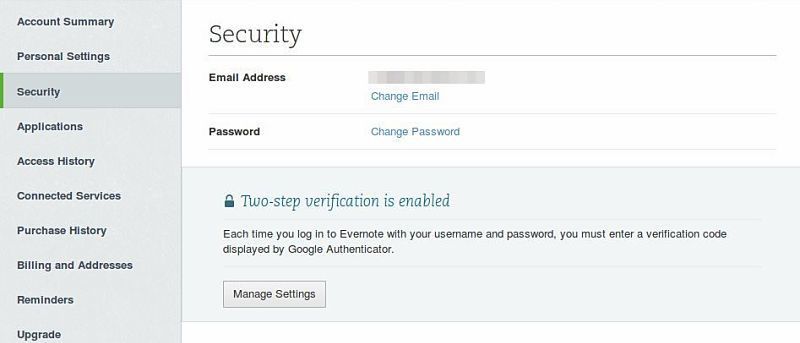
Add an extra layer of protection to your Evernote account by enabling two-step verification. A code will be sent to your mobile phone whenever you log in.
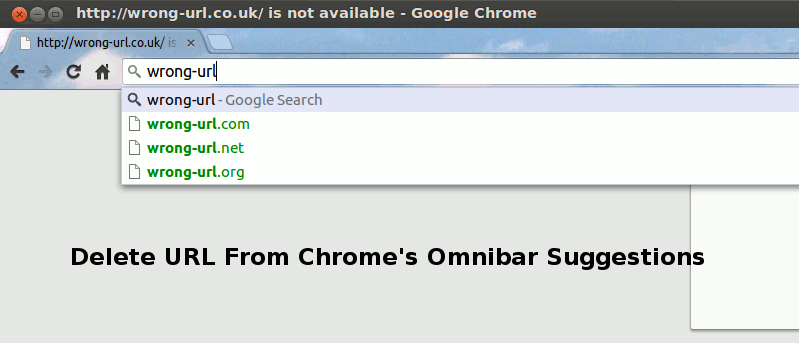
If you entered a wrong URL in Chrome’s omnibar, it will continue to show up in the suggestion, which can be rather annoying. Here is a quick way to delete a URL from the Chrome omnibar.
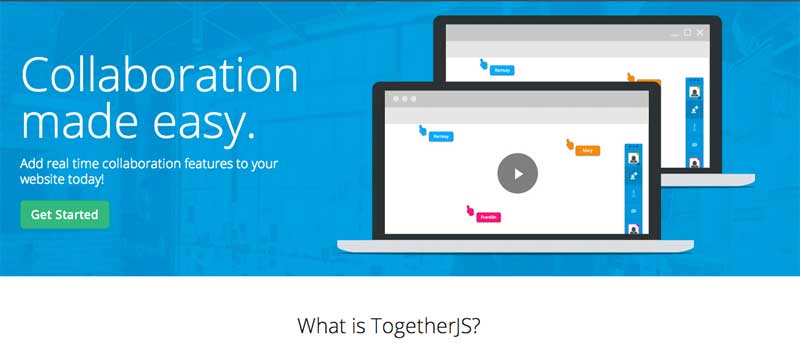
If you are a webmaster, you might be thinking of how you can make your website more interactive, or even allowing your visitors to collaborate with one another. TogetherJS allows you to easily add a real-time collaboration feature to your site with minimal technical/coding skill.
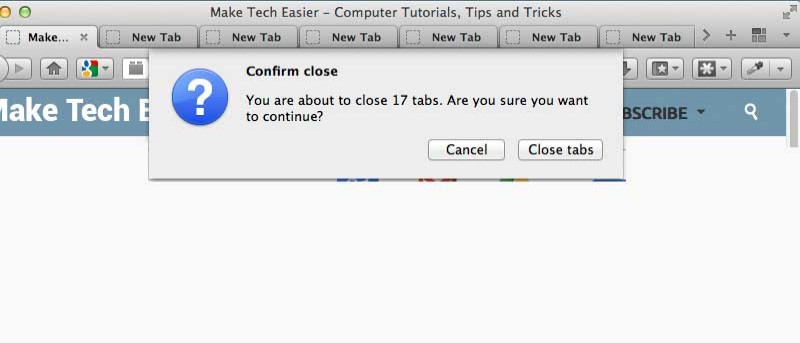
There are times when you opened too many tabs in your browser and it is causing the whole system to slow down. A quick and easy way to fix this is to close as many unused tabs as possible to minimize the memory usage. However, it can be a chores if you have tons of opened tabs. Luckily, most browsers come with a way for you to quickly close multiple tabs with a single click.
![How to Identify the Fonts on Any Web Page [Chrome]](https://maketecheasier.com/wp-content/uploads/2013/11/whatfont-chrome-featured.jpg?width=400&height=225&aspect_ratio=16:9)