How to Create a Virtual Machine of Your Existing Windows Operating System

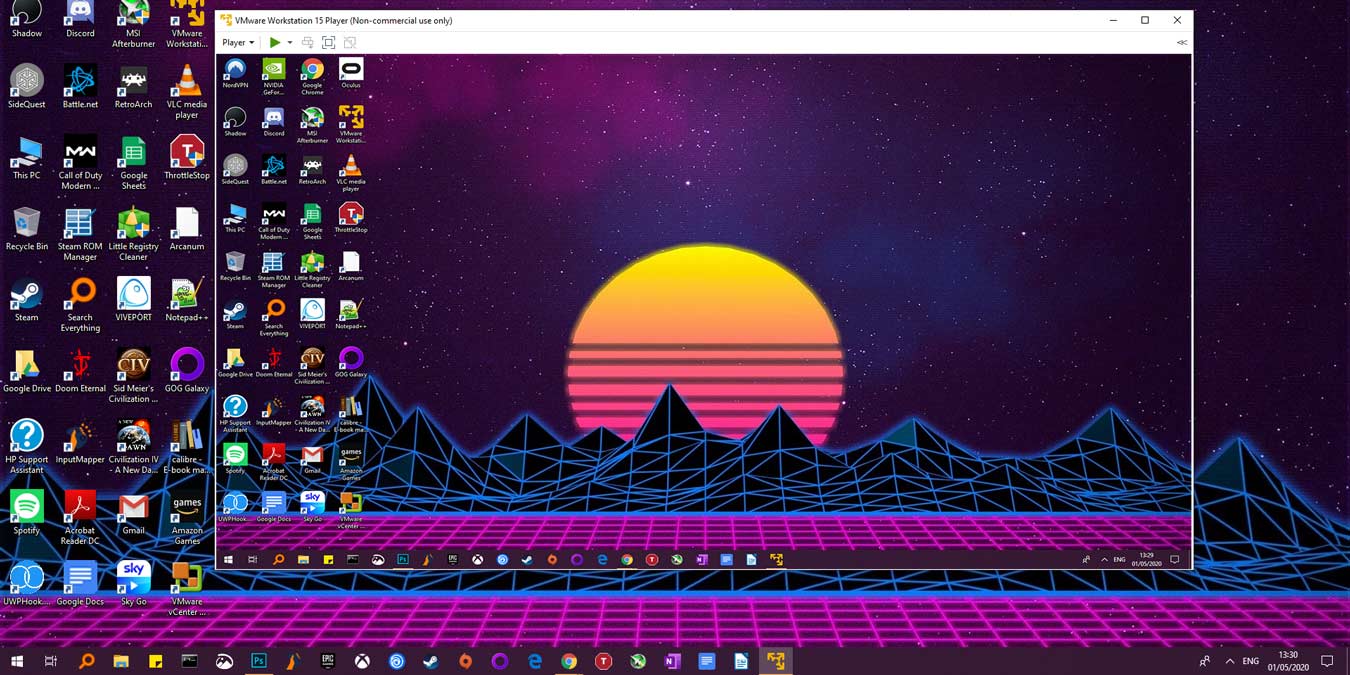
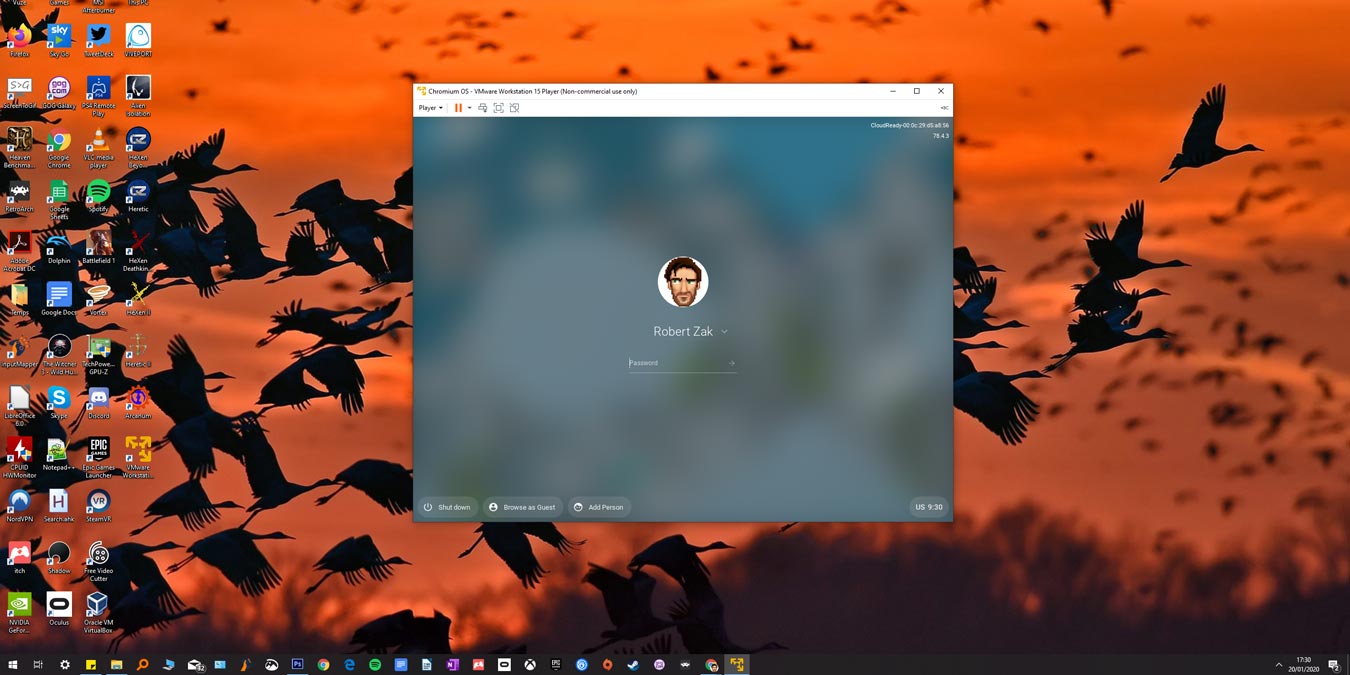
disktovhd-windowsA virtual machine is a software, that lets you create and run a separate operating system in your existing computer system. You can boot the virtual machine from the parent operating system and run just like another software application.

For example: If you are using Windows xp, you can install popular virtualization software like Windows virtual PC, Vmware workstation to create a virtual machine within your current operating system. Now in that virtual machine, you can install any operating system e.g Windows xp, vista. You can run these operating systems in a new explorer window within Windows xp.

The problem with virtual machines is that you have to install an operating system from scratch. This includes loading the operating system from cd or dvd, installing all the drivers and system software etc. This can be very time consuming and is not a quick job.

5 Reasons Why You Should Use VirtualBox Over VMware Server

Ever since I started using Ubuntu two years back, I have been an avid user of VMware server. It fascinated me to a great extent that I could actually run an OS inside an OS. Recently, I tried out VirtualBox, another virtualization software like VMware server, and I was greatly impressed by it. Even though I love VMware server, I can’t deny the fact that VirtualBox actually runs faster and smoother, with less crashes. Here is my top 5 reasons why VirtualBox is better than VMware server.

Sharing Files Between Ubuntu Host and Virtual Machines

After installing Windows Vista on Ubuntu using VMware, one of the problems that you’re likely to face is that your virtual machine has completely no access to your host folder. This means you cannot view/edit your favorite photos (or any other files) in your Vista VM. Come to think of it, what is the use of installing a VM if you can’t access your local hard disk where all your documents are kept?

Luckily, there are several solutions to this.

How To Install Windows Vista In Ubuntu Gutsy Using VMware

For Ubuntu Gutsy users who find that they can’t live without Windows, or just want to give Vista a try, here’s your savior: VMware Server.

Vmware Server is a free to download virtual machine tool that allows you to install the various type of operating systems under a virtual environment.

Before you attempt to install Windows Vista, please make sure that your computer has at least 1GB of RAM (preferably 2GB), 16GB of hard disk space and a genuine Vista CD.

Here are the steps to install Windows Vista in Ubuntu using Vmware Server.

1