For enhanced protection, you can consider enabling the following Windows 11 security features.
By Karrar Haider – Jul 17, 2025
Learn many methods to fix the “A referral was returned from the server” error in Windows. From managing UAC to fixing corrupted system files.
By Karrar Haider – Jul 12, 2024
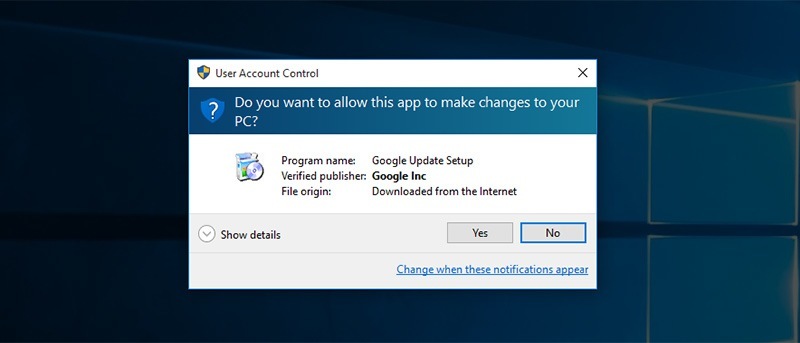
Annoyed by UAC prompts when installing software or making changes in Windows? You’ll just have to deal with it. Here’s why you should not disable user access control in Windows!
By Vamsi Krishna – Feb 5, 2016
Windows comes with several hidden features/unknown tricks in Windows that many are unaware of. Here are 3 tricks that can improve your productivity
By Diogo Costa – Feb 13, 2014
Affiliate Disclosure: Make Tech Easier may earn commission on products purchased through our links, which supports the work we do for our readers.