How to Restore the RSS Feed Icon In Firefox [Quick Tips]

firefox-url-rss-feedIf you are a Firefox user and also an avid RSS feed reader, one thing you will notice missing from recent update of Firefox is the RSS Feed icon that uses to reside at the right hand corner of the URL bar. According to the Mozilla developer, the removal of the icon is because it is seldom utilized and it serves little or no purpose. Whatever the reason, the feed icon is no longer available in the URL bar now. Luckily you can still get it back through a less elegant way.
[Read more...]

Maximise Your Safari Web Browsing Experience

Safari-iconApple’s own web browser may have fluctuated in popularity over the years but recent iterations have seen it become much more stable, swift and flexible in a bid to keep up with the innovation seen in competing browsers like Google Chrome and Mozilla Firefox. The result is a default web browser which is powerful and deeply embedded within OS X itself.

However, depending on your browsing habits and needs, you may wish to do a little tweaking in order to get the most out of Safari. Read on below to see how to do just that.
[Read more...]

How To Fix The Common Problems In Internet Explorer 8

win7ie-post-iconInternet Explorer may not be the favorite browser among geeks, but sadly, it is still the most widely used browser in the World. In this article, let us take a look at the common problems in Internet Explorer (IE8 specifically) and its fixes.

Some of the common problems seen in IE8 include:

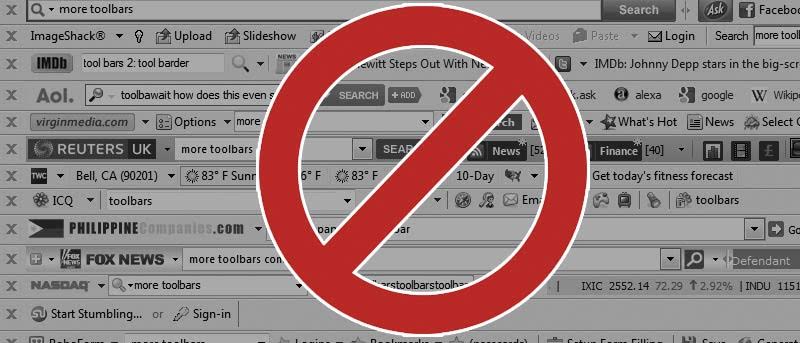
  • You have more toolbars that you desire. Some of them are uninstallable.
  • The browser does not go to the website you want it to go. You type a web name, press Enter. It brings you to another site that is full of ads.
  • Your searches doesn’t look normal. You are being redirected to another search provider.
  • The home page changes without our knowledge.

If you are experiencing one of the above, don’t be alarmed. Here are the ways to fix them.
[Read more...]

How to Edit the Context Menu in Firefox

menu-editor-mainHave you ever wanted to change the item listed in the context menu in Firefox and find that there are no ways for you to change it in the Preferences section? The Firefox browser comes with a list of preset items for your context menu and is supposed to be the most useful options during browsing. Since we all have different browsing habit, won’t it be great if we can rearrange the items in the context menu and add/remove items to enhance our efficiency?

Firefox does not comes with such option for you to change the context menu, so we have to rely on the menu editor extension to get the thing. With this extension, you can now edit your context menu (and any other menus), rearrange the options, hide the unnecessary and even add entry from other menus.
[Read more...]

How to Create a Customized Toolbar for Your Browser

conduit-create-your-own-toolbarToolbars as they are named, provides us with invaluable help with the set of tools that they come with. But most of the time, the toolbars are from any software developer or online service provider. They serve some purpose but have a little bit of self promotion involved. Wouldn’t it be nice if we could possibly create our own toolbar with tools that we prefer to use. This article will help you create your own toolbar which is compatible with Firefox & Internet Explorer.
[Read more...]