The best way to play Super Nintendo games on your PC.
By Robert Zak – Mar 6, 2022
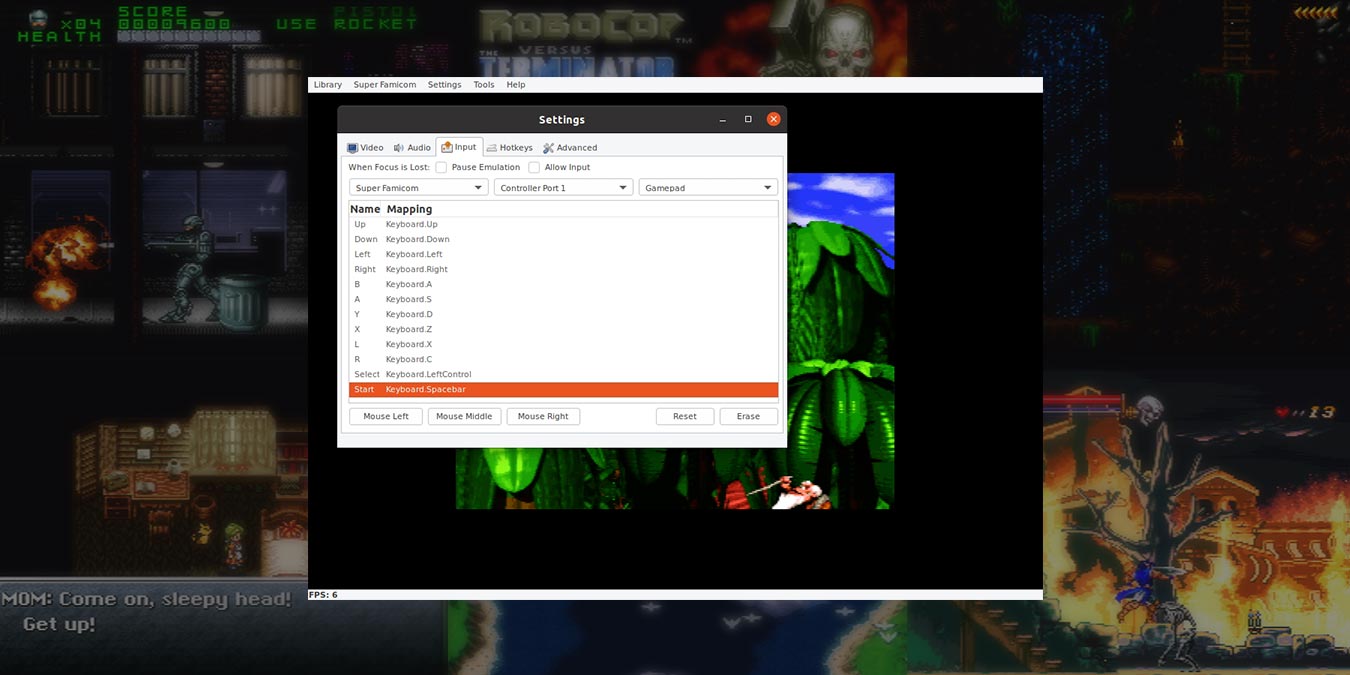
Higan is one of the best SNES emulators abd allows you to play the vast majority of SNES games. Here is how you can play SNES games in Ubuntu.
By Odysseas Kourafalos – Jun 11, 2020
Thanks to SNES emulators, it’s actually very easy to play SNES games on Android. Here are our favorite SNES emulators for Android.
By Robert Zak – Jul 30, 2019
Nintendo’s NES and SNES Classic are restricted by the limited amount of games. Learn how to hack the NES and SNES Classic to add as many games as their onboard capacity will allow.
By Robert Zak – Dec 26, 2017
Affiliate Disclosure: Make Tech Easier may earn commission on products purchased through our links, which supports the work we do for our readers.