Stop struggling with complex VPNs and risky port forwarding. Netbird gives you instant, secure remote access to your self-hosted apps in minutes.
By Anurag – Mar 9, 2026
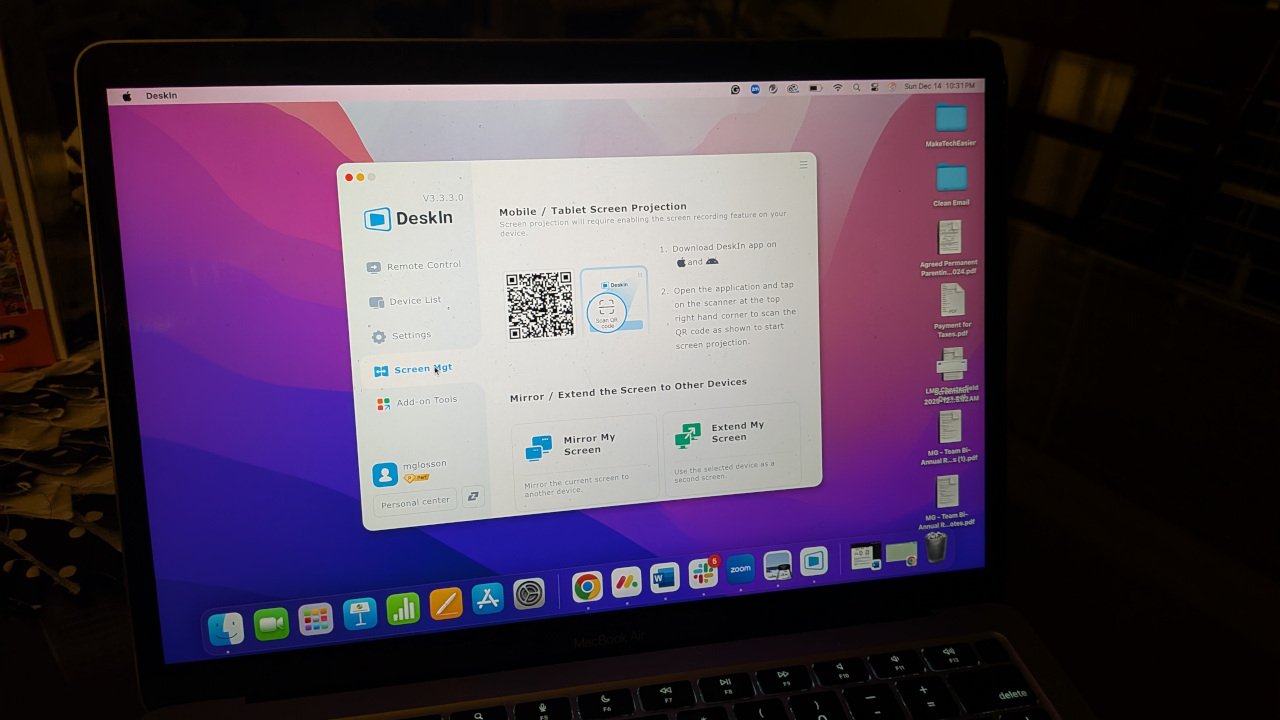
DeskIn promises fast, flexible remote desktop access across devices. This review breaks down real-world performance, features, and drawbacks.
By Megan Glosson – Feb 13, 2026
The new RatOn Android malware does everything from automatically transferring money to phishing credentials, and even uses ransomware for extortion. Learn how to protect yourself.
By Karrar Haider – Sep 15, 2025
Windows users should be on high alert for the Remcos Remote Access Trojan (RAT), the malware that deploys an incredibly stealthy payload through phishing, with no downloads required.
By Sayak Boral – May 21, 2025
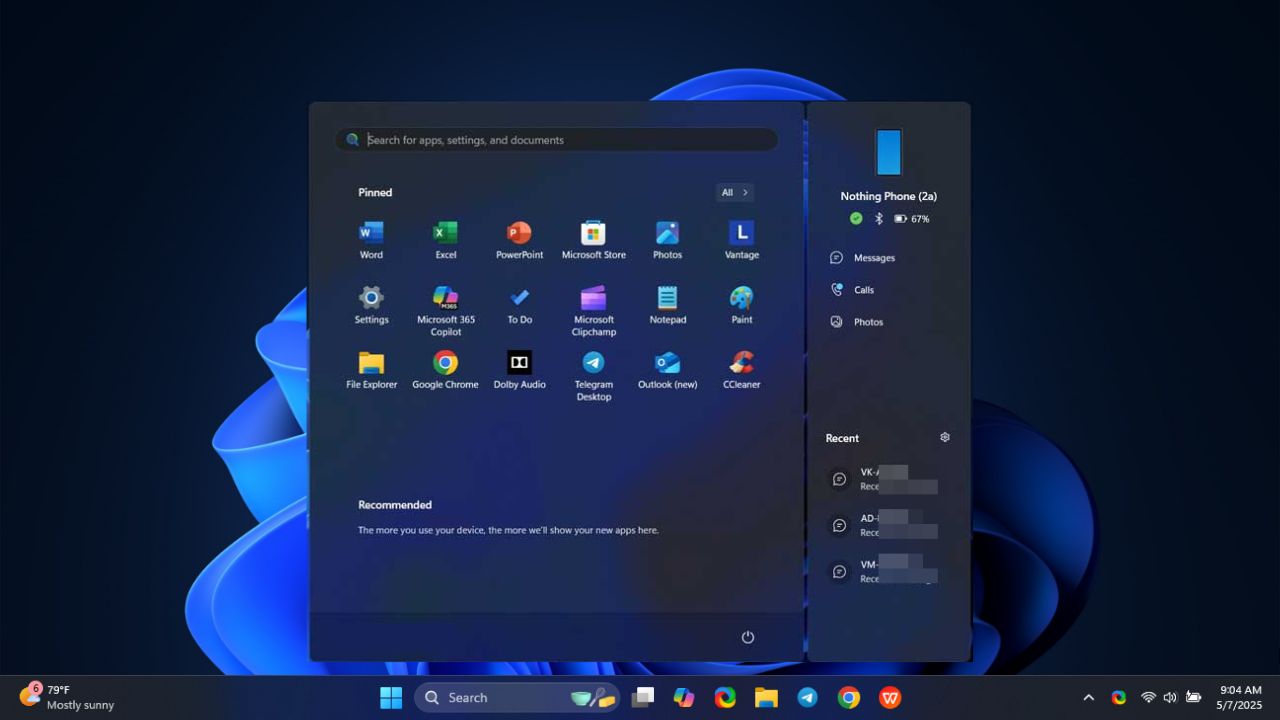
You can now view your phone messages, calls, or send files in the Start menu without touching your phone.
By Henderson Jayden Harper – May 8, 2025
PuTTY provides a user-friendly graphical interface and is useful for those who prefer a visual approach.
By Anees Asghar – Apr 8, 2025
It is time to get suspicious when the mouse cusor starts moving on its own
By Karrar Haider – Apr 1, 2025
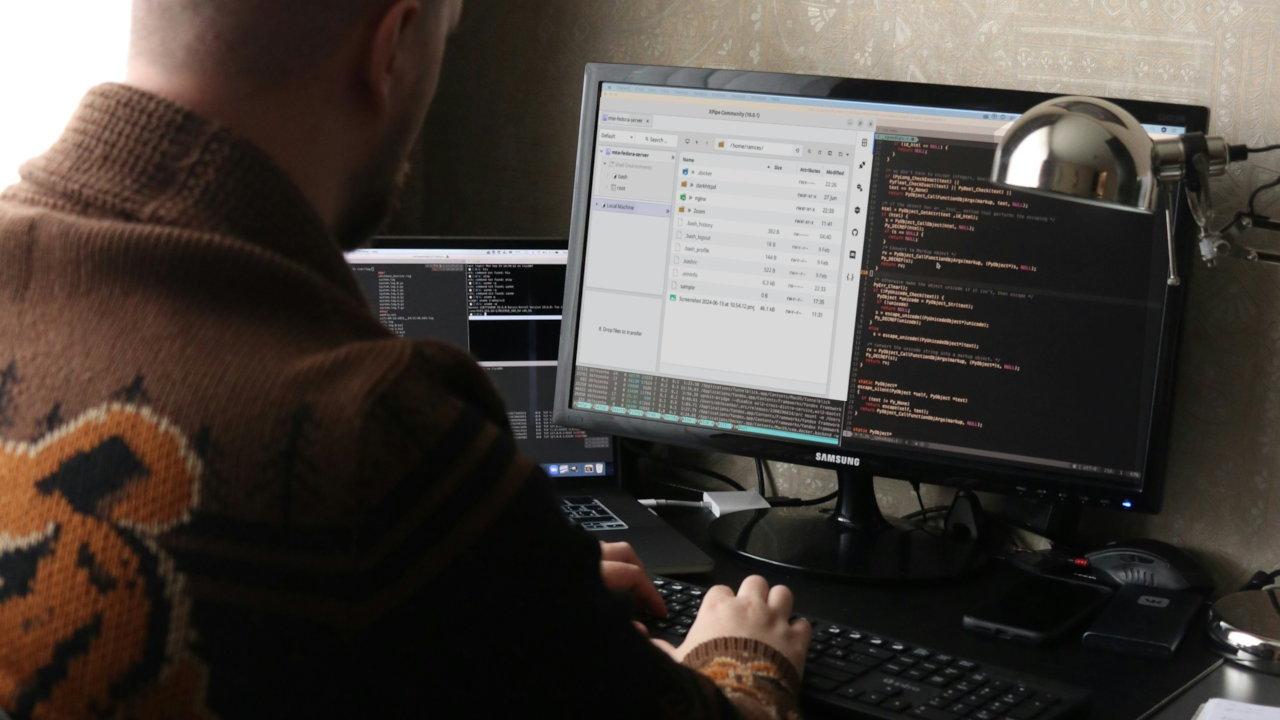
XPipe is a powerful client-side server and container management tool for Linux. Learn how to install XPipe on Linux today.
By Ramces Red – Jul 2, 2024
Suspect unauthorized access? There are ways to find out.
By Crystal Crowder – Jun 13, 2024
Do you want to play co-op multiplayer games with your friends remotely? Try the best games with Steam Remote Play.
By Tanveer Singh – Feb 29, 2024
LogMeIn Rescue by GoTo is an tool for companies that want to offer convenient and secure remote rescue to their clients.
By Phil South – Dec 19, 2023
Have you noticed strange activity on your iPhone? Learn how to tell if someone is accessing your iPhone remotely and what to do about it.
By Chifundo Kasiya – Oct 12, 2023
Check out this guide if you want to know how to transfer photos from Android to your Windows PC. We share several methods.
By Alexandra Arici – Sep 11, 2023
Netcat is a simple, yet powerful networking utility for Linux. Learn some of the most effective tricks that you can use with this handy tool.
By Ramces Red – Jul 10, 2023
Are you looking to access a Windows PC from your Mac? You can use the Microsoft Remote Desktop app for Mac to control a Windows PC from Mac.
By Natalie dela Vega – Jun 21, 2023
This guide explores 6 effective ways to share your Mac’s screen with other Apple and non-Apple devices to collaborate or troubleshoot issues.
By Abdul Wahab Asif – May 31, 2023
Is there a way to find a lost Chromebook? Learn how to track your lost Chromebook and protect your data on it.
By Mehvish Mushtaq – May 23, 2023
SCP is a powerful command-line file transfer tool for Linux. Learn about its functions and how you can make it work for your remote server.
By Ramces Red – Dec 29, 2022
Running graphical apps in a remote machine is an issue in Linux. Learn how you can remotely control an app in Ubuntu using SSH X-Forwarding.
By Ramces Red – Dec 12, 2022
Next >
Affiliate Disclosure: Make Tech Easier may earn commission on products purchased through our links, which supports the work we do for our readers.